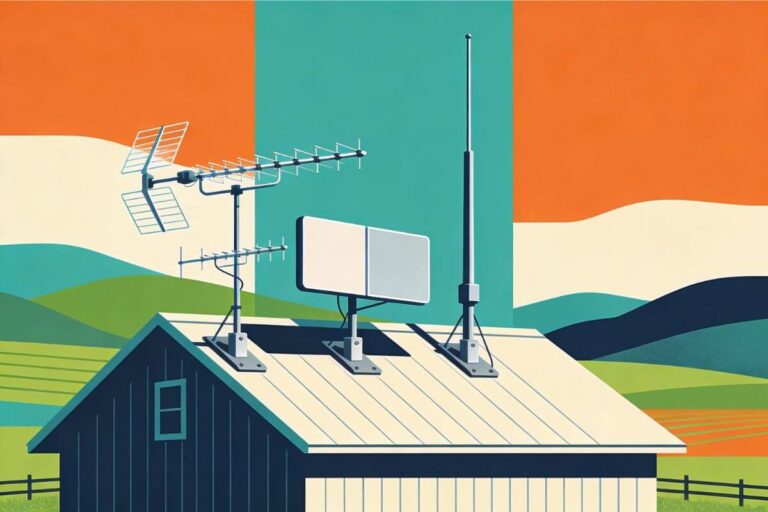
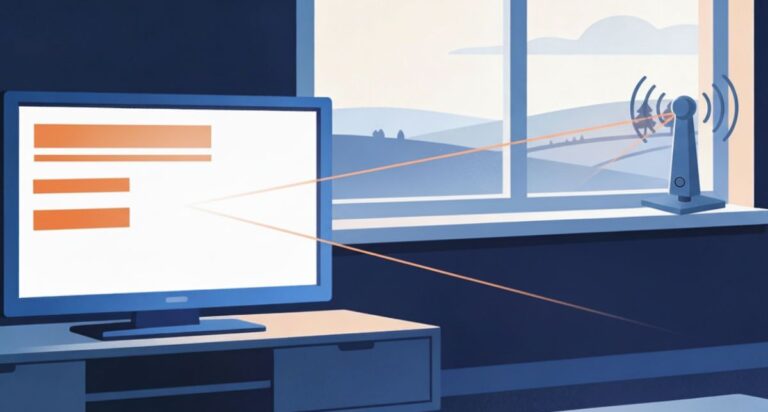
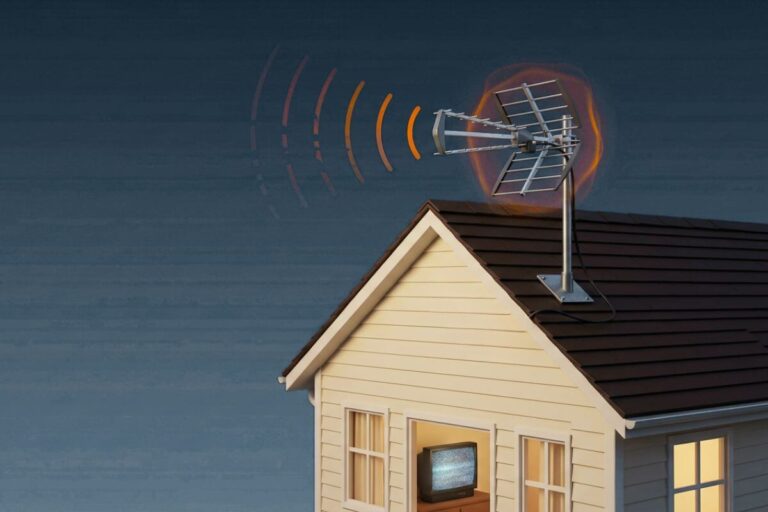
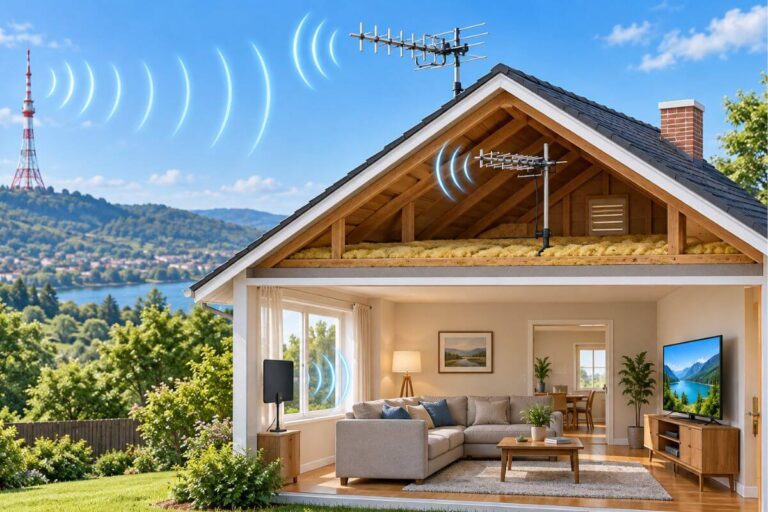
Outdoor TV Antenna Not Working? Try These Fixes First
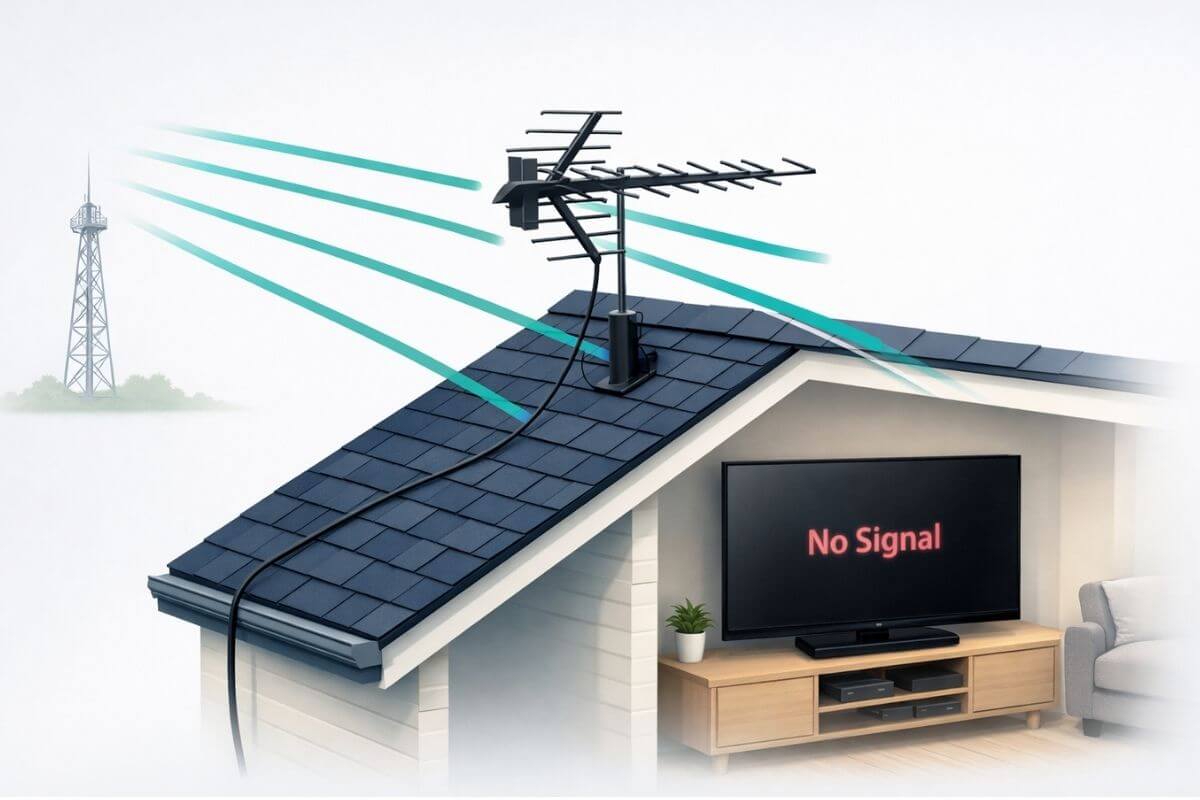
Outdoor TV antenna not working? In most cases, the antenna itself is fine. The problem is usually a loose cable, lost power to an amplifier, a small aim shift, or an outdated channel scan.
Start with the fastest fixes first. Check the connections, confirm power to any amplifier, re-aim the antenna if needed, and run a full rescan.
Most outdoor antenna problems can be fixed in minutes without buying new equipment.If you’re fixing your antenna but also want backup options, here’s how to watch classic TV free without cable using apps or an antenna.
If your antenna isn’t working, you can still watch classic TV free without cable starting tonight using streaming apps like YouTube, Tubi, and Pluto TV.
How to Fix an Outdoor TV Antenna
To fix an outdoor TV antenna, check for loose or corroded coax cables, make sure any amplifier has power, re-aim the antenna toward broadcast towers, and confirm it is mounted high enough for a clear signal.
Most problems are caused by small alignment or connection issues—not antenna failure.
Quick Fixes to Try First
If your outdoor TV antenna stopped working, do these checks in order:
- Make sure the TV is set to Antenna / Air / TV input, not Cable or HDMI.
- Check all coax cable connections for looseness, corrosion, or damage.
- Confirm any amplifier or power inserter is plugged in and turned on.
- Run a full channel rescan after a storm, power outage, or equipment change.
- Test one TV connected directly to the antenna, without splitters.
If channels disappeared suddenly, the issue is often a signal interruption, not a broken antenna. If you need a more general troubleshooting guide, see my guide to TV antenna not working–causes and fixes.
Most Common Outdoor Antenna Problems (Quick Causes)
- Misalignment after wind
- Loose or corroded cables
- Amplifier lost power
- Signal blocked by trees or buildings
Why Your Outdoor TV Antenna Is Not Working
Outdoor antennas usually stop working because the signal changed, not because the antenna failed. Wind can move the antenna slightly. Rain can loosen a connection. Power can drop out on an amplifier. Even a small change can make digital channels disappear.
Unlike older analog TV, digital TV does not fade slowly. It often works fine until the signal drops too low, then the picture is gone. If your channels vanished after a storm or weather change, why outdoor TV antennas lose signal explains the common causes.
Check These Outdoor Antenna Fixes First
Outdoor antenna problems are usually caused by small setup issues rather than equipment failure. Before adjusting mounting hardware or replacing the antenna, work through these quick checks in order. Most reception problems are solved at this stage.
If your antenna stopped working completely and shows “No Signal,” follow these steps to get missing TV channels back.
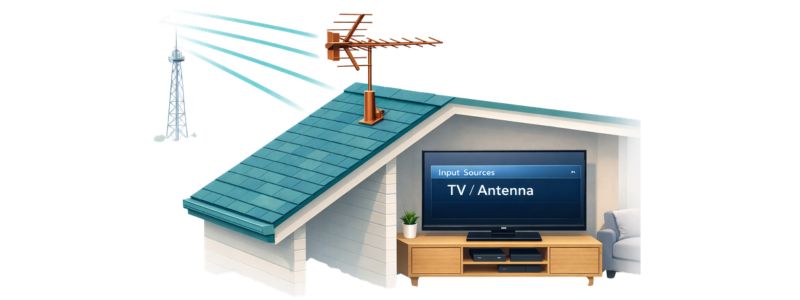
1. Confirm the TV Is Set to Antenna Mode
Even with a properly installed outdoor antenna, the TV will show “No Signal” if it is set to Cable mode or an HDMI input.
Check that your television is set to:
- TV / Air / Antenna input
- not Cable mode
- not a streaming or HDMI source
After confirming the setting, run a full channel scan.
2. Inspect Outdoor Cable Connections
Outdoor coax cables face weather all year. That makes them a common trouble spot. A loose connector, cracked cable, or corrosion on the fitting can interrupt the signal.
Check these points:
- The antenna connection on the mast or roof.
- The cable where it enters the house.
- The connection at the TV.
- Any visible damage, cracks, or rust.
If a connection looks dirty or loose, fix that first. Many antenna problems come down to one bad connection. If you are trying to strengthen TV antenna signal , bad cabling is one of the first things to rule out.
3. Verify Amplifier Power (If Installed)
If your antenna uses an amplifier or power inserter, it must have power to work. If the power is off, the antenna may still be connected but the signal can be too weak to use.
Look for:
- A power adapter that is plugged in securely.
- A surge protector that is switched on.
- A light on the power inserter, if it has one.
If the amplifier lost power, your channels may come back as soon as power is restored. If you are wondering whether a booster helps or hurts, see do TV antenna boosters work/
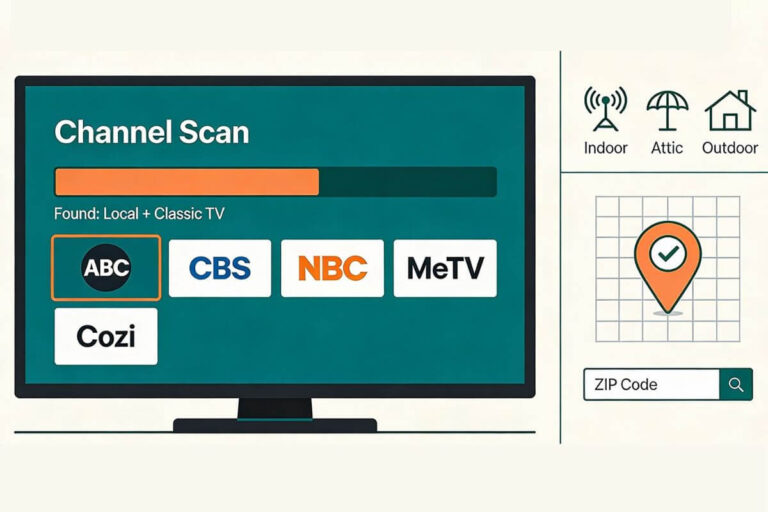
4. Run a Full Channel Rescan
Signal conditions change over time, especially after storms or equipment resets. A fresh scan allows the TV to rediscover available stations.
Run a full rescan when:
- channels disappeared suddenly
- antenna direction changed slightly
- severe weather passed recently
Allow the scan to complete fully before testing channels.
5. Test One TV Connected Directly
Splitters reduce signal strength. Temporarily connect one television directly to the antenna feed.
If channels return, the issue is signal distribution — not the antenna.
Your antenna notes and quick fixes, all in one place.
Get the Free TV Antenna Troubleshooting Checklist
A 4-page fill-in guide to keep near your TV.
Fill it in once. Use it when a channel disappears, the picture breaks up, or you need to fix your antenna again.
- Write down your must-have channels, tower direction, and antenna setup
- Follow the quick fixes when a channel goes missing or the picture freezes
- Find and record your best antenna spot so you do not have to start over
- Know when to rescan — and when not to rescan
- Keep the questions to ask an antenna pro before paying for new parts

Hi, I’m Kathy — I’ve helped thousands of readers ditch cable and get their local channels working for good.
Confirm Amplifier Power and Splitter Setup
Outdoor antennas often rely on amplifiers or signal boosters to strengthen weak broadcast signals before they reach your television. When amplifier power is interrupted, the antenna may suddenly lose channels even though everything appears connected correctly.
A powered antenna without electricity behaves like a much weaker passive antenna, which can cause a complete “No Signal” message.
Check Amplifier Power First
Look for a small power inserter located indoors along the antenna cable. This device sends electricity up the coax line to the outdoor amplifier.
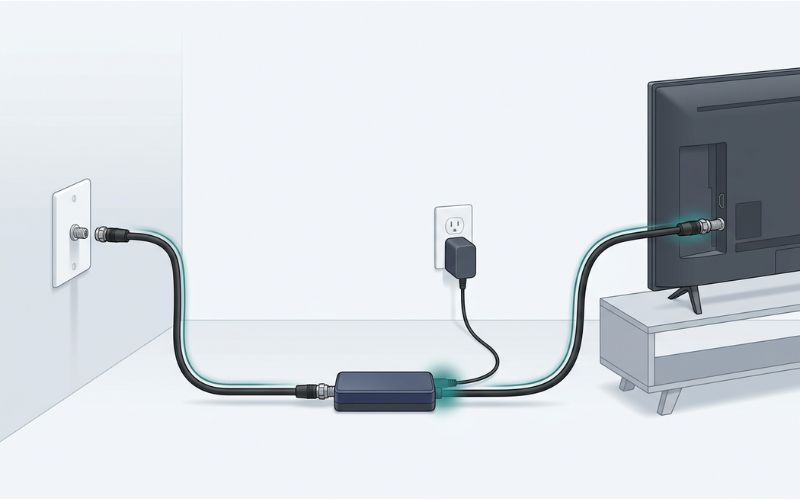
If your antenna uses an amplifier or power inserter, it must have power to work. If the power is off, the antenna may still be connected but the signal can be too weak to use.
Look for:
- A power adapter that is plugged in securely.
- A surge protector that is switched on.
- A light on the power inserter, if it has one.
If the amplifier lost power, your channels may come back as soon as power is restored. If you are wondering whether a booster helps or hurts, see do TV antenna boosters work.
Test Without Splitters
Splitters divide the antenna signal between multiple TVs. That weakens the signal. If reception is poor, test one TV directly on the antenna line.
If channels come back with a direct connection, the problem is not the antenna. It is the splitter, the long cable run, or the way the signal is being shared. If you are setting up a larger home system, how to install outdoor TV antenna can help you avoid weak spots from the start.
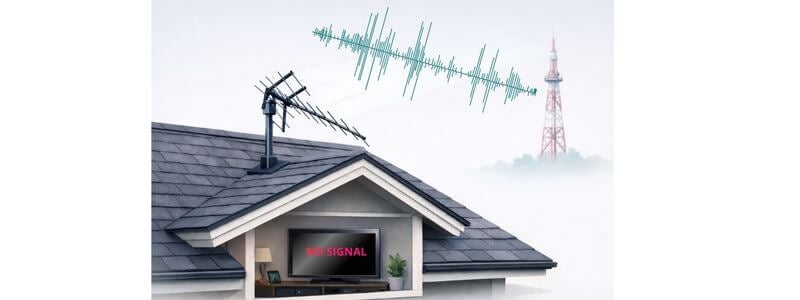
Check for Wind or Movement
Outdoor antennas can shift after strong wind or storms. Even a small change in direction can knock out weak stations.
Signs the antenna may have moved:
- Channels disappeared after windy weather.
- Some stations still work, but others are gone.
- Reception changes from day to day.
- A rescan finds fewer channels than before.
If this happened, the antenna may need a small re-aiming adjustment. For a better step-by-step on aiming, see how to aim an indoor TV antenna.
Check for Physical Movement or Obstructions
Before adjusting anything, safely inspect the antenna from ground level if possible.
Look for:
- antenna tilted slightly compared to roofline
- loose mounting hardware
- branches or debris blocking signal path
- new tree growth or seasonal foliage
Environmental changes often explain why reception weakens even when equipment hasn’t changed.
If signal reliability has gradually declined rather than failing instantly, understanding what causes outdoor antennas to lose signal as weather and surroundings change helps explain why reception varies throughout the year.
When to Re-Aim the Antenna
You may need to adjust direction if:
- storms recently passed
- antenna mast appears rotated
- nearby construction or tree growth changed line-of-sight
- rescans consistently find fewer stations
Small adjustments — sometimes only a few degrees — can restore full reception.
If mounting height may also be limiting signal stability, reviewing how antenna height affects outdoor reception strength and reliability can help determine whether repositioning is needed.
Run a Channel Rescan After Signal Changes
Digital televisions store a list of available broadcast channels. When signal conditions change — after storms, antenna adjustments, equipment resets, or direction changes — the TV may still be using an outdated channel list even though signals are available again.
Running a fresh channel scan allows the television tuner to rediscover stations currently reaching your antenna.
A rescan is often the fastest way to fix a “No Signal” message after outdoor antenna reception changes.
When You Should Rescan Channels
Run a full channel scan if:
- channels disappeared after a storm or wind event
- the antenna direction was adjusted
- cables were disconnected or tightened
- amplifier power was restored
- the TV was unplugged or reset
Skipping this step is one of the most common reasons viewers think their antenna stopped working.
How to Run a Channel Scan
On most televisions:
- Open Settings
- Select Channels or Broadcast
- Choose Antenna / Air (not Cable)
- Select Auto Program or Channel Scan
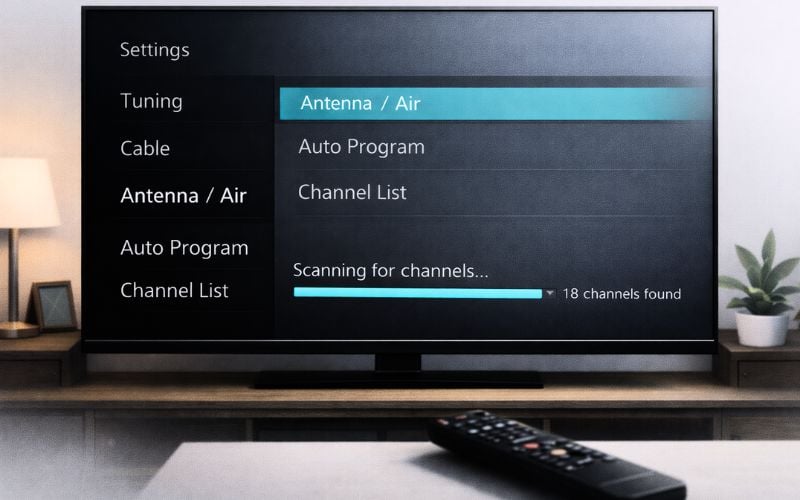
Allow the scan to finish completely before testing reception.
If you’re unsure which stations should appear afterward, comparing results with the local channels typically available through an antenna in your viewing area helps confirm reception is working normally.
If rescanning restores channels temporarily but reception keeps changing, signal behavior — not equipment failure — is usually responsible. This guide explains why outdoor antenna signals fluctuate and what environmental factors affect reception stability.
Test Reception With One TV Connected Directly
If your outdoor antenna suddenly stops working on some televisions but not others, the problem may not be the antenna at all. Signal loss often happens when reception is divided between multiple TVs through splitters or long cable runs.
Each time the antenna signal is split, strength decreases slightly. When signal conditions weaken — after weather changes or small alignment shifts — weaker channels are usually the first to disappear.
Testing one television connected directly to the antenna helps isolate whether the issue is signal distribution or reception itself.
How to Perform a Direct Connection Test
Temporarily bypass your normal wiring setup:
- Disconnect splitter connections.
- Run a single coax cable from the antenna wall plate directly to one TV.
- Set the TV to Antenna / Air mode.
- Run a fresh channel scan.
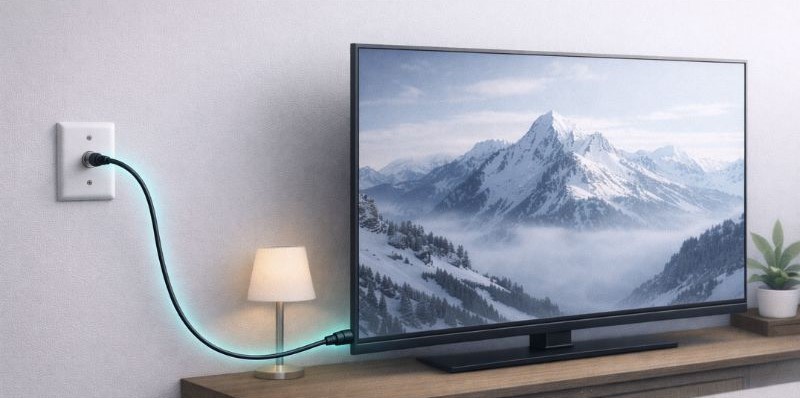
If channels return or improve, the antenna is working correctly and the issue is caused by signal distribution inside the home.
What This Test Reveals
Reception improves:
Signal loss is caused by splitters, long cable runs, or weak amplification.
No improvement:
The problem likely involves antenna direction, signal conditions, or outdoor setup.
If adding multiple TVs reduced reception stability, understanding when antenna boosters help strengthen signals — and when they can actually make reception worse can help determine whether amplification is needed.
Distance From Broadcast Towers May Be Limiting Reception
Outdoor antennas work best when signal strength reaching your home stays above the digital reception threshold. If you live farther from broadcast towers, small environmental or weather changes can cause channels to disappear even when your antenna is installed correctly.
Many reception problems occur not because something broke, but because the antenna is operating near the edge of its usable range.
Common signs distance may be affecting reception include:
- channels come and go during the day
- weaker stations disappear first
- rescans find different channels each time
- reception improves temporarily after adjustments but never stabilizes
Broadcast signals weaken as they travel farther from transmission towers. Terrain, buildings, and trees can reduce usable signal strength even more before it reaches your antenna.
If you want to confirm whether your location should reliably receive certain stations, you can check expected coverage using the FCC’s official reception map.
Comparing your distance from broadcast towers helps determine whether troubleshooting adjustments will solve the problem or whether antenna placement or equipment expectations need to change.
If your antenna seems correctly placed but still struggles, improving signal strength can help—this guide explains how to strengthen TV antenna signal step by step.
If your setup is near the edge of reception range, comparing your results with the best outdoor TV antennas for weak signal areas can help set realistic expectations.
Why Outdoor Antenna Signal Comes and Goes
Outdoor antennas can work great one day—and not the next. This is very common.
TV signals are not steady. They change throughout the day.
Your antenna needs a signal that is strong enough to work. If the signal drops even a little, channels can disappear.
Unlike older TVs, digital signals don’t fade—they just cut out. Common reasons this happens:
- Weather changes
- Air conditions (like heat or humidity)
- Signal interference from nearby devices or activity
- Trees and leaves blocking the signal
- New buildings or obstacles
- Being far from the broadcast towers
Many people notice their channels work better at night. This doesn’t mean the antenna is broken. It means the signal gets just strong enough to work after dark.
If your signal improves after sunset, this explains why TV antennas work better at night and what it means for your setup.
Does your reception change frequently even after troubleshooting? Understanding how environmental conditions cause outdoor antennas to lose signal stability over time explains why channels may come and go.
When Height or Placement Becomes the Problem
Outdoor antennas rely on clear line-of-sight toward broadcast towers. Even a properly functioning antenna can struggle if it is mounted too low or positioned where buildings, terrain, or trees block signals.
Signals travel best when the antenna sits above nearby obstructions. Raising an antenna even a few feet can dramatically improve reception consistency.
Placement problems often appear as:
- missing weaker channels
- reception improving temporarily after adjustments
- channels returning during certain weather conditions
- signal improving on higher floors of the home
If installation height has never been evaluated, reviewing how mounting height affects outdoor antenna reception strength and reliability helps determine whether repositioning may solve persistent signal issues.
When attic placement is involved, comparing outdoor versus attic antenna performance for reliable reception can also explain why signals struggle despite correct equipment.
When Your Outdoor Antenna Needs an Adjustment (Not a Replacement)
After trying a few fixes, it’s easy to think your antenna is broken. Most of the time, it isn’t.
Outdoor antennas rarely fail unless something is damaged. The problem is usually how the antenna is set up.
You may just need an adjustment if:
- Channels come and go
- The signal works sometimes but not always
- Weather or time of day affects your reception
- Trees or buildings are in the way
In many cases, small changes—like moving the antenna, raising it higher, or improving the signal path—can fix the problem.
Note: An outdoor antenna problem does not always make a channel disappear. It can also cause your TV picture to pixelate or break up.
Replacing the antenna without fixing the setup often leads to the same issue again.
Do You Need to Replace Your Antenna?
Use this:
If your antenna still isn’t working after trying the quick fixes, it may not be strong enough for your location.
This is more likely if you:
- Live far from broadcast towers
- Have trees or buildings blocking the signal
- Use an indoor antenna in a weak signal area
In these cases, the issue isn’t the antenna being “broken”—it’s the signal being too weak to reach your TV reliably.
If you’re deciding whether to upgrade, this guide to indoor vs outdoor antennas in real-world conditions can help.
If you’d rather skip the antenna altogether, you can also watch full episodes of many classic shows free on YouTube.
Frequently Asked Questions
Why is my outdoor TV antenna not working after a storm?
Strong wind or heavy weather can slightly rotate the antenna or loosen outdoor cable connections. Even a small shift in direction can interrupt signal reception. Check mounting stability, cable fittings, and run a new channel scan after storms.
Can wind really affect TV antenna reception?
Yes. Wind can gradually move an antenna away from broadcast towers or cause the mast to shift slightly over time. Because digital signals require precise alignment, even small direction changes can cause channels to disappear suddenly.
Why does my outdoor antenna lose channels at certain times of day?
Broadcast signals naturally fluctuate due to atmospheric conditions and interference. When signal strength drops below the digital reception threshold, channels may disappear completely instead of weakening gradually.
Do outdoor TV antennas wear out over time?
Outdoor antennas rarely fail unless physically damaged. Most reception problems come from weather exposure affecting cables, mounting alignment, or amplifier power rather than the antenna itself wearing out.
Can splitters or long cable runs cause an outdoor antenna to lose signal?
Signal strength decreases when divided through splitters or long cable runs. Testing one TV connected directly to the antenna helps determine whether signal distribution — not the antenna — is causing the issue.
Does antenna height really make a difference?
Yes. Raising an outdoor antenna can improve line-of-sight to broadcast towers and reduce signal obstruction from buildings or trees, often improving reception stability.
Wrap Up
An outdoor TV antenna that stops working suddenly is rarely broken. In most cases, reception problems come from small changes — antenna direction shifting slightly, weather affecting signal strength, cables loosening, or settings needing a fresh channel scan.
Working through each check step by step helps isolate where the signal is being interrupted. Once alignment, connections, and power are confirmed, outdoor antennas typically return to stable performance without replacing equipment.
Reliable over-the-air TV depends less on buying stronger hardware and more on matching installation, placement, and signal conditions to your location. When those pieces work together, outdoor antennas provide consistent access to free local channels year-round.
If you’re building a dependable setup to replace cable entirely, this step-by-step guide explains how to cut cable while still watching local broadcast channels and classic TV for free.