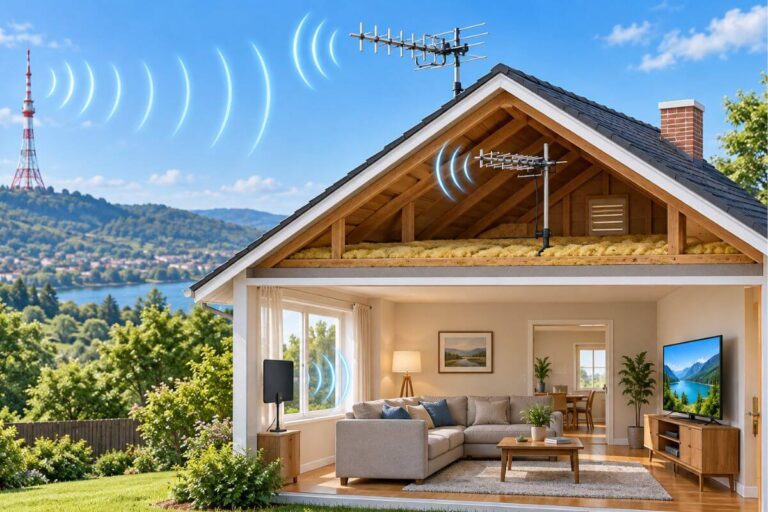
Indoor Antenna Not Picking Up Channels? Try These 5 Fixes First
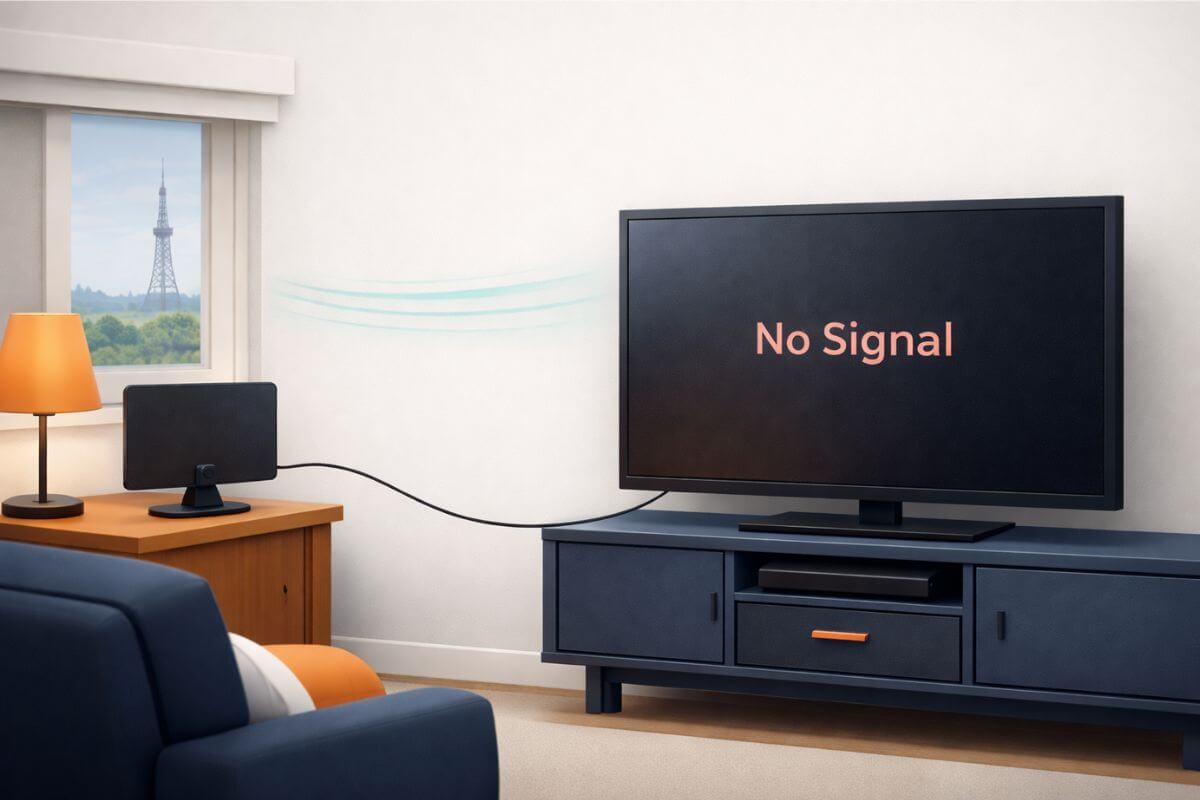
Indoor antenna not picking up channels or suddenly showing “No Signal”?
Before replacing the antenna, work through the five checks below. They will help you determine whether the problem comes from the television settings, channel list, cable connection, antenna placement, or added equipment.
Check These 5 Things First
1. Make Sure the TV Is in Antenna Mode
Your television must be using its TV or Live TV input—not an HDMI input used for a Roku, Fire TV Stick, cable box, or other device.
The television’s tuner source must also be set to Antenna, Air, or Broadcast rather than Cable. The wording varies by television brand.
To check:
- Press Menu or Settings on the television remote.
- Open Channels, Broadcast, Live TV, or Tuner Settings.
- Look for Signal Source, Tuner Mode, or Input Type.
- Select Antenna, Air, or Broadcast.
- Return to the TV or Live TV input.
If Cable mode is selected, the television searches for the wrong type of signal and may find no antenna channels.
2. Run a Full Channel Rescan
Televisions save a list of the broadcast stations found during the last channel scan. If the antenna was moved, equipment was disconnected, or a station changed its signal, the saved list may no longer be accurate.
Before scanning, put the antenna in the best position you can and make sure the cable is connected securely.
To run a scan:
- Open the television’s Settings or Menu.
- Select Channels, Broadcast, or Tuner Setup.
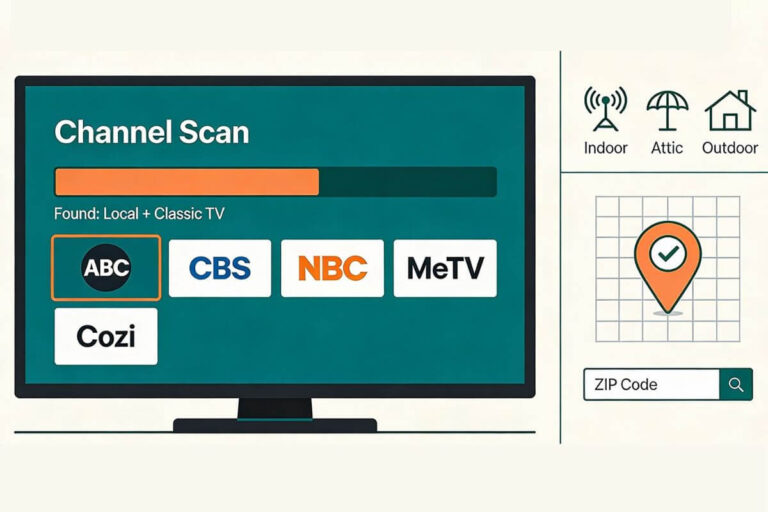
- Choose Channel Scan, Auto Program, Auto Tuning, or Scan for Channels.
- Select Antenna or Air—not Cable.
- Start the scan and allow it to reach 100%.
Do not move the antenna or stop the scan before it finishes.
If the television still misses channels, follow these complete channel-rescan instructions.
3. Check the Coax Cable Connection
A loose or damaged coax cable can prevent an indoor antenna from delivering a stable signal to the television.
Check both ends of the cable:
- Where the cable connects to the antenna
- Where it connects to the television’s ANT IN or RF IN port
Tighten each connector by hand until it feels snug. Do not force it.
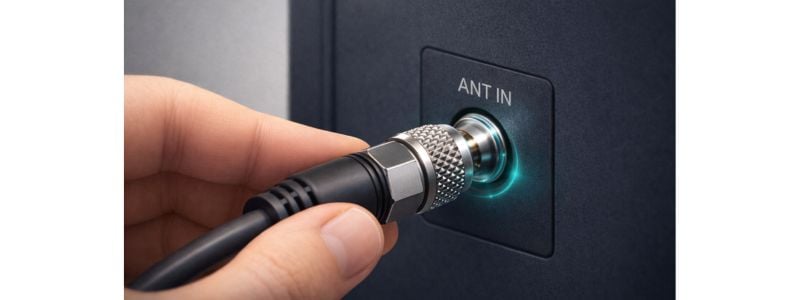
Look for:
- A bent or missing center pin
- A connector that spins or wobbles
- Frayed cable ends
- Crushed or sharply bent sections
- A cable that has pulled loose from the antenna
If the cable looks damaged and can be replaced, try another short coax cable.
4. Move the Antenna a Few Feet
Indoor antennas can be sensitive to placement. Moving one a few feet—or sometimes only a few inches—can change which channels it receives.
Try placing it:
- Higher on a wall or shelf
- Closer to a window
- On a different wall
- Away from metal objects
- Away from routers, lamps, power strips, and large electronics
Change one thing at a time. If a weak channel is already saved on the television, tune to that channel and check it after each move.
Run another scan when you want the television to search for channels that are not currently saved.
For more placement help, follow these steps for aiming an indoor TV antenna.
5. Temporarily Disconnect Splitters or Boosters
If one antenna supplies more than one television, a splitter divides the available signal. Long cable runs can also weaken the signal before it reaches the television.
For a simple test:
- Disconnect the splitter.
- Connect the antenna directly to one television.
- Run a new channel scan.
- Check the channels that were missing or breaking up.
If reception improves, the splitter or additional cable may be reducing the signal.
If the antenna uses a powered booster or amplifier, temporarily bypass it when possible. An amplifier can help compensate for certain cable or splitter losses, but it cannot create a signal the antenna is not receiving. Too much amplification can also make reception worse when signals are already strong.
Read more about when TV antenna boosters help—and when they do not.
Your antenna notes and quick fixes, all in one place.
Get the Free TV Antenna Troubleshooting Checklist
A 4-page fill-in guide to keep near your TV.
Fill it in once. Use it when a channel disappears, the picture breaks up, or you need to fix your antenna again.
- Write down your must-have channels, tower direction, and antenna setup
- Follow the quick fixes when a channel goes missing or the picture freezes
- Find and record your best antenna spot so you do not have to start over
- Know when to rescan — and when not to rescan
- Keep the questions to ask an antenna pro before paying for new parts

Hi, I’m Kathy — I’ve helped thousands of readers ditch cable and get their local channels working for good.
Why Your Indoor Antenna Works Sometimes but Not Always
Digital television reception can appear perfect when the signal is strong enough. When the signal falls below the level the television can decode, the picture may suddenly freeze, become pixelated, or disappear.
That is why an indoor antenna may work well at one time and poorly later, even when it has not obviously moved.
Reception can be affected by:
- Small changes in antenna position
- Walls, roofing materials, and metal objects
- Trees and seasonal foliage
- Nearby buildings and terrain
- Signals reflecting from different surfaces
- Loose or damaged connections
- Changes at the local broadcast station
- Weather and atmospheric conditions
A channel already near the edge of reliable reception will react more noticeably to these changes.
If you still receive the channel but the picture looks blocky, see why your TV keeps pixelating and how to fix it.
If your reception consistently improves after dark, read why a TV antenna may work better at night.
When Your Location Limits Indoor Antenna Reception
Distance from broadcast towers matters, but mileage alone does not determine whether an indoor antenna will work.
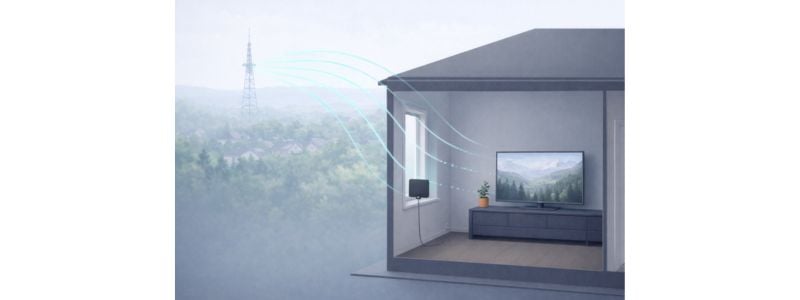
Reception also depends on:
- The power and frequency used by each station
- Hills and terrain between your home and the tower
- Trees and nearby buildings
- Your home’s construction materials
- The antenna’s height and placement
- Whether a station broadcasts on VHF or UHF
- Signal loss from cables, splitters, and other equipment
Signs that the available indoor signal may be weak include:
- Only a few channels appear after scanning.
- Channels work at certain times but disappear later.
- Reception improves only when the antenna is near a window.
- Small movements cause large reception changes.
- The picture frequently freezes or becomes pixelated.
- Repeated scans produce different channel lists.
To set realistic expectations, see how far an indoor TV antenna can reach.
If important channels remain unstable after you have checked the television settings, cable, scan, placement, splitter, and amplifier, there may be no indoor position that receives every desired station reliably.
A higher attic or outdoor location may provide a clearer signal path. However, outdoor installation involves mounting, grounding, weatherproofing, and safety considerations. Do not climb onto a roof or work near power lines unless you are qualified to do so.
This comparison explains when an indoor or outdoor antenna may make more sense.
For more troubleshooting steps, see how to strengthen a TV antenna signal.
Frequently Asked Questions
Why does my indoor antenna work sometimes but not always?
If your indoor signal is weak, small changes can make channels come and go. Moving the antenna, nearby electrical devices, or changes in weather may affect reception. A loose cable can also cause trouble.
Check the cable, then try a higher spot or a different window. Test one change at a time.
Why is my indoor antenna not picking up channels anymore?
Channels may disappear when signal conditions change or when the TV needs a new channel scan.
Common signal changes include:
– weather systems moving through the area
– trees filling in with seasonal leaves
– nearby construction or new obstacles blocking signals
– the antenna shifting slightly from its original position
– normal daily signal fluctuation from broadcast towers
Distance from broadcast towers, indoor obstacles, or loose coax connections can also reduce reception strength enough for channels to vanish even though the antenna is still working.
Do indoor antennas wear out over time?
An indoor antenna can last for years, but it can still develop problems. A cable may become damaged, a connection may loosen, or a built-in amplifier or power adapter may fail.
Before replacing it:
– Check the antenna and cable for damage.
– Make sure the cable connections are snug.
– If your antenna needs power, check its USB cable or power adapter.
– If the amplifier can be removed, test the antenna without it. Follow the maker’s instructions.
Poor reception alone does not mean the antenna needs replacing.
When should I switch from an indoor antenna to an outdoor antenna?
If reception remains unstable after adjusting placement, rescanning channels, and confirming connections, your location may require a stronger signal path. Outdoor antennas work better when homes are farther from broadcast towers or surrounded by obstructions.
Wrap Up
If your indoor antenna is not picking up channels, check the television setting, channel scan, coax cable, antenna placement, and any splitter or booster before replacing equipment.
If reception remains unreliable after those checks, the available indoor signal may be limited by distance, terrain, trees, buildings, or your home’s construction.
If your larger goal is to stop paying for cable while keeping local stations, read this guide to cutting cable without losing local channels.