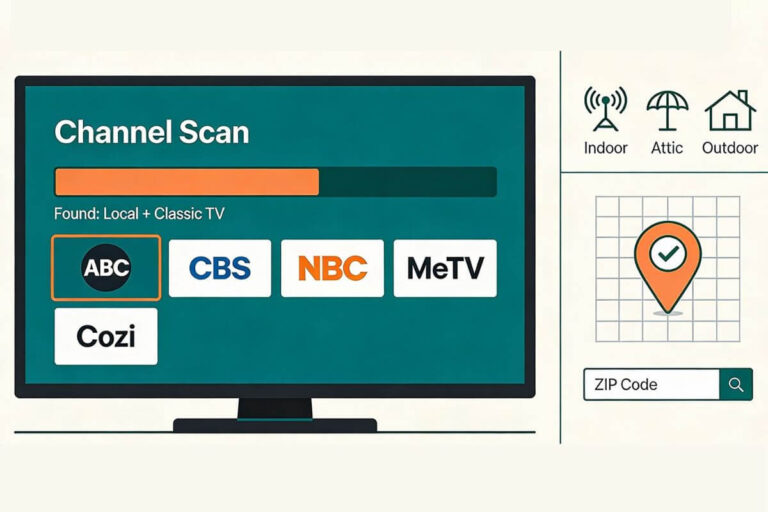
How Do I Get Missing Channels Back on My TV?
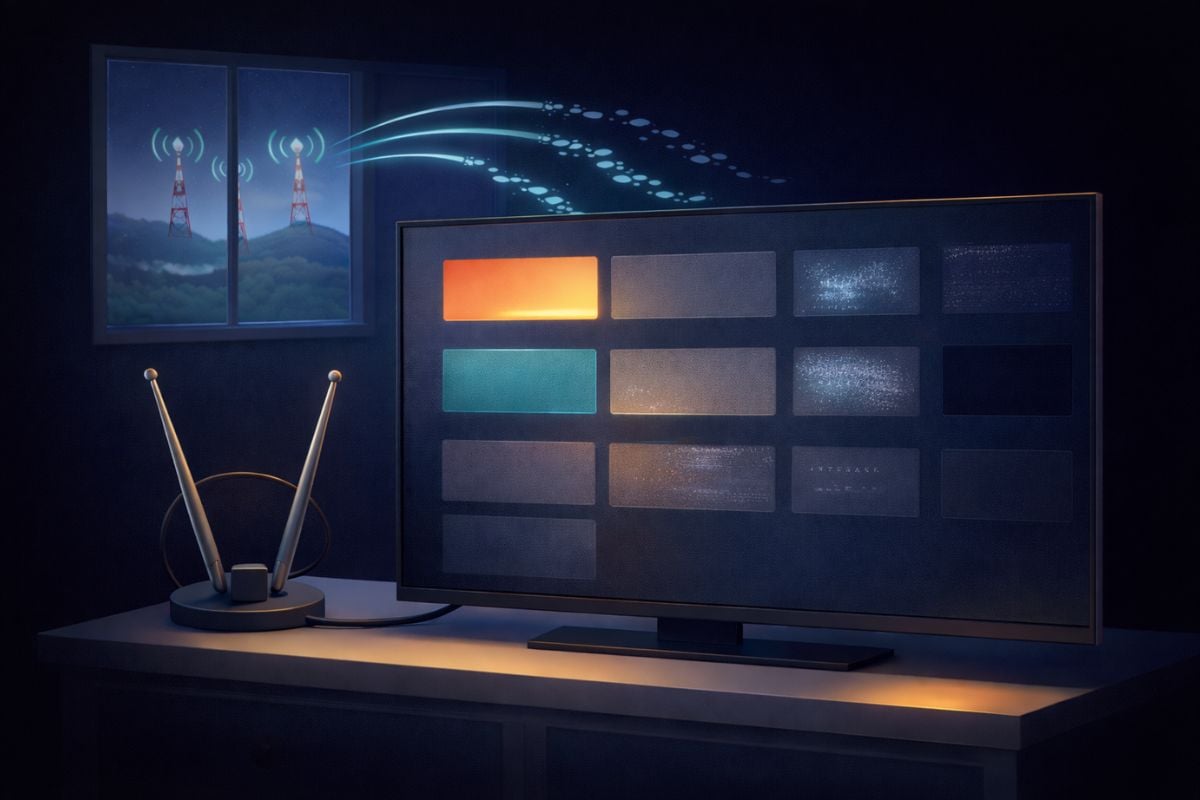
If you’re wondering how to get missing channels back on your TV, the fix is usually simple. Most of the time you just need to run a new channel scan or adjust your antenna.
When TV channels suddenly disappear, it rarely means the antenna has completely stopped working. In many homes, the problem is something small — the antenna shifted, a cable came loose, or the TV needs to scan again to find available stations.
In this guide, I’ll walk you through the most common reasons antenna channels disappear and the simple fixes that usually bring them back.
Fast Fix: Missing TV Channels
If your antenna channels disappeared, try these quick fixes first:
• Run a new channel scan in your TV’s settings
• Make sure the antenna cable is tightly connected
• Move the antenna closer to a window
• Re-aim the antenna toward nearby broadcast towers
• Check that the TV is set to Antenna / Air mode (not Cable)
Most missing channel problems are solved in just a few minutes with these steps.
If a channel has not disappeared but keeps freezing or turning into blocks, see what causes TV pixelation.
Interested in why antenna channels disappear in the first place? Read my guide explaining why TV antennas lose channels.
Why Did My TV Antenna Lose Channels?
TV antenna channels can disappear suddenly even when nothing seems to have changed.
In most cases the problem is something simple: the TV needs a new channel scan, the antenna shifted slightly, or a cable connection loosened.
Over-the-air TV signals are sensitive to small changes. Even moving an indoor antenna a few inches can affect reception because signals bounce off walls, buildings, and trees before reaching your TV.
If you’re using an indoor antenna, placement matters a lot. My step-by-step guide on how to set up an indoor TV antenna explains the best locations for reliable reception.
Other common causes include:
• the TV needs to scan for channels again
• the antenna cable is loose or damaged
• the antenna shifted direction slightly
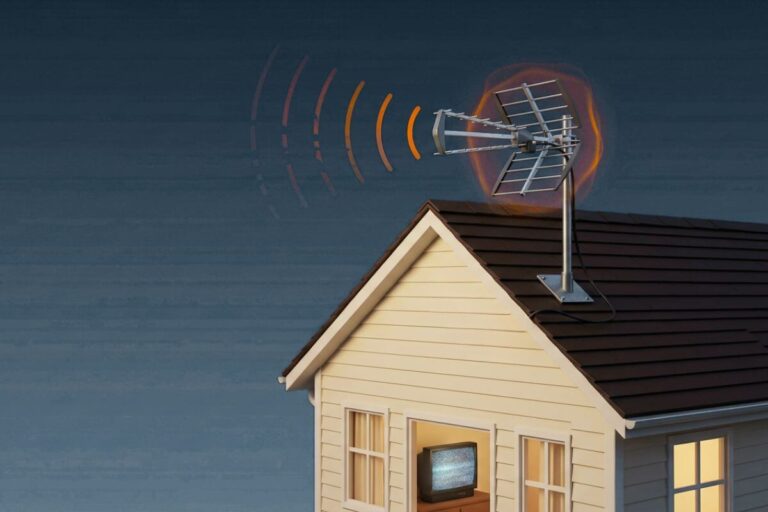
• weather or interference weakened the signal
• a TV station changed broadcast frequency
How to Get Your Channels Back
The fixes below solve most missing-channel problems in just a few minutes.
Run a Channel Scan Again
The most common reason channels disappear is that the TV needs to scan for them again.
TV stations sometimes change broadcast frequencies. When that happens, your TV may still be looking for the station on the old frequency, so the channel appears to vanish.
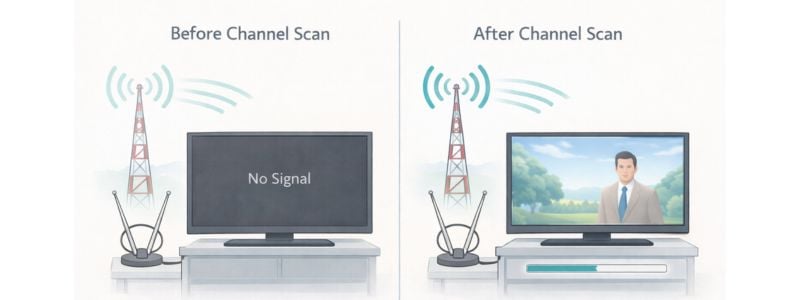
Running a new scan tells the TV to search again and rebuild the channel list.
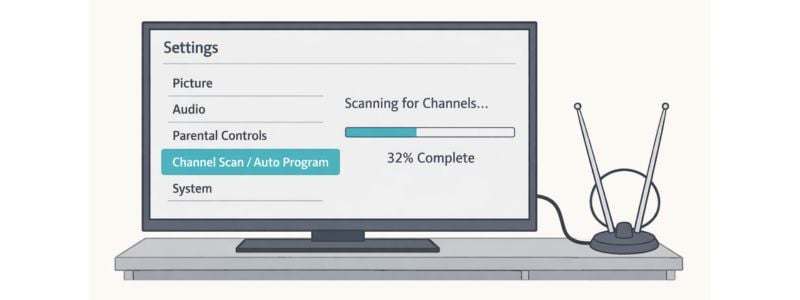
How to rescan for channels
- Press the Menu or Settings button on your TV remote
- Go to Channels or Broadcast Settings
- Select Channel Scan, Auto Program, or Auto Tune
- Wait for the scan to finish
This process can take 5–10 minutes, but it often restores missing channels immediately. For tips on rescanning check our complete guide to rescanning channels.
If the scan finds no channels at all, the next thing to check is the antenna connection.
Make Sure Your TV Is Set to Antenna or Air Mode
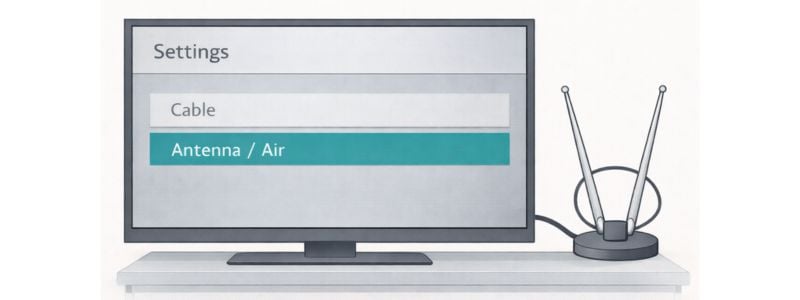
If your TV is not finding any channels during a scan, the TV may be set to the wrong signal type.
Most televisions have two signal modes:
• Antenna / Air
• Cable
If the TV is set to Cable, it will search for cable TV frequencies instead of over-the-air broadcast signals. That means your antenna channels won’t appear.
How to check this setting
- Press Menu or Settings on your remote
- Open Channels or Broadcast Settings
- Look for Signal Type or Input Source
- Select Antenna, Air, or Broadcast
After changing the setting, run a new channel scan. Your missing channels may appear immediately.
Your antenna notes and quick fixes, all in one place.
Get the Free TV Antenna Troubleshooting Checklist
A 4-page fill-in guide to keep near your TV.
Fill it in once. Use it when a channel disappears, the picture breaks up, or you need to fix your antenna again.
- Write down your must-have channels, tower direction, and antenna setup
- Follow the quick fixes when a channel goes missing or the picture freezes
- Find and record your best antenna spot so you do not have to start over
- Know when to rescan — and when not to rescan
- Keep the questions to ask an antenna pro before paying for new parts

Hi, I’m Kathy — I’ve helped thousands of readers ditch cable and get their local channels working for good.
Check Your Antenna Cable
If your TV antenna channels are not working, the problem is often a loose or damaged cable.
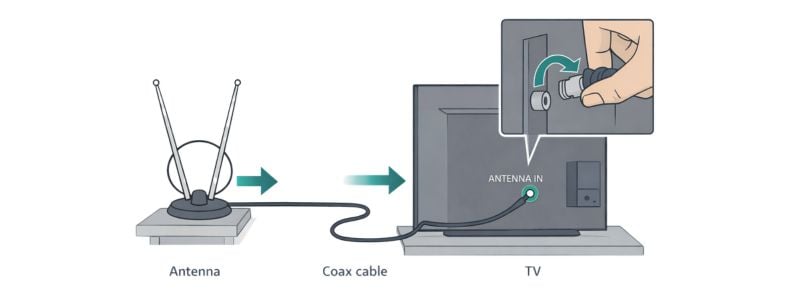
Your antenna sends the signal to the TV through a coax cable. If that cable becomes loose, bent, or partially unplugged, your TV may suddenly lose some channels or stop finding channels entirely.
Start by checking the cable connection on both ends:
- Make sure the coax cable is firmly screwed into the TV’s ANTENNA IN port
- Follow the cable back to the antenna and check that connection too
- Look for bent connectors, frayed cable, or sharp kinks
Even a slightly loose connector can cause signal problems. Tightening the cable often restores missing channels immediately.
If your antenna connects through a splitter or amplifier, check those connections as well. A bad splitter can weaken the signal enough that the TV stops detecting certain stations.
If everything looks secure but the TV still isn’t finding channels, the antenna itself may need to be repositioned.
Move or Re-Aim the Antenna
If your antenna is not picking up local channels, the antenna may simply be pointed in the wrong direction.
If you’re using an indoor antenna, proper placement matters more than most people realize. My step-by-step guide on how to set up an indoor TV antenna explains the best locations for reliable reception.
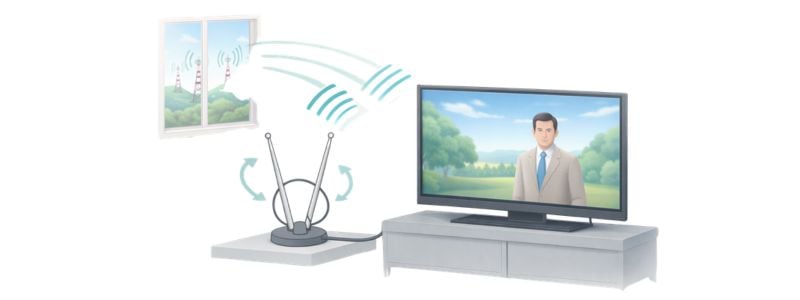
Broadcast TV signals come from towers that may be 20–60 miles away. If the antenna shifts even slightly, the signal strength can drop enough that some channels disappear.
This happens frequently with indoor antennas, because small changes in placement can affect reception.
Try these quick adjustments:
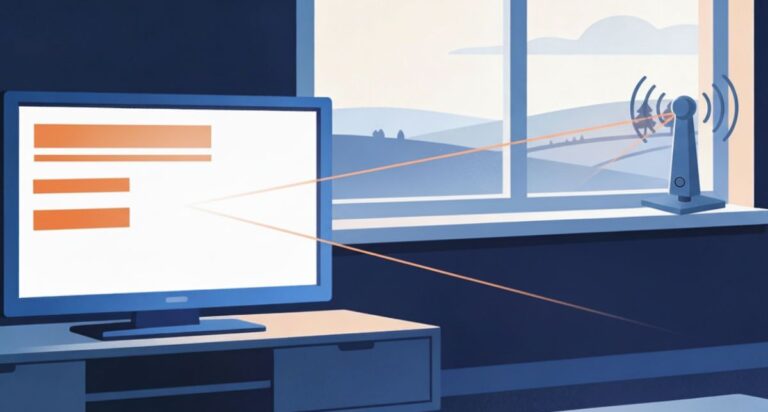
• Move the antenna closer to a window
• Raise the antenna higher on a wall or shelf
• Rotate the antenna a few inches at a time
• Keep it away from metal objects, TVs, and routers
After moving the antenna, run another channel scan so the TV can detect the stronger signal.
If you’re not sure which direction the antenna should face, my step-by-step guide on how to aim an indoor TV antenna shows exactly how to find the strongest broadcast signal in your area.
Understanding how far an indoor TV antenna can reach can also help explain why some channels come and go depending on antenna placement.
Weather or Interference Problems
Sometimes antenna channels disappear because the signal reaching your home temporarily weakens.
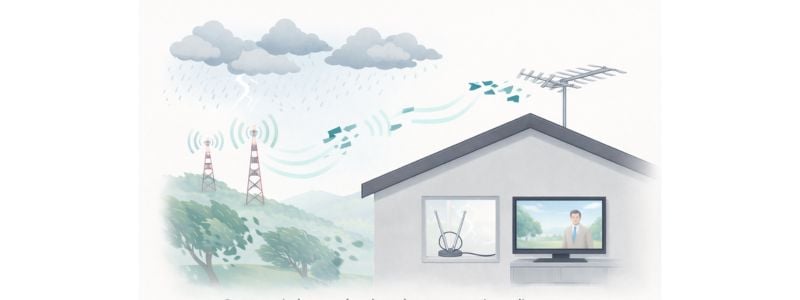
Over-the-air TV signals travel through the air from broadcast towers. Weather, terrain, and nearby objects can occasionally interfere with that signal.
Common causes include:
• heavy rain or storms
• strong wind moving the antenna
• new construction or trees blocking the signal
• interference from nearby electronics
These problems can make antenna channels come and go, especially with indoor antennas.
If your channels disappeared during bad weather, the signal may return on its own once conditions improve. You can also try slightly adjusting the antenna position or running another channel scan.
I explain several of these signal issues in my guide on why outdoor TV antennas lose signal.
TV Station Changed Frequency
Another common reason antenna channels disappear is that a local TV station changed its broadcast frequency.
This happens more often than people realize. Stations occasionally move to a new frequency as part of spectrum updates or signal improvements.
When this happens, your TV may still be looking for the channel on the old frequency, which makes it seem like the station vanished.
The fix is simple:
Run a new channel scan so the TV can locate the station on its updated signal.
You don’t need a new antenna in most cases. The station is still broadcasting — your TV just needs to rediscover it.
Weak Signal or Amplifier Problems
If your antenna is not picking up local channels, the signal reaching your home may simply be too weak.
This often happens when homes are located far from broadcast towers or when buildings and terrain block the signal.
Indoor antennas usually work best within about 20–40 miles of broadcast towers. Beyond that distance, reception becomes less reliable.
Understanding how far an indoor TV antenna can reach can help explain why some channels appear and disappear depending on antenna placement.
Signal boosters can sometimes help, but they also create problems if used incorrectly. Too much amplification can overload the signal and make reception worse.
If your signal is strong at the antenna but gets weaker before reaching the TV, see my picks for the best TV antenna amplifiers for weak signals and rural areas.
If channels suddenly disappeared after adding an amplifier or splitter, try temporarily removing it and running another channel scan.
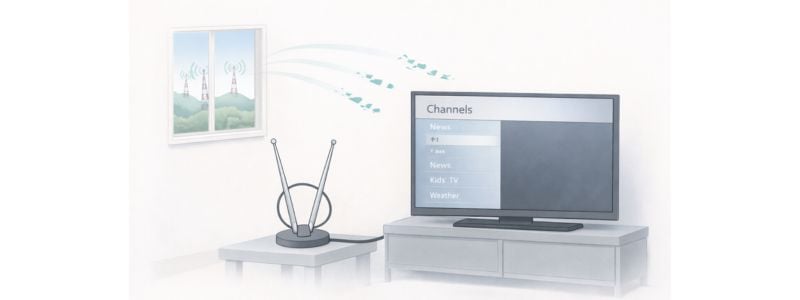
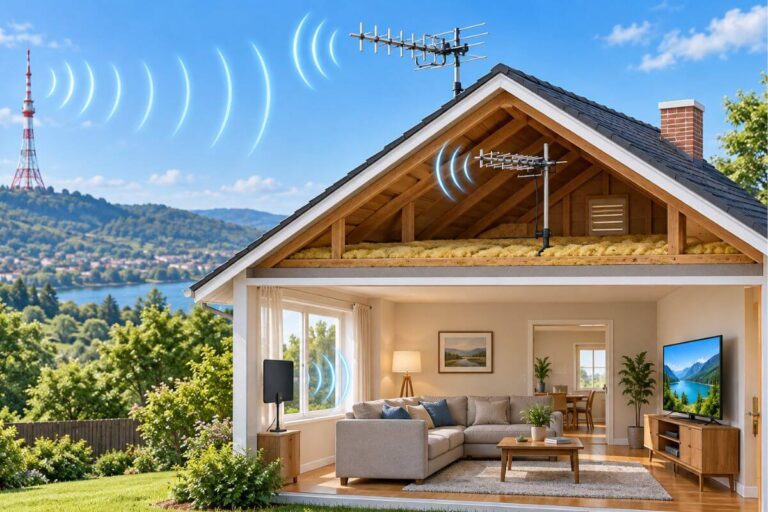
Weak TV antenna signal traveling long distance from broadcast towers.
When You May Need a Better Antenna
If you’ve tried the fixes above and your antenna still isn’t finding channels, your current antenna may not be strong enough for your location.
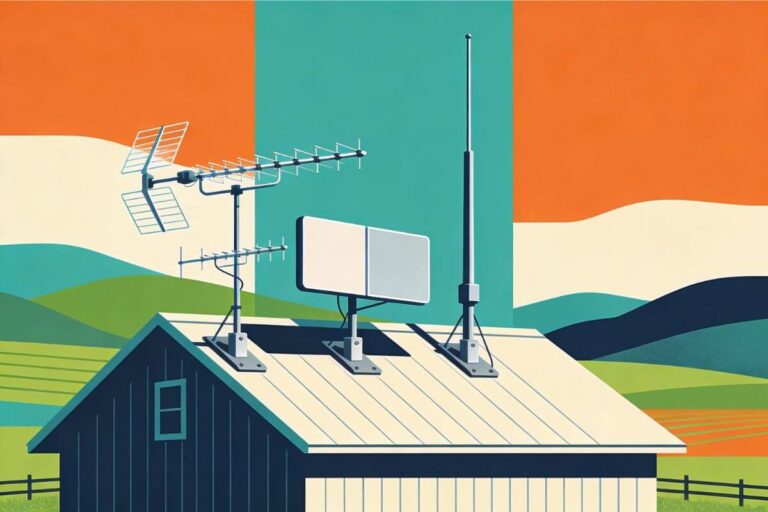
Indoor antennas work well for many homes close to broadcast towers, but reception becomes harder farther away. If you’re comparing options, see my guides to the best indoor TV antennas and the best outdoor TV antennas that work reliably in different situations.
Moving to a higher-quality antenna or improving placement usually restores missing channels and provides more consistent reception.
Tip: If the missing channel is getTV, see what channel getTV is on an antenna, now that it is called Great.
Frequently Asked Questions
Why does my antenna find no channels during a scan?
If a channel scan finds no channels, the TV may be set to Cable mode instead of Antenna/Air mode, the antenna cable may be loose, or the signal may be too weak in your location. Check connections and try repositioning the antenna closer to a window.
How often should I rescan my TV for antenna channels?
It’s a good idea to run a channel scan every few months or anytime channels disappear. TV stations occasionally change broadcast frequencies, and rescanning allows your TV to find those updated signals.
Why do antenna channels come and go?
Antenna channels can come and go because over-the-air signals are affected by weather, obstacles, and antenna placement. Small changes in antenna direction or interference from buildings and trees can temporarily weaken the signal.
Wrap Up
When TV antenna channels disappear, the cause is usually simple. In most cases, running a new channel scan, tightening the antenna cable, or adjusting the antenna position restores the missing stations.
Over-the-air TV signals are reliable, but small changes in placement, signal strength, or broadcast frequencies can affect reception. Working through the troubleshooting steps above usually brings channels back quickly.
Once your antenna is working again, you can combine free local channels with streaming to watch far more television without paying for cable. My complete guide on how to cut cable and watch TV for free explains how antennas, streaming devices, and free apps work together.
Many people are surprised how much TV they can watch once their antenna and streaming setup are working properly.