How to Aim an Indoor TV Antenna (No Climbing)
If your TV channels keep changing or disappearing, the problem is often simple: Your antenna isn’t pointed the right way.
Many people assume an indoor antenna just “works anywhere.”
It doesn’t.
Learning how to aim an indoor TV antenna can make a noticeable difference — even if you only move it a few inches.
This guide shows you:
- How to adjust it safely without tools or climbing
- Which way to aim an indoor TV antenna
- Where to place it inside your home
If you’re aiming your antenna as part of cutting cable, our guide on how to cut TV cable shows how proper placement fits into a simple, free TV system.
Fast Fix: Aim an Indoor Antenna (No guessing)
Lock it in: When the “problem channels” stop pixelating/cutting out, leave it and secure the cable so it doesn’t get tugged.
Start in the real spot: Put the antenna exactly where it will live (window/outside wall if possible). Tighten the coax.
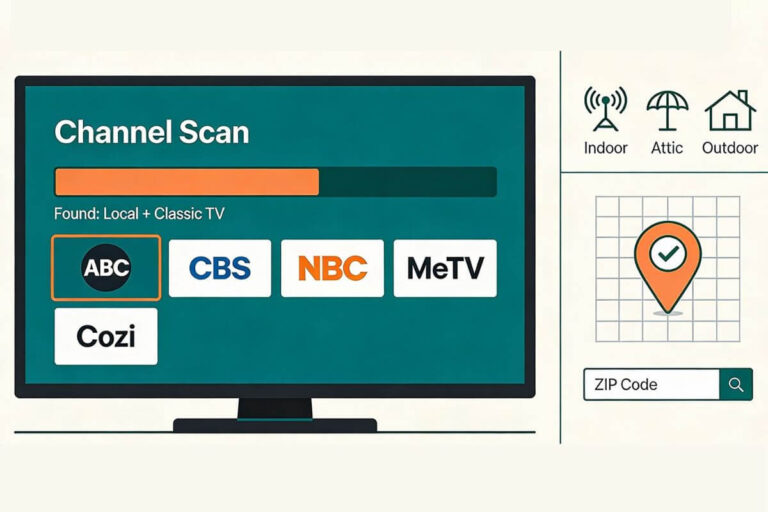
Do a full scan once: TV Menu → Channels → Antenna/Air → Channel Scan.
Test like a pro: Pick 2–3 channels you care about (often ABC/CBS/NBC/FOX/PBS).
Move in small steps: Rotate or move the antenna a few inches to 2 feet at a time, then rescan (or “rescan channels” if your TV has it).
Why Direction Matters With Indoor Antennas
An indoor antenna does not receive signals equally from all directions.
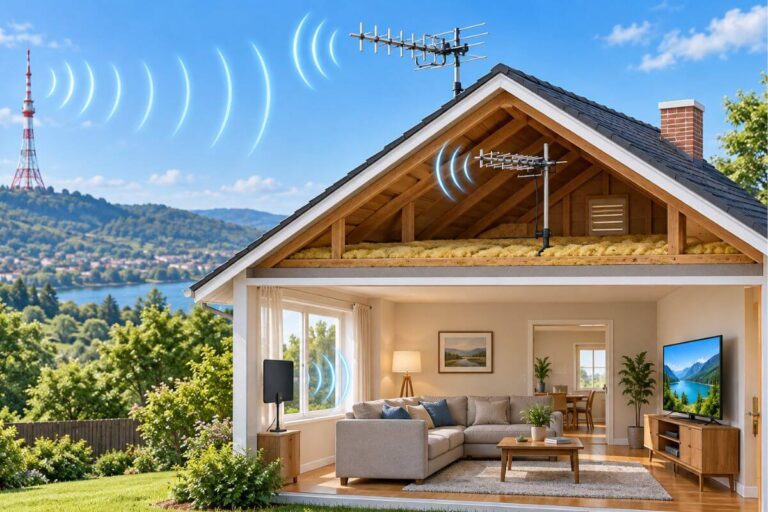
TV stations broadcast from fixed towers, usually grouped in one main area.
If your antenna is facing away from those towers, you may see:
- Missing channels
- Channels that come and go
- Pixelated or frozen pictures
This is why indoor TV antenna direction matters more than people expect.
If you’re using an older television, you may also need a digital converter box. Our guide explains when an antenna for an old TV requires a converter box and how to connect it.
Which Way Should an Indoor TV Antenna Face?
A very common question is which direction should an indoor TV antenna face.
The short answer:
➡️ Toward your local broadcast towers.
Most homes receive signals from one main direction — not all around.
If you don’t know where towers are located yet, that’s okay.
You can still aim your antenna using a simple method below.
Your antenna notes and quick fixes, all in one place.
Get the Free TV Antenna Troubleshooting Checklist
A 4-page fill-in guide to keep near your TV.
Fill it in once. Use it when a channel disappears, the picture breaks up, or you need to fix your antenna again.
- Write down your must-have channels, tower direction, and antenna setup
- Follow the quick fixes when a channel goes missing or the picture freezes
- Find and record your best antenna spot so you do not have to start over
- Know when to rescan — and when not to rescan
- Keep the questions to ask an antenna pro before paying for new parts

Hi, I’m Kathy — I’ve helped thousands of readers ditch cable and get their local channels working for good.
How to Aim an Indoor TV Antenna Step by Step
This method works for flat antennas and rabbit ears.
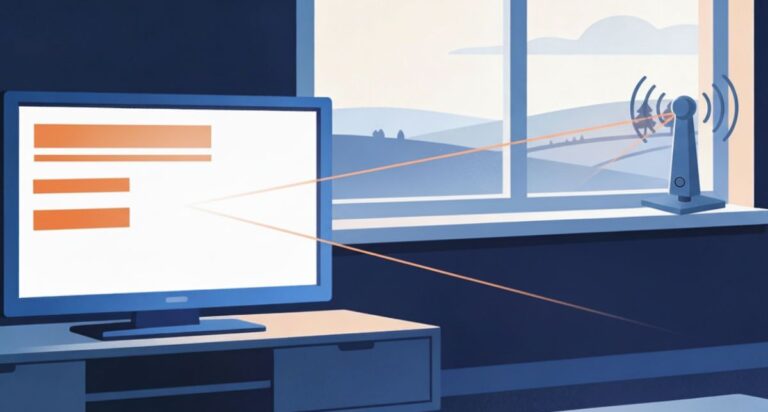
Step 1: Place the antenna near a window
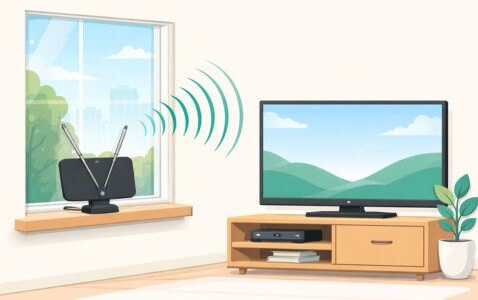
If you want to skip the guesswork, look up where your local broadcast towers are and aim toward them first. You don’t need exact degrees — just the general direction (north/south/east/west) helps.
Indoor antennas usually work best:
- Near a window
- On an outside wall
- As high as you can safely place it
This helps reduce interference from walls and metal inside the home.
Step 2: Start with the antenna facing outward
Position the antenna:
- Facing toward the window
- Pointing away from the TV
- Not flat against the wall
This gives you a strong starting position before fine-tuning.
Step 3: Scan for channels
On your TV:
- Go to Settings
- Choose Channel Scan or Auto Scan
- Wait until it finishes
Write down how many channels you get.
Step 4: Turn the antenna slightly
Now rotate the antenna just a little — about 5 to 10 degrees.
Scan again.
Repeat this process a few times. You are looking for the position that gives:
- The most channels
- The most stable picture
This is the real way to find the best position for an indoor TV antenna.
Why Moving an Antenna Changes Channels
If you’ve ever thought, “Why did channels disappear when I moved it?” — you’re not imagining things.
Indoor antennas are extremely sensitive.
Sometimes moving the antenna a few feet — or placing it in a different window — can completely change reception.
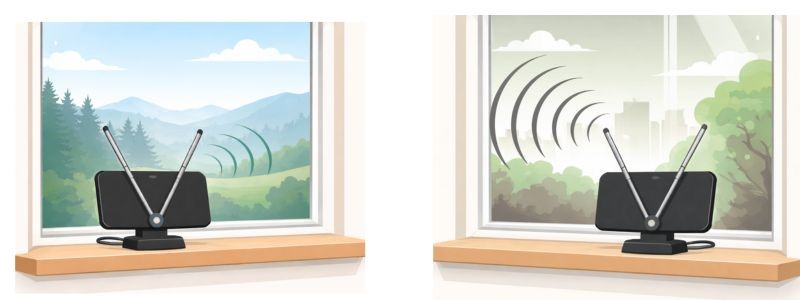
Same antenna. Same TV. Very different results.
That’s because TV signals don’t travel through your home in a straight line. They bounce, bend, and weaken as they pass through your house.
Small changes can matter because:
- Signals bounce off walls and furniture
- Metal can block or distort reception
- Different windows may face different tower directions
- Your home itself can weaken certain channels
If you’ve tried multiple spots and still can’t keep channels stable, the issue may be antenna strength — not technique. Here are indoor antennas that tend to work best in rural or weaker-signal homes.
What to Do If You Still Get Pixelation
If the picture freezes, breaks up, or turns into little squares, don’t assume your antenna “doesn’t work.” Try these quick fixes first:
- Move the antenna just 1–3 feet. Even a small shift can change how the signal hits the antenna.
- Try a window (or the wall closest to the towers). Windows usually have less interference than interior walls.
- Rescan for channels after every change. Most TVs won’t “find” the improved signal until you run a new channel scan.
If you’re still deciding what type of antenna works best in rural areas (and which ones usually disappoint), see our full guide to the best indoor TV antennas for rural areas.
Where is the Broadcast Tower Near Me?
Moving the antenna helps sometimes, but if reception is still unstable, the issue may not be placement alone.
Common causes include:
- You are far from broadcast towers
- Thick walls or metal siding
- Rural signal limits
If those sound like your situation, this guide explains why indoor antennas often fail in rural homes.
Enter your zip code in Antennaweb.org and scoll down to Stations Map and you will see where your towers are located. Read which color towers provide the best signals on the Antennaweb guide.
If Aiming Just Doesn’t Help
Aiming helps most people — but it can’t fix everything.
Sometimes the problem is not the direction. It’s what the TV signal has to fight through inside your home.

Internal obstacles can weaken or break up the signal, like:
- Thick walls (plaster, brick, concrete)
- Metal in the walls (metal studs, foil insulation)
- Large appliances (fridge, washer, dryer)
- Big metal shelves or TV stands
- Electronics and cords near the antenna
- Even people walking between the antenna and the window
That’s why an antenna can work in one spot — then fail a few feet away.
If you want to understand realistic indoor antenna limits, see our guide on how far realistically indoors antenna can reach.
Quick Troubleshooting Checklist
Before you assume the antenna “doesn’t work,” try these quick fixes:
- Move the antenna higher (even 2–3 feet can help)
- Keep it away from the TV, routers, and power strips
- Separate it from cords and metal objects
- Try a second window on the same outside wall
- Rescan after every change
If none of these improve stability, you’re likely limited by distance/terrain rather than aiming.
Quick Tips for Better Indoor Antenna Direction
- Face the antenna toward an outside wall
- Try a window first
- Move it slowly, not randomly
- Rescan after every adjustment
- Mark the best spot once you find it
Tip: If you don’t want to keep the antenna permanently mounted on your wall or window, placing piece of tape on the wall can help you remember the best position.
Frequently Asked Questions
Does an indoor TV antenna have to face the window?
Not always, but starting at a window (or outside wall) usually gives the signal a clearer path. After that, small turns matter more than big moves.
Does an indoor antenna have to be by a window?
No. If towers are close and your walls aren’t blocking much, it can work away from a window. But if channels are unstable, a window is the first place to test.
How much should I rotate the antenna each time?
Small adjustments work best: 5–10 degrees, then rescan. Big turns make it hard to know what change helped.
Do I have to rescan every time I move the antenna?
Yes. A scan is how your TV “finds” channels again after reception changes. Without rescanning, you can miss channels that are actually available.
Why do channels disappear at night or during bad weather?
Signals can fluctuate because of distance, interference, and atmospheric conditions. If your signal is already weak, those changes can push it over the edge.
Should I use an amplifier/booster to fix weak channels?
A booster can help in some setups, but it can also make reception worse by amplifying noise. If you’re far from towers, a better antenna or outdoor setup usually matters more than amplification.
Why does the antenna work in one spot but not a few feet away?
Because the signal bounces and gets blocked by walls, appliances, wiring, and metal. Indoors, “a few feet” can be the difference between clear and broken.
Wrap Up
If you’re losing channels or the picture keeps breaking up, don’t keep moving the antenna randomly.
Do this instead:
- Pick one window or outside wall and start there.
- Scan once, then rotate the antenna 5–10 degrees and rescan.
- When you find the best spot, mark it (tape or pencil mark).
- If reception still changes day-to-day, you’re probably dealing with distance, terrain, or metal interference — not aiming.
If you’re in a weaker-signal area and aiming isn’t enough, start here for antennas that hold reception better. And if you want the “why” behind unstable rural reception, check out our guide to why antennas fail in rural areas.