How to Install an Outdoor TV Antenna (Step-by-Step)
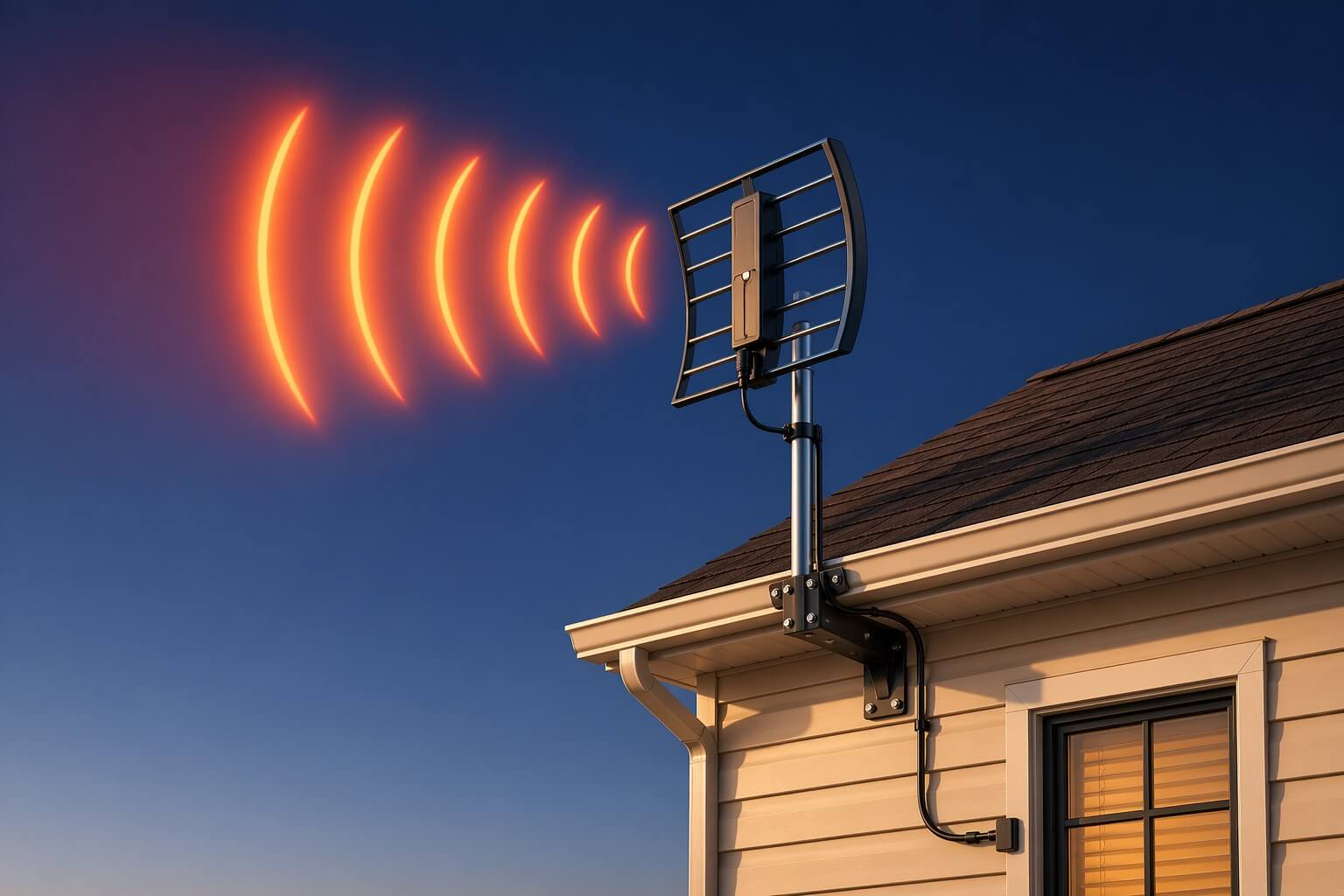
Installing an outdoor TV antenna involves choosing the right location, mounting it securely, aiming it toward broadcast towers, and connecting it to your TV.
Most setups take under an hour with basic tools and can significantly improve the number of channels you receive.
Fast Steps to Install an Outdoor TV Antenna
- Choose the highest, clearest location (roof or side of house)
- Mount the antenna securely using a bracket or pole
- Aim antenna toward nearby broadcast towers
- Run the coax cable into your TV
- Scan for channels
Follow These Steps to Install an Outdoor TV Antenna
Step 1: Choose the Best Location
Pick a spot that is high and clear.
- The roof is usually best
- Avoid trees, walls, and metal objects
- Try to face the antenna toward local TV towers
The higher the antenna, the better the signal.
Step 2: Mount the Antenna Securely
Attach the antenna to your house using a mounting bracket or pole.
- Use screws or bolts to hold it firmly
- Make sure the pole is straight (not leaning)
- Tighten everything so it does not move in wind
A loose antenna can cause poor reception.
Step 3: Aim the Antenna
Point the antenna toward the nearest broadcast towers.
- Start by aiming it toward your nearest city
- Small turns can make a big difference
- Tighten it once you find the best direction
Step 4: Connect the Cable
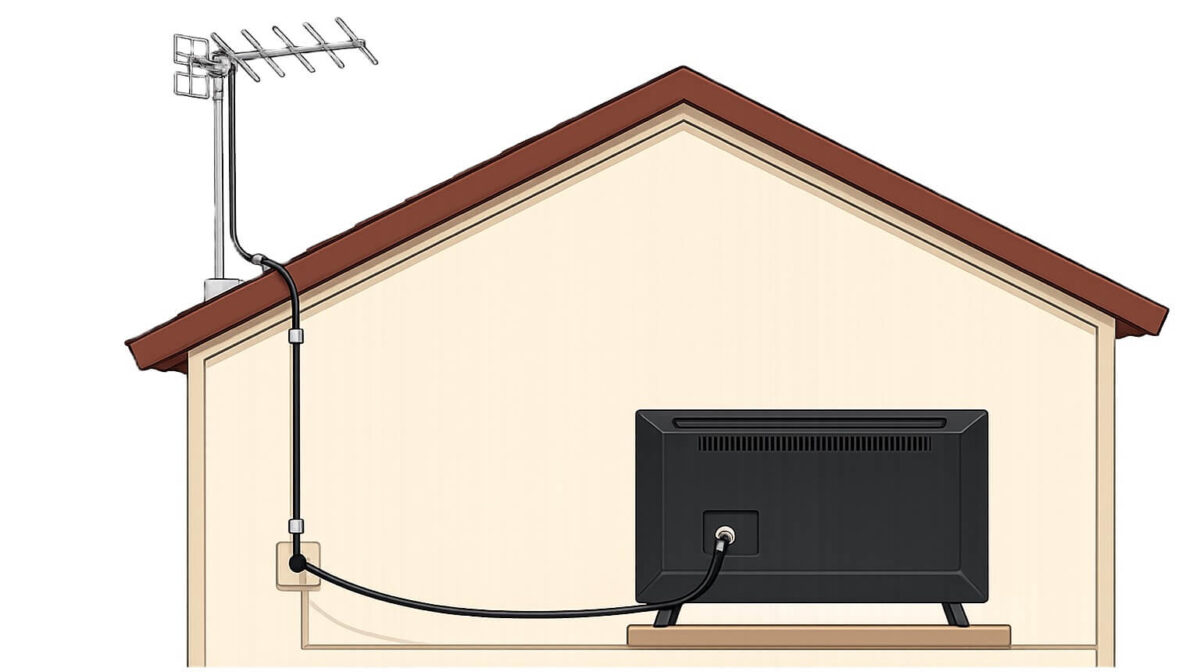
Run the coax cable from the antenna to your TV.
- Keep the cable neat and secure
- Bring it into your home through a wall or window
- Plug it into the “Antenna In” or “RF In” port on your TV
If you have a long coax run from the antenna to the TV, you may also want to see which antenna preamplifiers work best for rural setups.
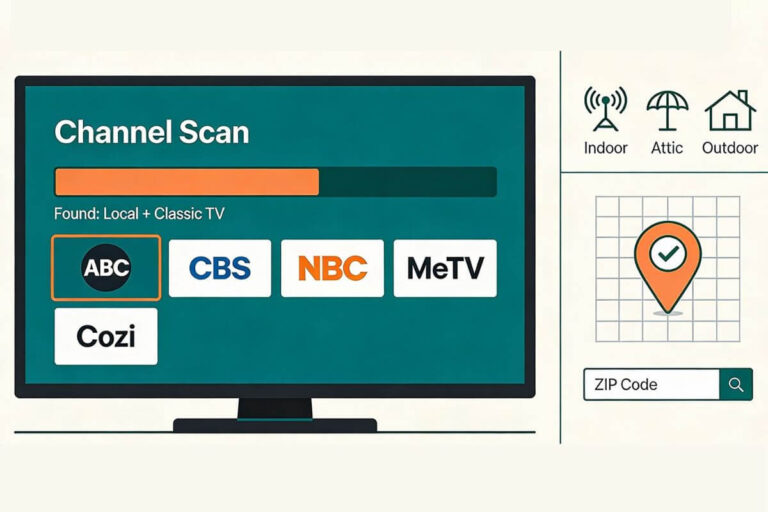
Step 5: Scan for Channels
Use your TV remote to scan for channels.
- Go to your TV’s menu
- Select “Channel Scan” or “Auto Program”
- Wait a few minutes for the scan to finish
Your TV will save all available channels.
Quick Tip
If you don’t get many channels, try:
- Raising the antenna higher
- Turning it slightly
- Checking all cable connections
Small changes can improve your signal quickly.
Your antenna notes and quick fixes, all in one place.
Get the Free TV Antenna Troubleshooting Checklist
A 4-page fill-in guide to keep near your TV.
Fill it in once. Use it when a channel disappears, the picture breaks up, or you need to fix your antenna again.
- Write down your must-have channels, tower direction, and antenna setup
- Follow the quick fixes when a channel goes missing or the picture freezes
- Find and record your best antenna spot so you do not have to start over
- Know when to rescan — and when not to rescan
- Keep the questions to ask an antenna pro before paying for new parts

Hi, I’m Kathy — I’ve helped thousands of readers ditch cable and get their local channels working for good.
Where to Put an Outdoor TV Antenna for Best Signal
The best place to put an outdoor TV antenna is as high as possible with a clear line of sight toward broadcast towers. Roof-mounted antennas usually get the strongest signal, while lower placements can reduce the number of channels you receive.
Place It as High as Possible
Higher placement helps your antenna receive more channels and a stronger signal.
???? If you’re unsure how high is enough, see how high an outdoor TV antenna should be.
Avoid Obstructions
Keep the antenna away from:
- Trees
- Nearby buildings
- Metal surfaces
These can block or weaken the signal.
???? Learn why signals drop in why outdoor TV antennas lose signal.
Make Sure the Antenna Has a Clear View
Outdoor antennas don’t need precise aiming like indoor antennas, but they do work best when they face open space toward nearby broadcast towers. Avoid pointing the antenna directly into heavy trees, buildings, or hills.
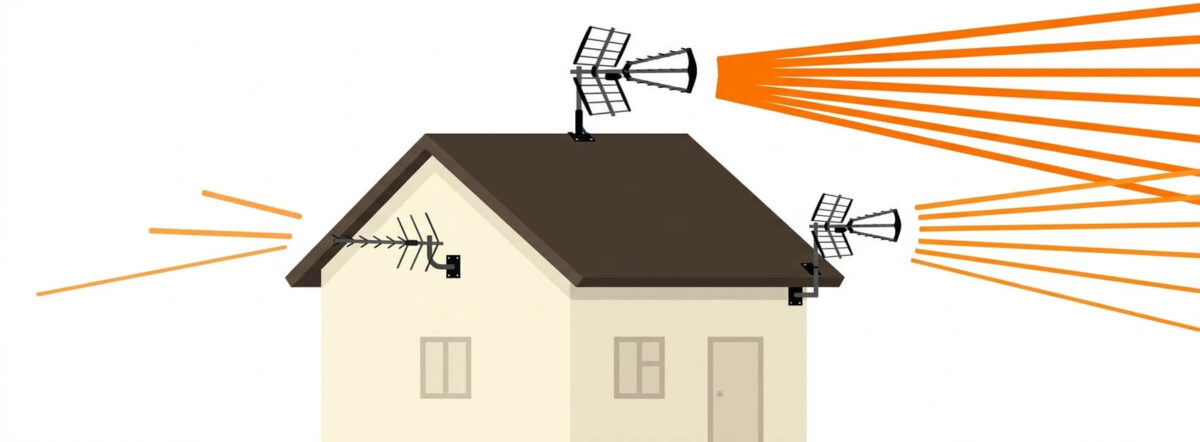
Choose Roof vs Side Mount
- Roof = best signal
- Side of house = easier install, slightly weaker
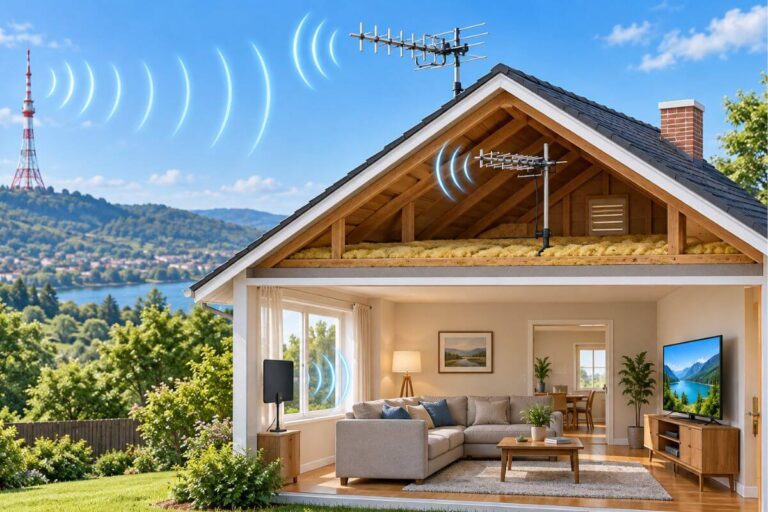
???? Compare options in outdoor vs attic TV antenna.
Adjust and Test for Best Signal
After mounting, small position changes can improve reception.
???? If your signal is weak, try these tips in how to strengthen TV antenna signal.
How to Connect an Outdoor TV Antenna to Your TV
To connect an outdoor TV antenna, run a coax cable from the antenna into your home and plug it into the “Antenna In” port on your TV. Once connected, run a channel scan to receive available stations.
Run the Coax Cable Into Your Home
Use a window, wall entry point, or existing cable line
Keep the cable neat and secure
Connect to Your TV
- Plug into “Antenna In” or “RF In”
- Hand-tighten the connection
Scan for Channels
- Go to TV menu
- Select Channel Scan / Auto Program
- Wait for scan to finish
???? If channels are missing, see our guide to getting those missing channels back.
Common Outdoor Antenna Installation Mistakes
Most outdoor antenna problems come from small setup mistakes. Fixing these can quickly improve your signal and help you get more channels.
Mounting the Antenna Too Low
If the antenna is too low, buildings, roofs, and trees can block the signal.
- Mount it as high as safely possible
- Roof placement usually works best
Not Securing the Mount Properly
A loose antenna can move in wind and lose signal.
- Tighten all bolts and brackets
- Make sure the pole is straight and stable
Poor Cable Connections
Loose or damaged cables can cause missing channels.
- Check both ends of the coax cable
- Hand-tighten connections
- Replace old or worn cables
Skipping the Channel Scan
Your TV will not show channels until you scan.
- Run a full channel scan after setup
- Scan again if you move the antenna
???? If channels are still missing, see our step-by-step guide to getting them back.
Ignoring Signal Problems After Setup
If your picture breaks up or channels disappear, the setup may need adjustment.
- Try small changes in position
- Check for new obstructions
???? If your setup still isn’t working, follow this outdoor TV antenna troubleshooting guide.
Quick Tip: Small fixes often make a big difference. Before buying new equipment, check your placement, mounting, and connections.
Do You Need Anything Else to Install an Outdoor TV Antenna?
Most outdoor antenna setups only need a few basic parts: the antenna, a mounting bracket, and a coax cable. In some cases, you may need a splitter, signal booster, or longer cable depending on your setup.
Basic Parts Most People Need
- Outdoor antenna
- Mounting bracket or pole
- Coax cable
???? Need help picking one? Start with the best outdoor TV antennas guide for your location.
Optional Add-Ons
- Splitter → if connecting multiple TVs
- Signal booster → if your signal is weak
???? Find out if you need one in this guide to TV antenna boosters.
When You Might Need More Help
???? If your antenna still isn’t working, follow this outdoor TV antenna troubleshooting guide.
Frequently Asked Questions
How long does it take to install an outdoor TV antenna?
Most outdoor antennas can be installed in 30 to 60 minutes using basic tools. More complex setups, like mounting on a tall pole or running cable through walls, may take longer.
Do I need to aim an outdoor TV antenna?
Outdoor antennas are less sensitive than indoor ones, but direction still matters. Pointing the antenna toward open space or nearby broadcast towers can improve signal quality.
Can I install an outdoor antenna without going on the roof?
Yes. Many antennas can be mounted on the side of the house near the roofline. This is easier to install but may result in slightly weaker signal compared to roof mounting.
Will an outdoor antenna work in bad weather?
Yes, but heavy rain, wind, or thick clouds can sometimes affect signal quality. A properly mounted and secured antenna helps reduce these issues.
Wrap Up
Installing an outdoor TV antenna is one of the easiest ways to get free local channels without paying for cable. Most setups come down to three things: placing it high, mounting it securely, and making a solid connection to your TV.
If something isn’t working, don’t assume the antenna is the problem. Small changes—like raising it a few feet, tightening a connection, or adjusting the position—can make a big difference.
Start simple, follow the steps, and test as you go. Once it’s set up correctly, you can enjoy clear, reliable TV without a monthly bill.