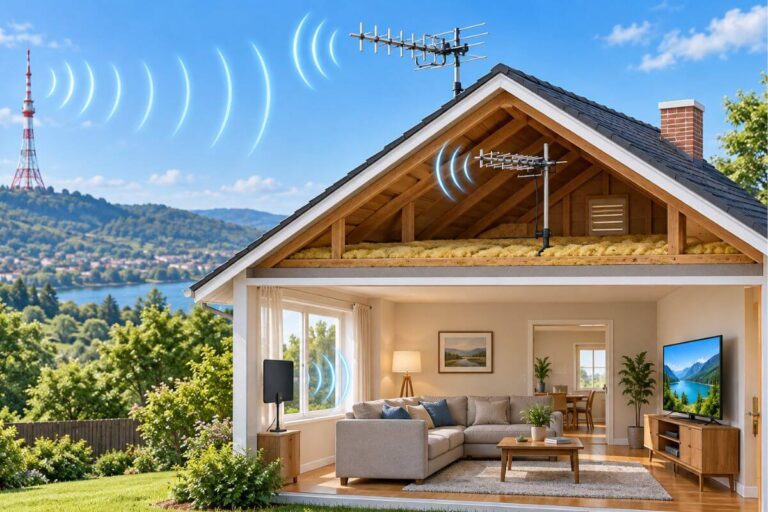
Why Does My TV Keep Pixelating? 7 Antenna Signal Fixes

If your TV picture keeps pixelating, breaking up, or freezing for a moment, your TV usually is not broken.
The most common cause is a weak or unstable TV signal. A loose cable, antenna problem, interference, or bad weather can cause the picture to turn into blocks, break up, or briefly disappear.
Start with the simple fixes below. In many cases, you can stop TV pixelation without replacing your TV or buying new equipment.
What Causes Pixelation on TV?
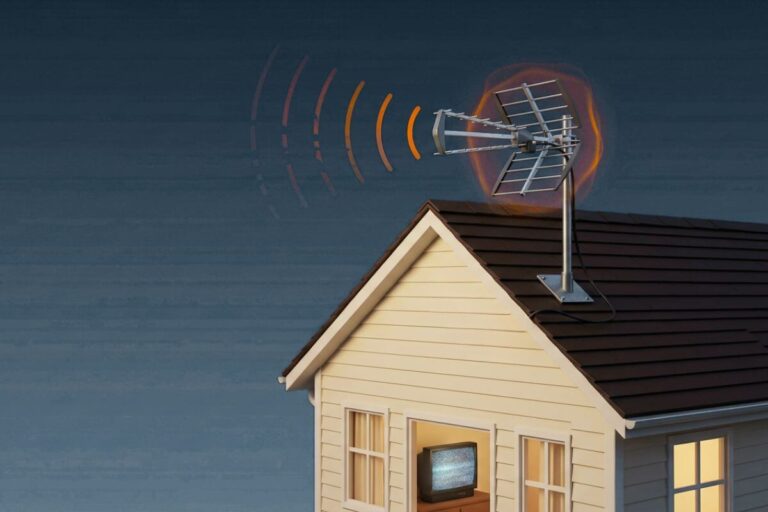
Pixelation happens when your TV isn’t getting a strong, steady signal. Instead of a smooth picture, the screen breaks into blocks, freezes for a moment, or disappears.
TV antenna signals work differently from the old snowy TV signals. When the signal gets too weak, the picture may break into blocks, freeze, or disappear completely.
Here are the most common causes:
- Weak or unstable antenna signal
- Loose or damaged cables and connections
- Antenna misalignment or movement
- Interference from electronics or obstacles
- Bad weather affecting the signal

Most of these issues are easy to find and fix. Start with the simple checks below, and you may be back to a clear picture in minutes.
If weak reception is the problem, these methods for strengthening your TV antenna signal can help.
Your antenna notes and quick fixes, all in one place.
Get the Free TV Antenna Troubleshooting Checklist
A 4-page fill-in guide to keep near your TV.
Fill it in once. Use it when a channel disappears, the picture breaks up, or you need to fix your antenna again.
- Write down your must-have channels, tower direction, and antenna setup
- Follow the quick fixes when a channel goes missing or the picture freezes
- Find and record your best antenna spot so you do not have to start over
- Know when to rescan — and when not to rescan
- Keep the questions to ask an antenna pro before paying for new parts

Hi, I’m Kathy — I’ve helped thousands of readers ditch cable and get their local channels working for good.
How to Stop Pixelation on TV: 7 Easy Fixes
Start with the easiest fixes first. You may not need a new TV or antenna.
Try one step at a time. Then watch the problem channel for a few minutes to see if the picture gets better.
1. Check Every Cable Connection
Look at the cable that runs from your antenna to your TV.
Make sure each connection is tight. A loose cable can make the picture break up or turn into blocks.
Also check the cable for cuts, bends, or damage. If the metal end looks loose or bent, the cable may need to be replaced.
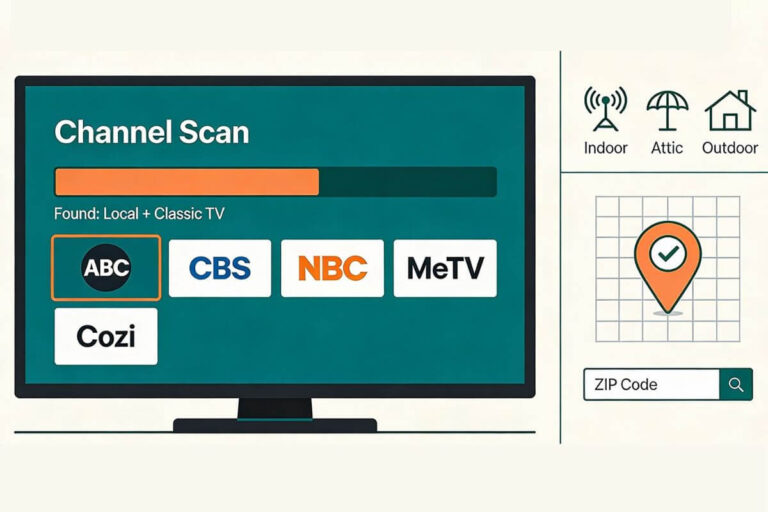
2. Rescan Your TV Channels
Your TV may need a fresh channel scan, especially if a station changed its signal.
Go to your TV menu and look for Channel Scan, Auto Scan, or Auto Tuning.
If you need help, follow these simple steps to rescan TV antenna channels.
3. Move or Re-Aim Your Antenna
A small move can make a big difference.
If you have an indoor antenna, try moving it:
- Higher on the wall
- Closer to a window
- Away from the TV
- In a slightly different direction
You can use this guide to aim an indoor TV antenna without climbing.
If you are not sure where an indoor antenna should go, see how to set up an indoor TV antenna.
4. Remove Things That May Block the Signal
Metal, thick walls, large appliances, and some electronics can make antenna reception worse.
Try moving your antenna away from:
- Wi-Fi routers
- Microwaves
- Computers
- Large metal objects
- Thick walls
Even moving the antenna a few feet may help.
5. Check for Signal Loss
The signal can get weaker before it reaches your TV.
Long coax cables and too many splitters can cause signal loss. If possible, use a shorter cable and remove splitters you do not need.
You can also check what good TV antenna signal strength looks like before buying anything new.
6. Wait Out Bad Weather
Heavy rain, strong wind, or storms can sometimes make a weak signal worse.
If your picture only pixelates during bad weather, wait until the weather clears and check again.
7. Consider a Better Antenna or Amplifier
Do this last.
An amplifier can help in some homes, but it does not fix every weak signal. In fact, a booster can make reception worse if your signal is already strong.
Read Do TV Antenna Boosters Work? before adding one.
If you live far from broadcast towers, you may need a stronger antenna. See the best TV antenna for your area to compare indoor and outdoor choices.
If an indoor antenna still cannot give you a steady picture, an outdoor TV antenna may work better for weak signals.

Why Is My TV Picture Breaking Up on Certain Channels?
If only one or two channels break up, your TV is probably not the problem.
TV stations can come from different towers and at different signal strengths. One channel may reach your home well, while another is much weaker.
This can happen because of:
- Distance from that station’s tower
- Trees or buildings blocking the signal
- Your antenna pointing in the wrong direction for that station
- Changes made by the TV station
- A weak signal that comes and goes
If the channel sometimes disappears completely, try these easy ways to get missing TV channels back.
If several channels suddenly vanished at the same time, see why TV antenna channels can suddenly disappear.
Why Does TV Pixelation Get Worse in Bad Weather?
Bad weather can make a weak TV signal even weaker. This is why your picture may look fine on a clear day but break up during a storm.
Weather can cause problems in a few ways:
- Strong wind can move an outdoor antenna. Even a small change in direction can affect reception.
- Heavy rain can make a weak signal less reliable.
- Wet trees and leaves can block more of the signal.
- Water can get into an outdoor cable or connection. This can cause pixelation even after the storm is over.
If your TV only pixelates during bad weather and clears up later, you may not need to do anything.
But if the problem continues after the weather improves, check the antenna, cables, and outdoor connections. See what causes an outdoor TV antenna to lose signal for the most common outdoor problems.
Quick clue: If pixelation starts every time it rains or gets windy, your normal signal may already be close to the minimum your TV needs for a clear picture.
Can a TV Antenna Amplifier Fix Pixelation?
Sometimes. A TV antenna amplifier can help if the signal reaching your TV is weak.
An amplifier may help when:
- Your antenna is far from the TV.
- You use a long coax cable.
- One antenna feeds two or more TVs.
- Your antenna gets the channel, but the picture still breaks up.
But an amplifier cannot create a signal that your antenna is not receiving. It also will not fix a damaged cable, a poorly aimed antenna, or something blocking the signal.

In some homes, an amplifier can even make pixelation worse. This can happen when you already have a strong signal and the amplifier makes it too strong.
If you decide you need one, choose the right type for your setup. These TV antenna amplifiers for rural areas show the types made for weak signals and longer cable runs.
Simple rule: Try moving, aiming, and checking your antenna and cables first. Add an amplifier only if the signal is reaching your antenna but gets weaker before it reaches your TV.
When Should You Replace Your TV Antenna?
Do not replace your antenna just because the picture pixelates once in a while. Many reception problems can be fixed by checking the cable, moving the antenna, or changing its direction.
You may need a new antenna if:
- The antenna is bent, cracked, or badly rusted.
- An outdoor antenna was damaged by wind or a storm.
- The cable connections are badly corroded.
- Your indoor antenna cannot get a steady signal even after you move and aim it.
- You live far from the TV towers and your current antenna is too small for the job.
- Channels keep breaking up even after you have tried the simple fixes above.
An old antenna does not automatically need to be replaced. If it is in good shape and still receives a strong signal, it may work for many years.
If you are deciding whether you need a different type, this guide explains indoor vs. outdoor TV antennas and which works better in rural areas.
Simple rule: Fix the easy problems first. Replace the antenna only when it is damaged or clearly cannot receive a strong enough signal.
Frequently Asked Questions About TV Pixelation
Why Does My TV Freeze for a Few Seconds?
A weak or unstable antenna signal can make the picture freeze for a few seconds and then start again.
Check the antenna, cables, and signal strength first. If the freezing only happens on streaming apps like Netflix, the problem may be your internet instead of your antenna.
Can a Bad Cable Cause TV Pixelation?
Yes. A loose, damaged, or old coax cable can weaken the TV signal.
Check both ends of the cable and make sure they are tight. Look for cuts, sharp bends, rust, or loose metal ends. Replacing a damaged cable may stop the picture from breaking up.
Why Does My Antenna Keep Cutting Out?
Your antenna may keep cutting out because the signal is too weak or keeps changing.
Common causes include:
The antenna moved
Trees or buildings block the signal
A cable is loose or damaged
Wind or rain affects reception
The antenna is too far from the broadcast towers
If the signal comes and goes often, the antenna may need to be moved, aimed again, or replaced with one better suited to your area.
Wrap Up
TV pixelation is frustrating, but it usually gives you clues about what is wrong.
If the problem happens on just one channel, during bad weather, or only at certain times, that can point you toward the cause.
Work through the fixes in order and stop when the picture improves. You may find that one small change is all it takes to get a steady picture again.