TV Antenna Signal Strength Explained (What’s a Good Signal Level?)
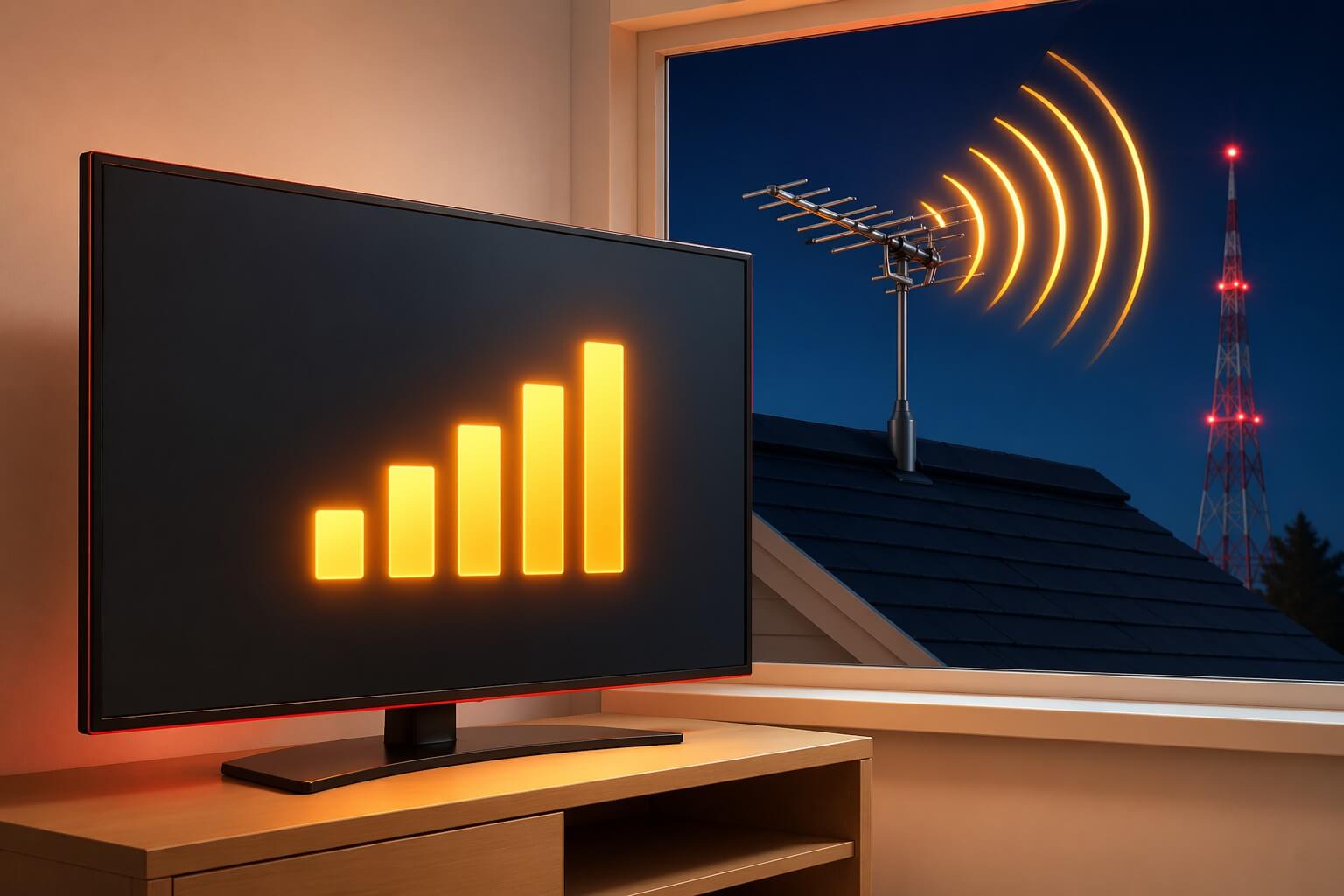
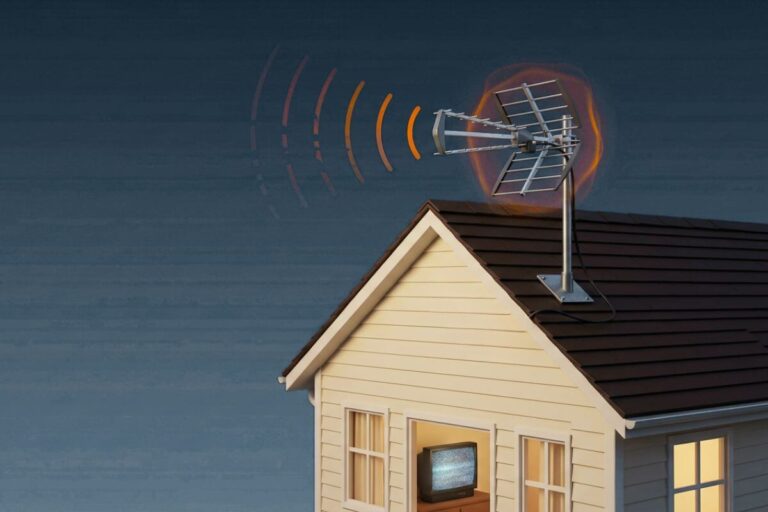
A weak TV antenna signal can cause missing channels, freezing, pixelation, or a “No Signal” message.
The confusing part is that your TV may show a signal number, but that number does not always tell the whole story. Signal quality matters too.
Fast Answer: What Is a Good TV Antenna Signal Strength?
A good TV antenna signal strength is usually 60–80% or higher. If your signal is below 50–60%, channels may disappear, freeze, or break up.
The fastest ways to improve signal are to move the antenna higher, reduce splitters, check cables, and run a fresh channel scan.
This guide explains what the signal number means, what level is usually good enough, and what to try if your signal is weak.
What Is TV Antenna Signal Strength?
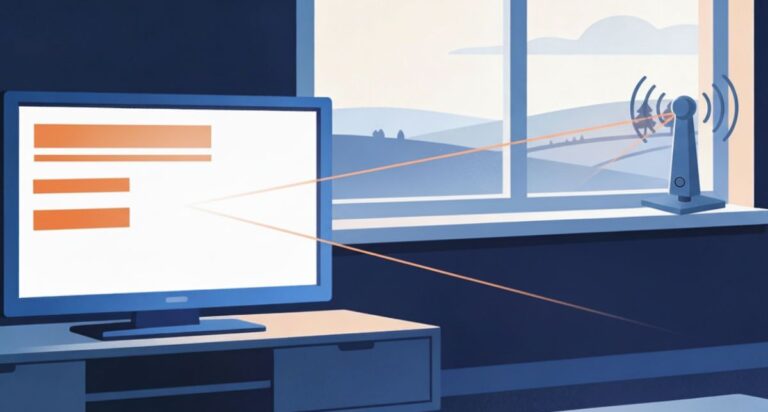
TV antenna signal strength measures how much broadcast signal your antenna is receiving from nearby towers. It’s usually shown as a percentage or bar level on your TV.
A stronger signal makes it easier for your TV to display clear picture and sound. A weaker signal can cause missing channels, freezing, or poor quality—even if your antenna is working properly.
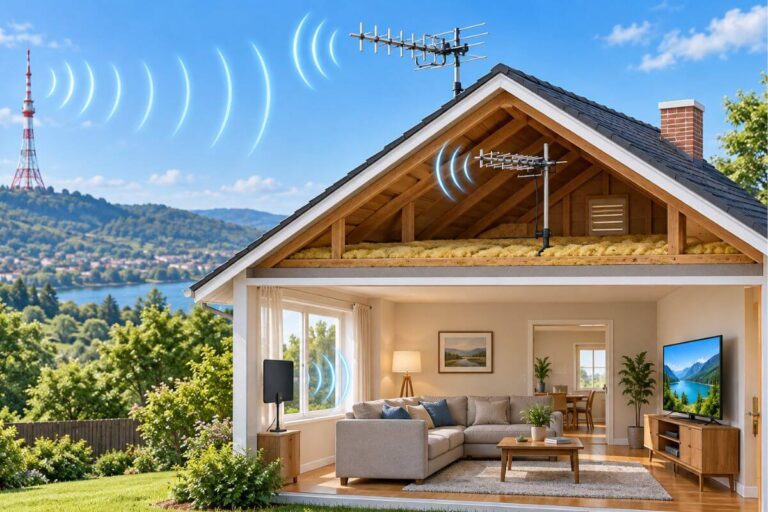
Signal strength is affected by distance, obstacles, antenna placement, and even weather. That’s why two homes in the same area can get very different results from the same antenna.
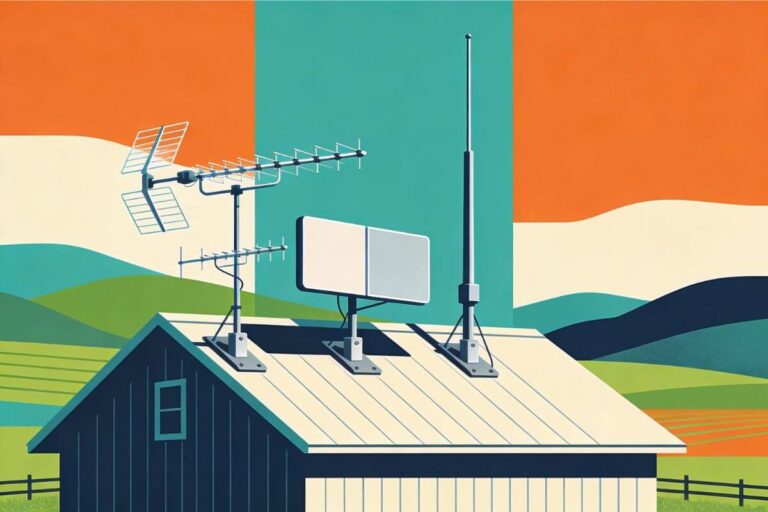
Height also plays a key role in signal performance. A higher placement often improves both strength and consistency, especially in areas with obstacles. This guide explains how high an outdoor TV antenna should be for better reception.
What Is a Good TV Antenna Signal Strength?
A good TV antenna signal strength is usually 60% to 80% or higher. At this level, your TV should show clear picture and sound with little to no interruption.
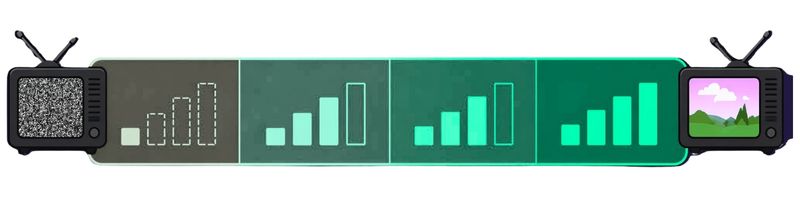
- 80–100% → strong, stable signal (best)
- 60–80% → good signal (works well)
- 40–60% → weak signal (may freeze or drop channels)
- Below 40% → very weak (channels may not appear at all)
Most TVs need at least a stable mid-range signal to display channels reliably.
If your signal falls below about 60%, reception may become unstable. A booster may help only if the signal is already clean and you are losing strength through a long cable or splitter. Before buying one, read do TV antenna boosters work.
Keep in mind that signal quality matters as much as signal strength. You can have a high signal reading but still get poor results if the signal is unstable or blocked.
If you need step-by-step help, follow these tips to strengthen your TV antenna signal.
Your antenna notes and quick fixes, all in one place.
Get the Free TV Antenna Troubleshooting Checklist
A 4-page fill-in guide to keep near your TV.
Fill it in once. Use it when a channel disappears, the picture breaks up, or you need to fix your antenna again.
- Write down your must-have channels, tower direction, and antenna setup
- Follow the quick fixes when a channel goes missing or the picture freezes
- Find and record your best antenna spot so you do not have to start over
- Know when to rescan — and when not to rescan
- Keep the questions to ask an antenna pro before paying for new parts

Hi, I’m Kathy — I’ve helped thousands of readers ditch cable and get their local channels working for good.
How to Check TV Antenna Signal Strength
You can check your TV antenna signal strength directly on your TV. Most modern TVs include a built-in signal meter that shows how strong the signal is for each channel.
Start by opening your TV’s Settings or Menu, then look for options like Channels, Broadcast, or Antenna. From there, select Signal Strength, Signal Info, or Channel Information. The exact wording varies by brand, but most TVs have a similar option.
Once you open the signal screen, you’ll see a bar or percentage showing how strong the signal is. It’s best to check this on a few different channels, since signal strength can vary from one channel to another.
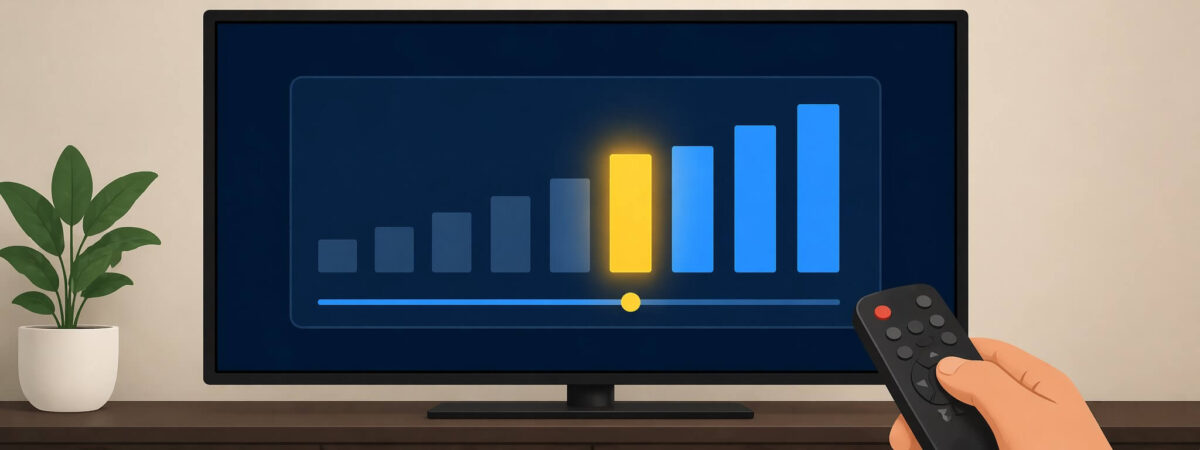
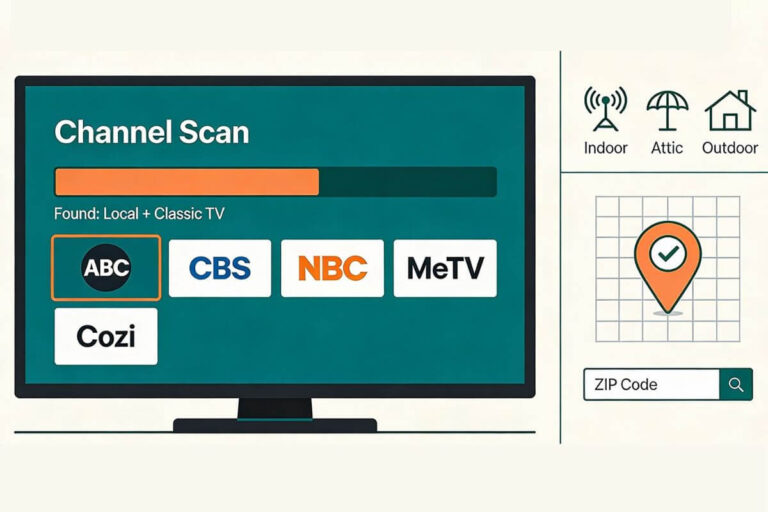
If your TV does not show signal strength or the numbers seem very low, try running a full channel scan. This can refresh the signal and help your TV detect available channels more accurately. If you need help with this step, follow this guide to rescan TV channels with an antenna.
If the antenna finds the channel but the signal is being lost through coax or splitters, see which TV antenna amplifier may help.
If you’re seeing no signal at all or the signal stays very low, it usually points to a setup or reception issue. In that case, it helps to review a full outdoor TV antenna troubleshooting guide to check placement, connections, and interference.
Remember: Signal strength alone isn’t enough—an unstable signal can still cause dropouts even at higher levels.
Why Your TV Antenna Signal Is Weak
If your TV antenna signal is weak, it usually means the signal is being blocked, reduced, or not reaching your antenna clearly. This is one of the most common reasons for missing channels, freezing, or poor picture quality.
A weak signal may still show a picture, but it can cause pixelation, freezing, and picture breakup.
One major cause is distance from broadcast towers. The farther you are, the weaker the signal becomes before it reaches your antenna. This is especially noticeable in rural or wooded areas.
If your antenna isn’t getting channels at all, this walkthrough explains why your antenna is not picking up local channels.
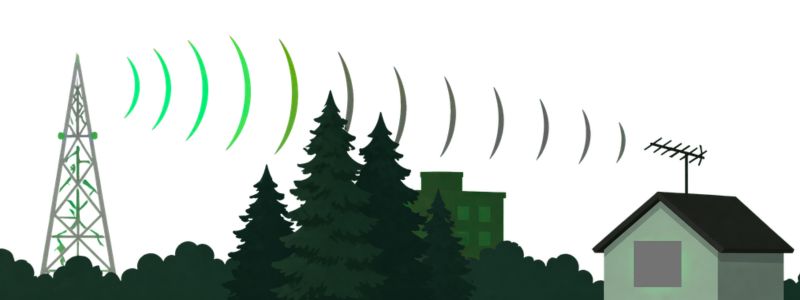
Another common issue is obstructions. Trees, buildings, hills, and even parts of your roof can block or weaken the signal. In many cases, the antenna is working, but something is interfering with the signal path.
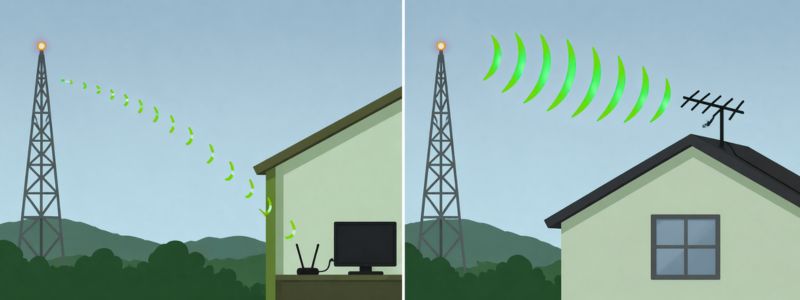
Placement and height also play a big role. Antennas placed too low or inside the home often receive weaker signals than those mounted higher or outdoors.
If you use an indoor antenna, aiming it toward the broadcast towers can sometimes improve signal strength without buying anything new. See our guide on how to aim an indoor TV antenna.
Weather and environmental conditions can also affect reception. Wind, rain, and even seasonal changes like leaves on trees can slightly reduce signal strength.
If your signal is weak, follow these step-by-step tips to strengthen your TV antenna signal.
Does Grounding Affect TV Antenna Signal Strength?
Grounding does not increase raw signal strength, but it can improve signal stability. A properly grounded antenna reduces electrical noise and interference from static or nearby storms, which can help prevent pixelation, dropouts, and sudden signal loss.
???? If your signal drops or changes unexpectedly, this guide explains why outdoor TV antennas lose signal.
If your antenna is outdoors, here’s how to ground a TV antenna safely.
Frequently Asked Questions
What signal strength do I need for clear TV channels?
Most TVs work best when signal strength is around 60% or higher. Below that, you may see freezing, pixelation, or missing channels—even if some signal is present.
Why does my signal look strong but channels still don’t work?
Signal strength and signal quality are not the same. You can have a strong signal that is unstable or interrupted, which can still cause channels to drop or picture issues.
Does weather affect TV antenna signal strength?
Yes. Rain, wind, and even leaves on trees can slightly weaken or disrupt signals. This is usually temporary, but it can cause channels to come and go.
Wrap Up
TV antenna signal strength matters, but the number alone does not tell the whole story. A strong signal can still fail if the signal quality is poor, unstable, or blocked by trees, buildings, hills, or bad placement.
If your signal is weak, start with the simple fixes first: Move the antenna higher, aim it toward the broadcast towers, check your coax connections, remove unnecessary splitters, and rescan your TV channels.
If reception is still unreliable, the next step is figuring out whether the problem is placement, height, interference, or the antenna setup itself. Fixing the real cause usually works better than guessing based on signal bars alone.