How to Strengthen TV Antenna Signal (7 Fixes That Actually Work)
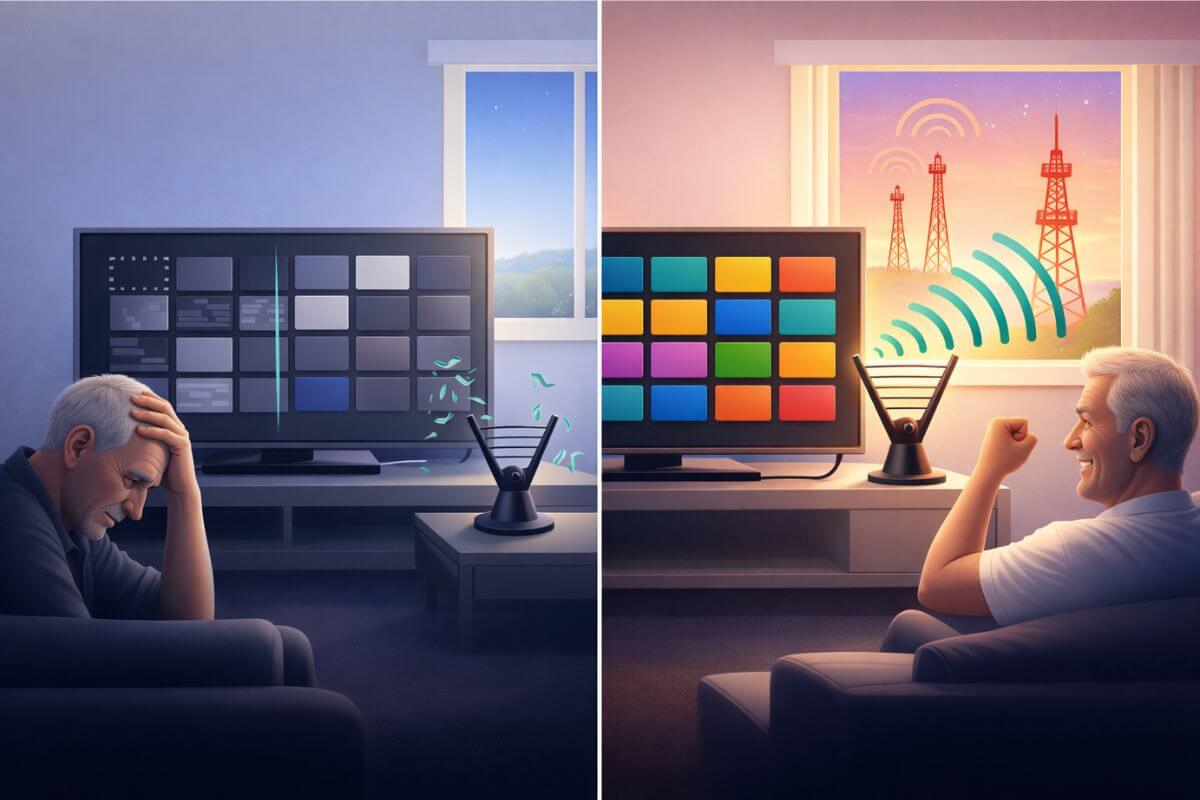
A weak TV antenna signal can often be improved by moving the antenna, aiming it toward broadcast towers, raising it higher, reducing interference, checking coax cables, and rescanning channels. In many homes, these simple fixes restore missing channels without replacing the antenna.
If your channels have suddenly vanished, start with why TV antenna channels suddenly disappear, because signal problems are often caused by reception changes.
Before replacing your antenna, try the simple fixes below.
Quick Fix: Do This First to Improve Your TV Antenna Signal Fast
If your antenna signal is weak, try these quick fixes first.
- Reposition the antenna
- Aim the antenna toward broadcast towers
- Move the antenna higher
- Reduce interference from electronics
- Replace old coax cables
- Use a signal booster if needed
- Run a channel rescan
Weak signal is usually caused by placement, interference, or distance—the fixes above address each one.
Tip: Before trying to boost your signal, make sure you’re using the right setup by understanding which TV antenna works best for your area.
Your antenna notes and quick fixes, all in one place.
Get the Free TV Antenna Troubleshooting Checklist
A 4-page fill-in guide to keep near your TV.
Fill it in once. Use it when a channel disappears, the picture breaks up, or you need to fix your antenna again.
- Write down your must-have channels, tower direction, and antenna setup
- Follow the quick fixes when a channel goes missing or the picture freezes
- Find and record your best antenna spot so you do not have to start over
- Know when to rescan — and when not to rescan
- Keep the questions to ask an antenna pro before paying for new parts

Hi, I’m Kathy — I’ve helped thousands of readers ditch cable and get their local channels working for good.
1. Reposition the Antenna
Even small changes in placement can improve antenna reception. Signals move through your home unevenly, so one spot may work much better than another.
Start by testing different locations:
• Move the antenna a few feet at a time
• Try different walls or corners of the room
• Avoid placing it behind the TV or inside cabinets
• Keep it away from large metal objects
Sometimes the difference between poor and strong reception is just a few feet.
If repositioning helps but channels are still missing, the next step is to aim the antenna more precisely toward the broadcast towers.
2. Aim the Antenna Toward Broadcast Towers
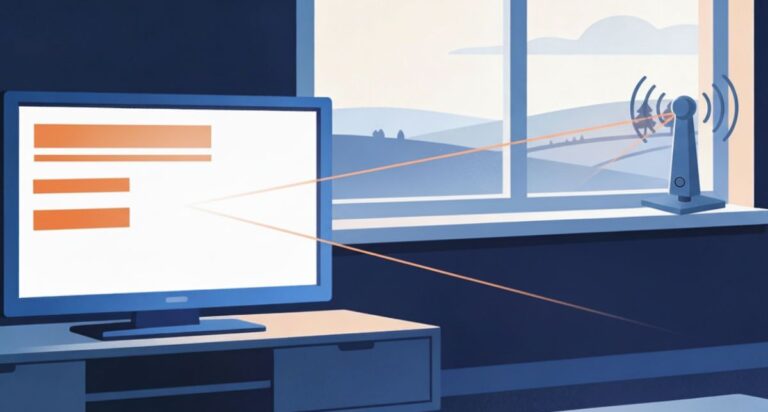
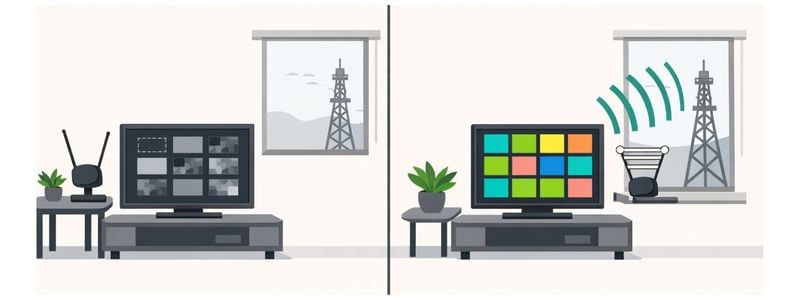
After finding a better location, direction becomes critical. TV antennas receive the strongest signal when they face the broadcast towers—and placing the antenna in a window in that direction can significantly improve reception.
Signals travel in straight lines, and walls weaken them. A window facing the towers gives the signal a clearer path into your home.
Try this:
• Place the antenna in a window facing the broadcast towers
• Rotate the antenna slowly to find the strongest signal
• Avoid windows blocked by buildings or heavy trees
• Keep the antenna out in the open, not deep inside the room
If aiming improves reception but the signal is still weak, the next step is to move the antenna higher, which often increases signal strength further.
3. Move the Antenna Higher
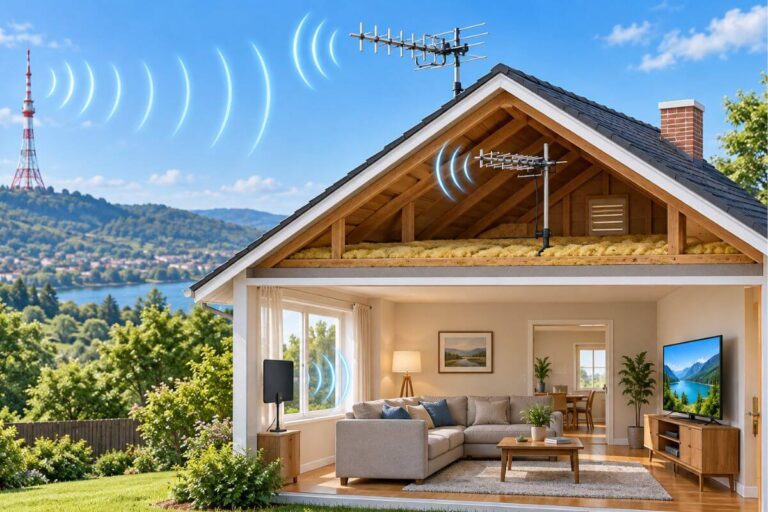
Height can make a major difference in antenna reception. The higher your antenna is placed, the fewer obstacles the signal has to pass through.
Signals travel in straight lines from broadcast towers. When an antenna is low in a room, walls, furniture, and even people can block or weaken the signal. Raising the antenna gives it a clearer path.
Try this:
• Move the antenna to a higher shelf or upper wall
• Place it above eye level rather than on a TV stand
• Mount it near the top of a window if possible
• Avoid placing it low behind furniture
For outdoor antennas, mounting on the roof or in an attic often improves reception compared to lower placements.
Even a small increase in height can improve signal strength and bring back missing channels.
If raising the antenna helps but reception is still inconsistent, the next step is to reduce interference inside your home, which can further strengthen the signal.
4. Reduce Interference From Electronics
Electronic devices inside your home can interfere with TV antenna signals and cause channels to freeze, pixelate, or disappear. This interference is often subtle, so it’s easy to overlook.
Common sources of electronic interference include:
• Wi-Fi routers
• LED and fluorescent lights
• Microwaves
• Computers and game consoles
• Streaming devices and power strips
If your antenna is placed near these devices, the signal can become unstable.
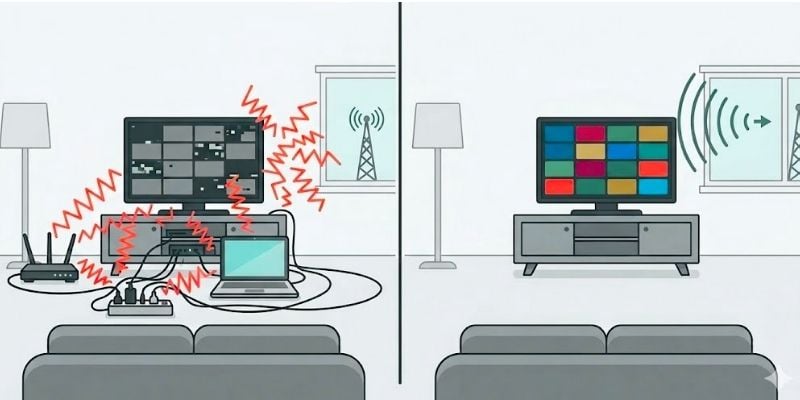
Try these steps to reduce TV antenna signal interference:
• Move the antenna at least a few feet away from electronics
• Turn off nearby devices temporarily to test signal changes
• Avoid placing the antenna behind the TV where cables are clustered
• Keep the antenna in a more open, uncluttered space
Even small changes—moving the antenna away from a router or light—can improve reception.
If interference is not the issue, the next step is to check your coax cables and connections, which can also weaken the signal.
5. Replace Old or Damaged Coax Cables
Even if your antenna is positioned correctly, a damaged or low-quality coax cable can weaken the signal before it reaches your TV.
The coax cable carries the signal from the antenna to the TV. If the cable is worn, bent, or poorly connected, signal strength can drop significantly.
Common issues include:
• Loose or poorly fitted connectors
• Cracked or frayed cable insulation
• Old or low-quality cables
• Splitters that weaken the signal
Try these steps to fix a weak TV antenna signal:
• Check that all cable connections are tight and secure
• Inspect the cable for visible damage or wear
• Replace old cables with a newer, well-shielded coax cable
• Remove unnecessary splitters or connectors
Even a small issue—like a loose connection—can cause channels to disappear or become unstable.
If your cables are in good condition and your signal is still weak, you may need a signal boost. This guide explains do TV antenna boosters work and when you actually need one.
6. Use a TV Antenna Signal Booster if Needed
If your antenna is properly placed and aimed but the signal is still weak, a TV antenna signal booster may help improve reception.
Boosters increase the strength of weak signals so your TV can receive them more clearly. They are most useful if you live far from broadcast towers or have a long cable run. If signal loss from a long cable or splitter is the problem, see my picks for TV antenna amplifiers for weak rural signals.
However, boosters are not always the solution. If your signal is already strong or affected by interference, a booster can sometimes make reception worse.
Before using one, make sure you have already:
• Positioned the antenna correctly
• Aimed it toward the broadcast towers
• Moved it higher
• Reduced interference
• Checked your coax cables
If your signal is still weak after these steps, a booster may help improve channel stability.
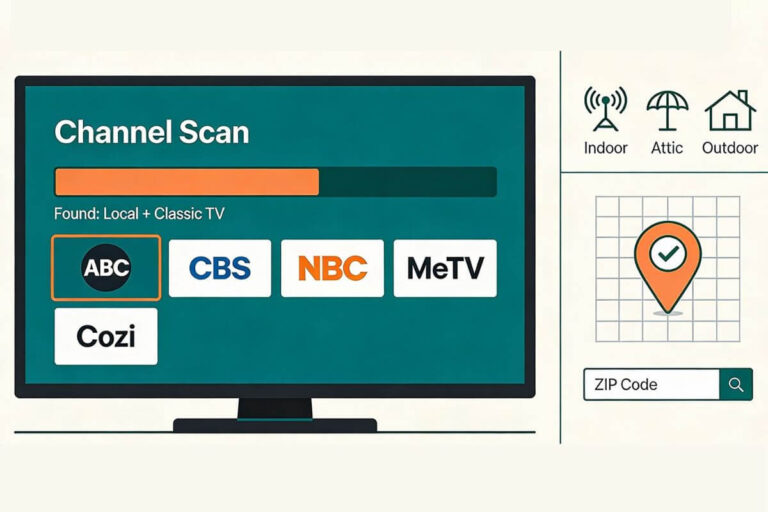
7. Rescan Your TV Channels
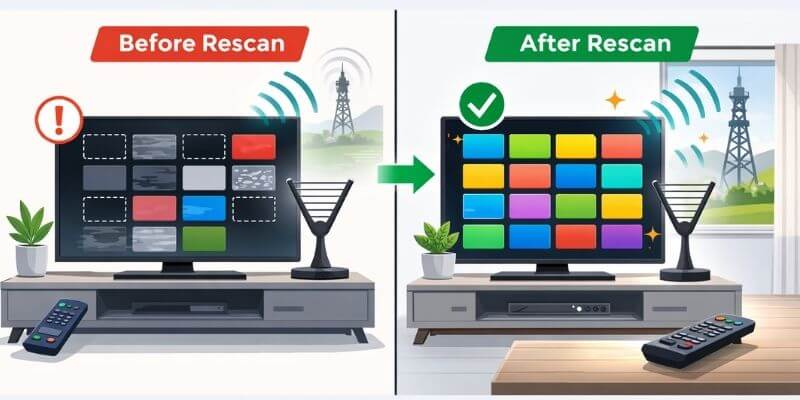
Even with a strong signal, your TV will not show channels unless it has scanned and saved them.
A channel scan (sometimes called “auto program” or “auto tune”) tells your TV which channels are available in your area. If new channels become available—or your signal improves—the TV will not pick them up automatically.
This is one of the most overlooked steps, and it often fixes missing channels immediately.
Try this to restore missing TV channels:
• Go to your TV settings menu
• Find “Channel Scan,” “Auto Program,” or “Antenna Setup”
• Select “Antenna” or “Air” (not Cable)
• Run a full channel scan
After the scan finishes, your TV will update the channel list based on the current signal.
If you recently moved your antenna, improved placement, or strengthened the signal, rescanning is essential to see the results.
For a step-by-step walkthrough on different TVs, see how to rescan TV channels with an antenna.
Quick Tips
Many people recover lost and pixelated channels after a quick antenna channel rescan or a small change in antenna placement.
If your signal seems to improve after dark, here’s why your TV antenna works better at night and what it means for your setup.
Why TV Antenna Signals Become Weak
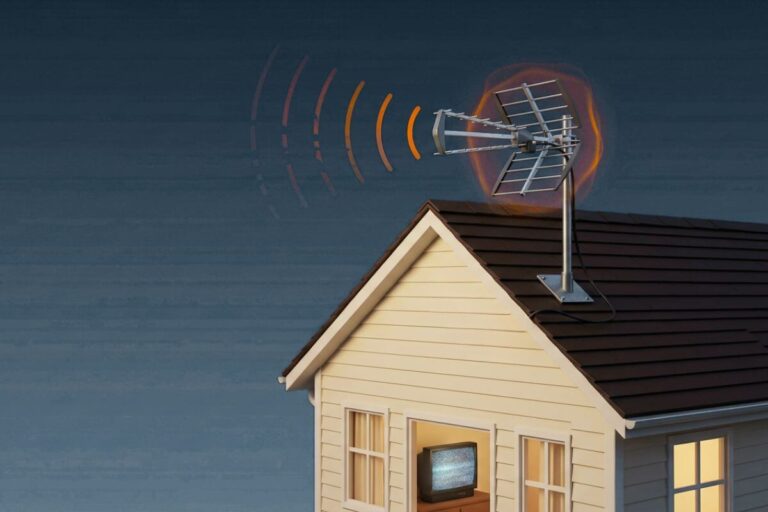
TV antenna signals can weaken due to distance, obstacles, or interference. When the signal reaching your antenna is too weak or unstable, channels may freeze, drop out, or disappear.
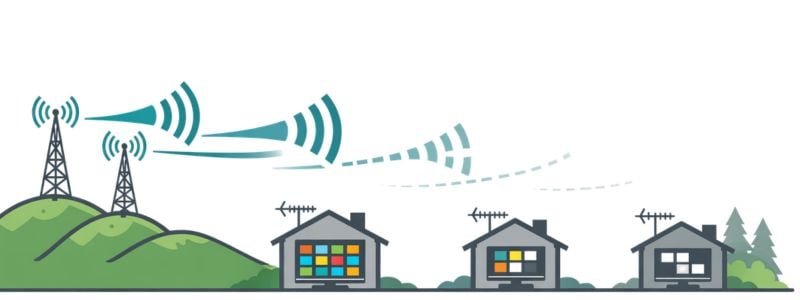
Common causes include:
- Distance from broadcast towers
- Walls, roofs, or building materials
- Interference from electronics
- Trees, terrain, or weather
- Damaged coax cables or loose connections
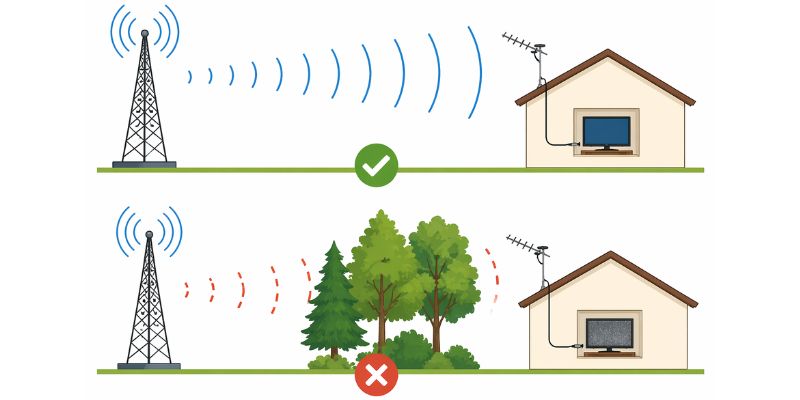
If your signal is weak, follow the steps above to improve your reception. If your signal comes and goes, these fixes can also help when your TV picture keeps pixelating or breaking up.
When You May Need a Different Antenna
Sometimes signal problems are not caused by placement or interference. The antenna itself may not be strong enough for your location.
You may need a different antenna if:
• You live far from broadcast towers
• You are surrounded by hills, trees, or tall buildings
• You still lose channels after repositioning, aiming, and rescanning
• Your signal is inconsistent throughout the day
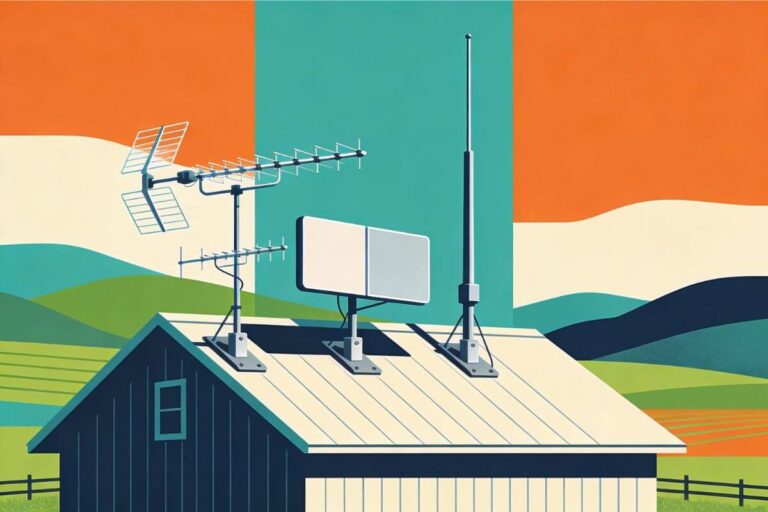
Indoor antennas work best in strong signal areas. If you are farther from towers or dealing with obstacles, an outdoor antenna usually performs better.
If your current setup is not working, compare options in best indoor TV antennas for rural areas or see stronger options in best outdoor TV antennas that actually work.
Frequently Asked Questions
Why is my TV antenna signal weak all of a sudden?
Signal changes are often caused by weather, interference from electronic items placed in the area or small shifts in antenna position.
Will a signal booster fix poor reception?
Only sometimes. Boosters help weak signals but do not fix interference or poor placement.
How can I improve my antenna signal quickly?
Move the antenna near a window, aim it toward broadcast towers, and run a channel rescan.
Do I need an outdoor antenna?
If you are far from towers or indoor fixes are not working, an outdoor antenna usually provides stronger reception.
How do I get better antenna reception indoors?
Direct answer: move it to a higher window facing broadcast towers, away from electronics, then rescan.
Wrap Up
Most antenna problems are fixable with simple adjustments. Start with placement and direction, then work through height, interference, and cables.
Once your signal improves and your channels are back, you’re ready to enjoy free over-the-air TV again. For ideas on what to watch next, see watch classic TV free without cable, where you can find channels and apps streaming classic shows.