How to Set Up an Indoor TV Antenna: 5 Easy Steps | 2026
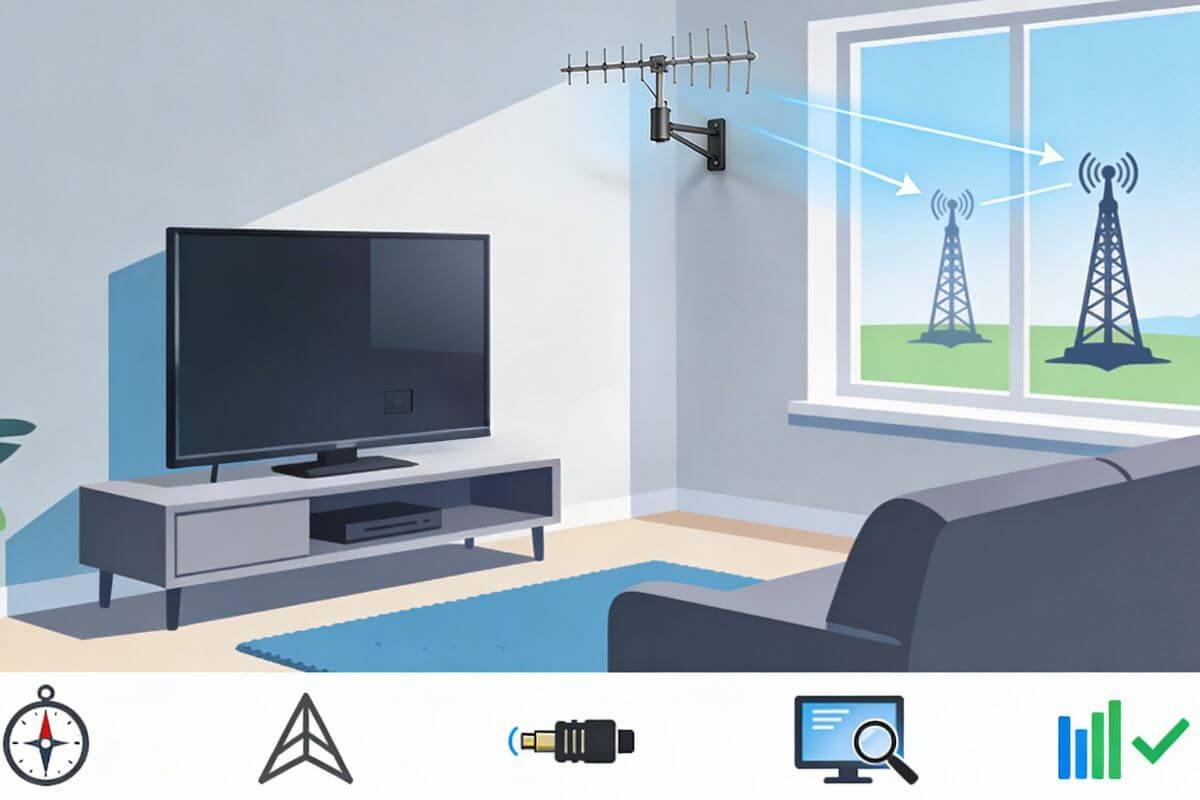
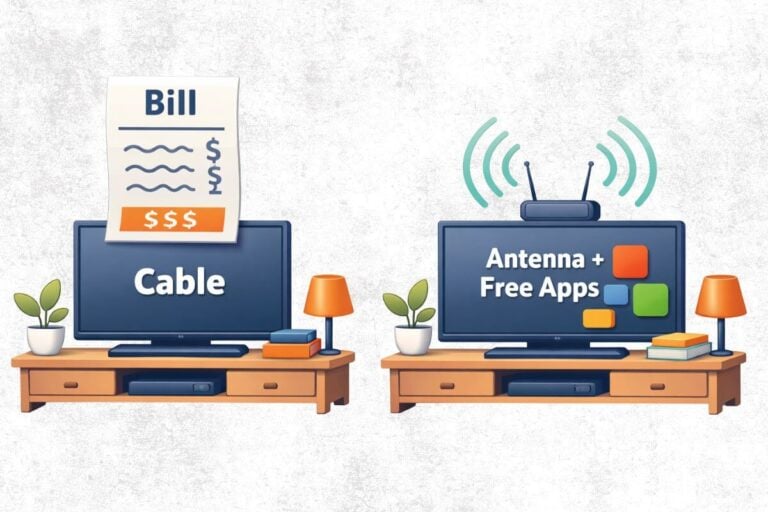
Many people think setting up an indoor TV antenna is difficult, but in most homes it takes less than 30 minutes. With the right placement and a quick channel scan, an indoor antenna can unlock free local channels with no monthly bills or extra equipment.
If your goal is to replace cable entirely, our step-by-step guide on how to cut TV cable shows how this antenna setup becomes the foundation of a simple, free TV system.
This guide shows how to set up an indoor TV antenna step by step, using simple instructions that work for beginners and older TVs. You’ll learn where to place the antenna, how to connect it, and what to do if some channels don’t come in clearly at first.
Before setting up your antenna, it helps to understand what TV antenna you actually need for your location so you start with the right setup.
Tip: Once your antenna is receiving channels, if voices sound quiet or unclear, these free TV audio settings usually make dialogue much easier to hear.
What Comes in the Box (Unboxing and Parts Identification)
Before setup, take a moment to see what came with your indoor TV antenna.
Most boxes include:
- The antenna (flat, rabbit ears, or loop style)
- A coaxial cable
- Adhesive strips or a stand
- Setup instructions

Some models also include:
- A built-in indoor TV antenna amplifier
- A USB power cable for the amplifier
Step 1 – Find Your Local Broadcast Towers Before Setup
Before setting up any indoor TV antenna, it’s important to know where TV signals come from in your area. All local channels are sent from broadcast towers; in some locations they are grouped in one main direction while in others, like mine in Florida, they are scattered.
Even the best indoor TV antenna can struggle if it’s pointed the wrong way and when they’re not all grouped together, what tower or towers to point your antenna to?
First Use AntennaWeb.org to Check Tower Locations
You don’t need special tools to find towers.
- Go to AntennaWeb.org
- Enter your ZIP code
- Look for the main compass direction shown
This tells you:
- Which direction your indoor TV antenna should face
- How far away the towers are
- Whether indoor reception is realistic in your area
You don’t need to understand every color or symbol. Just note the general direction or directions.
What to Do When Towers Look Spread Out and are Different Colors
Let’s look at a real example:
- Enter ZIP code 33418 into the Antenna Web site.
- Towers are spread out (not in one direction only)
- Towers are red and blue
🔵 Blue Towers = Stronger Signals
- Closer to your home
- Easier for an indoor TV antenna to receive
- More likely to come in clearly
🔴 Red Towers = Weaker Signals
- Farther away
- More affected by walls, trees, and buildings
- Harder for indoor antennas to receive reliably
Red does not mean “bad.” It means the signal is weaker and needs better focus. When signals are weak, AntennaWeb.org recommends directional antennas. This is true even if towers appear spread out on the map.

Where Do You Point the Antenna When You See Blue and Red Towers Together (It’s Trial and Error)
- Aim the antenna toward the middle of the biggest and closest tower cluster
- Red towers may come in if conditions are good
- But there’s a chance you’ll get better reception if you point your antenna more southwest toward the red and blue towers. In fact the FCC map (enter your zip code and then click on each station that is strong on left to get the towers to pop up) directs you more toward the southwest. See image below.
- Run a channel scan and make small adjustments if needed

How Tower Distance Affects Reception
Distance affects every indoor antenna. Homes closer to towers usually receive more channels. Indoor antennas usually work best within about 30–40 miles, depending on terrain and obstructions. Beyond that, even an indoor TV antenna with an amplifier may struggle.
How Do I Know How Far the Towers Are From My Home?
AntennaWeb.org displays the tower distance directly on the results page.
Here’s how to find it:
- Enter your ZIP code at AntennaWeb.org.
- Scroll down; the station list is listed ABOVE the map
- Look at the channel list and click on any channel to find out the shows you can get
- You’ll see distances listed in miles next to each station
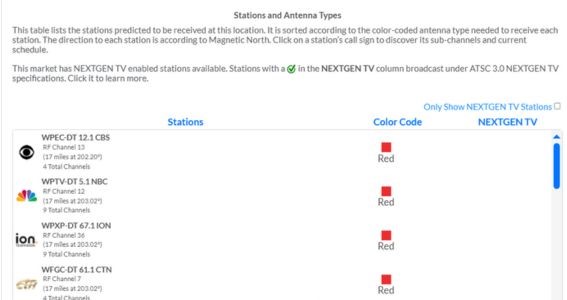
Alternatively, you can visit the FCC site, click on the call letters for the station, and view the distance of the tower.
How far is too far for an indoor antenna?
- Under 30 miles: Indoor antennas usually work well
- 30–40 miles: Results vary by home (see the next section)
- Over 40 miles: Indoor antennas can struggle
- 55 miles plus: Use an outdoor antenna
Be sure to check out our guide to what local channels and subchannels indoor antennas usually receive—(lots of classic channels!) and why results vary by location.
Why Some Homes Receive Fewer Channels Than Others
Your home and the house next door can get different results. Common reasons include:
- Thick walls or metal siding
- Low antenna placement
- Trees, hills, or buildings blocking signals
- Using a short or damaged indoor TV antenna extension cable
Step 2 – Place and Point the Indoor TV Antenna
Once you know where the towers are, placement and direction matter.
- Place the antenna near a window facing the direction of the largest and closest tower cluster
- Place it as high as possible and away from large metal objects, thick brick, or Wi-Fi routers
How to point common antenna types:
- Indoor TV antenna rabbit ears: Pull the arms out into a wide “V” and aim toward the tower direction
- Flat or indoor TV antenna 4K pads: Mount flat against a wall or window, logo side facing the towers
If the cable is too short, use a quality indoor TV antenna extension cable to reach a better spot instead of hiding the antenna behind the TV.
Step 3 – Connect the Antenna to Your TV (Including Old TVs)
Most TVs, even older ones, can use an indoor TV antenna. The key is finding the correct connection on the back of the TV.
First: Look at the Back of Your TV
Turn the TV around and look for a round metal connector. It may be labeled:
- ANT IN
- RF IN
- Or located near an old TV antenna wall outlet
If you see this round metal jack, your TV is ready to use an antenna.
This applies to modern TVs, older flat-screen TVs, and many antenna for old TV setups.
You do not need internet for this.
TVs With a Round Antenna Jack (Use Coax Cable)
This applies to most TVs — both older TVs and many newer flat-screen TVs.
- Take the coax cable attached to the antenna
- Screw it onto the round metal jack on the TV
- Tighten it gently by hand (do not use tools)
That’s it. The antenna is now physically connected.
If Your TV Only Has HDMI Ports
Some newer TVs do not have an antenna jack.
Some antenna packages sold in stores or online are labeled “HDMI antenna.” This does not mean the antenna itself plugs into HDMI.
So the real setup is: Antenna → Converter Box → TV (HDMI)
When you buy something labeled “HDMI antenna,” the package usually contains:
- An antenna (with a round coax cable)
- A digital converter box
- An HDMI cable
You should not need to buy anything extra. If the package says “HDMI antenna,” the converter box is almost always included.
If You Have a Very Old TV
Very old TVs can still work with an indoor TV antenna.
What matters is how the TV connects, not how old it is.
Before connecting anything, look for a round metal antenna plug. You may find it in one of two places, but it is the same connection either way. It can be:
- On the back of the TV, labeled ANT IN or RF IN
- Or on the wall behind the TV, where a short cable already runs from the wall to the TV
The wall outlet is not a different setup.
It is simply a cable inside the wall that leads to the TV’s antenna plug.
How to Connect the Antenna
Once the coax is hand-tightened, the antenna is connected. Leave it in place and move on to scanning.
When an Adapter Might Be Needed
In rare cases, an older TV may:
- Have a different style antenna plug
- Use older screw terminals instead of a round jack
If that happens:
- A small adapter may be needed
- The antenna setup itself does not change
👉 This is uncommon, and most people do not need an adapter.
Important Tips
- Hand-tighten cables only
- Do not force connectors
- If the cable spins freely, stop and realign it
Once connected, leave the antenna in place and move on to the next step.
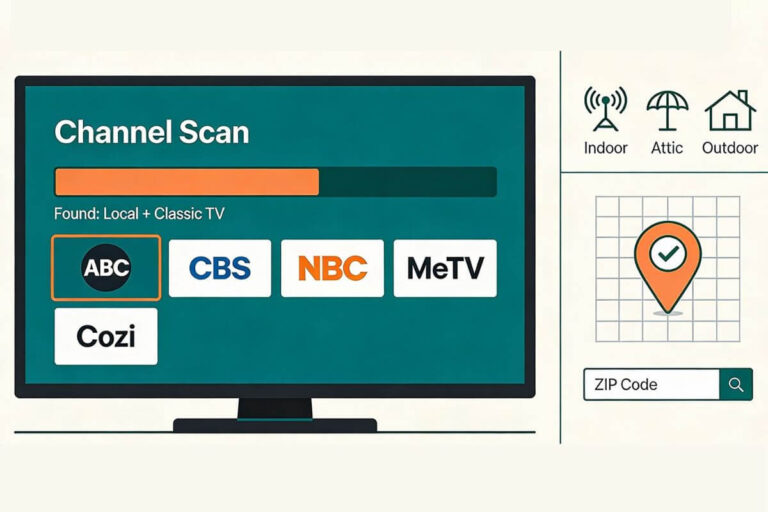
Step 4 – Scan for Channels the Right Way
After everything is connected, you must scan for channels.
How to scan:
- Turn on the TV
- Open Menu → Channels
- Select Antenna / Air (not Cable)
- Choose Auto Scan or Scan for channel
The scan takes a few minutes.
You must rescan any time you:
- Move the antenna
- Change cables
- Add or remove an amplifier
If you’re unsure which local stations usually come in with a digital TV antenna for local channels, this guide explains what to expect.
Step 5 – Test, Adjust, and Improve Signal
After scanning, flip through the channels.
If some channels are missing or pixelated:
- Move the antenna higher or closer to a window
- Turn it slightly toward the tower cluster
- Run another scan
If you want to know how to improve indoor TV antenna signal or how to boost indoor TV antenna signal, follow this order:
- Better placement
- Fewer splitters
- A clean cable
- Then an indoor TV antenna amplifier
An amplifier can help weak signals, but too much boost can hurt strong nearby channels. Test reception with it on and off.
🎯 If you’ve tried good placement and rescanning and channels still won’t hold, this outdoor antenna guide explains the next upgrade that actually works.
Indoor antennas are easy and affordable, but they have limits.
- Suburban homes: The best indoor TV antenna is often enough
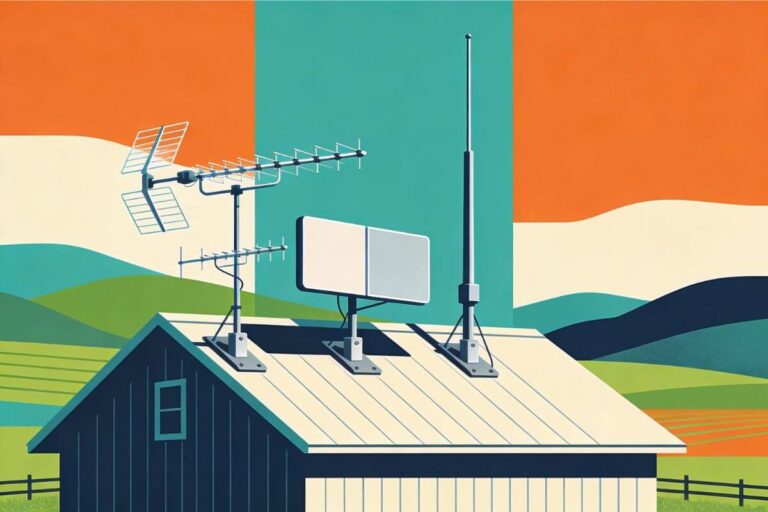
- Rural homes or farms: Outdoor antennas usually win
If towers are far away and results stay poor, indoor antennas may simply be the wrong tool. At that point, our breakdown of the best outdoor antennas for rural areas can help you get the reception you want plus save time and money.
Tip: Some older TVs cannot read modern broadcast signals directly. This quick guide explains when you need a converter box for an old TV antenna setup.
Frequently Asked Questions
Do I need internet for an indoor TV antenna to work?
No. An indoor TV antenna works without internet. It pulls free local channels directly from broadcast towers. Internet is only needed if you use streaming apps.
How many channels can I expect to get with an indoor antenna?
That depends on:
How close you are to broadcast towers
How high and well-placed the antenna is
Whether channels in your area use UHF or VHF
Some homes get 10–20 channels, others get 40 or more. Results vary even between nearby homes.
Do indoor TV antenna amplifiers really help?
Sometimes — but only in the right situation.
An indoor TV antenna amplifier can help when:
Signals are weak
You use a long cable
You split the signal to more than one TV
Amplifiers do not help if the antenna is placed poorly. Always fix placement first.
Why do people say “100-mile range” indoor antennas?
That number is marketing, not reality.
Indoor antennas usually work best within about 30–40 miles, depending on terrain and obstructions. Claims like “100-mile range” should not be taken literally.
Placement matters more than the number on the box.
Can I use an indoor antenna with an old TV?
Yes. As long as your TV has a round antenna plug, an indoor antenna can work — even on very old TVs.
If your TV only has HDMI ports, you’ll need a converter box, which is often included in packages labeled “HDMI antenna.”
What if my indoor antenna doesn’t work well?
If you’ve:
Checked tower direction
Placed the antenna high and near a window
Run multiple channel scans
…and reception is still poor, you may simply be too far from broadcast towers. In that case, an outdoor antenna is often the better solution.
Can I watch more channels without changing my antenna?
Yes. Many people combine an antenna with free streaming apps.
Once your antenna is set up, you can add free services like Pluto TV to expand your channel options.
Wrap-Up: Indoor TV Antenna Setup Made Simple
Setting up an indoor TV antenna doesn’t require technical skills, special tools, or expensive equipment. In most homes, it takes less than 30 minutes.
The key steps are simple:
- Know where your broadcast towers are
- Place the antenna high and near a window
- Connect it correctly
- Run a proper channel scan
- Make small adjustments if needed
If you’re close enough to broadcast towers, an indoor antenna can unlock free local TV with no monthly bills. Check out our guide to top indoor antenna picks.
If you’re farther out or live in a rural area, indoor antennas have limits — and that’s okay. Knowing when to switch to an outdoor antenna saves time, frustration, and money. Check out our free guide to the best outdoor antennas.
Once setup is done, this guide to the best indoor antenna picks helps you choose the strongest option for your distance and terrain.