What Channels Can I Get With an Antenna? (Free Local + Classic TV)
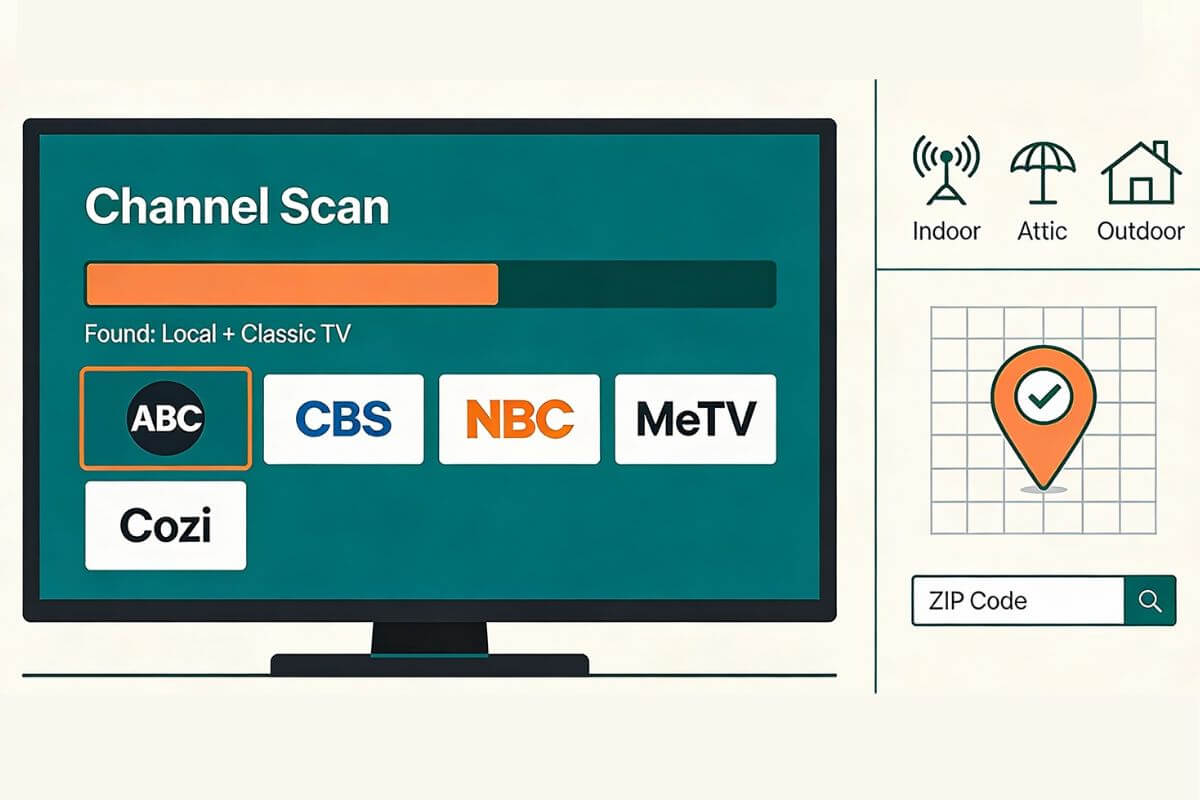
If you’re wondering what channels you can get with an antenna, you may receive local ABC, CBS, NBC, FOX, PBS and The CW stations, plus free subchannels such as MeTV, Antenna TV, Cozi TV, Grit and BUZZR. Your exact channels depend on where you live and which stations broadcast near you.
Like classic TV? You may also receive Great Entertainment Television, formerly getTV. Check whether it is available in your area.
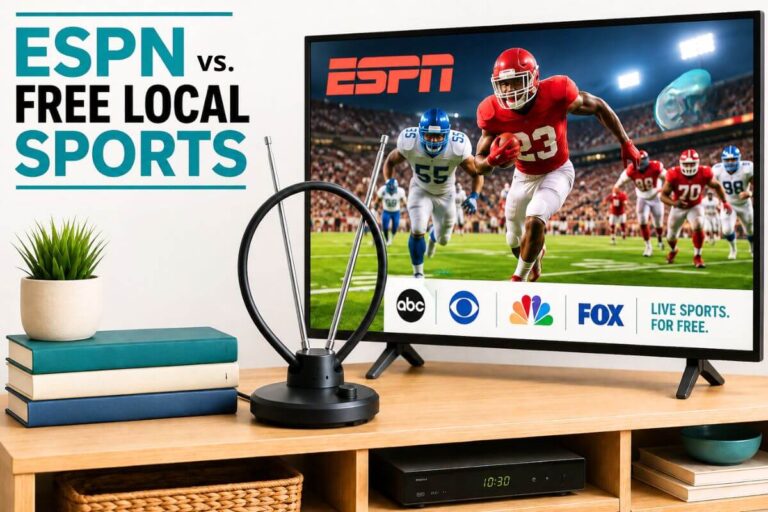
An antenna receives free over-the-air broadcasts. It does not receive cable-only channels such as ESPN, CNN or TNT. To find the stations available at your home, check your address with a reception map and then run a channel scan on your television.
| Channel | Can You Get It With an Antenna? |
|---|---|
| ABC | Usually |
| CBS | Usually |
| NBC | Usually |
| FOX | Usually |
| PBS | Usually |
| The CW | Often |
| MeTV | Depends on your area |
| Antenna TV | Depends on your area |
| ESPN | No |
| CNN | No |
| TNT | No |
Check What Antenna Channels Are Available at Your Address
A reception map can estimate which stations broadcast to your location, how far away their towers are and which direction their signals come from. Use your exact address or map location when possible. Results based only on a ZIP code may be less precise because reception can vary within the same ZIP code.
Use a Free Antenna Reception Map
These tools can help you estimate your available stations:
- AntennaWeb provides a beginner-friendly search using an address or ZIP code.
- FCC DTV Reception Maps provide official information about nearby full-power and Class A television stations.
- RabbitEars Signal Search Map provides more detailed information about station signals, tower direction, distance and broadcast channels.
AntennaWeb is a straightforward place to start. RabbitEars provides more technical detail when you need to investigate a difficult station or compare several tower directions.
These tools provide estimates, not guarantees. Building materials, hills, trees, antenna height, indoor interference and other local conditions can affect what your television actually receives.
Understand the Results
Look for these details in your report:
- Network or station: The local ABC, CBS, NBC, Fox, PBS or independent station.
- Virtual channel: The familiar channel number displayed on your television, such as 4.1 or 7.1.
- Subchannels: Additional channels displayed as 4.2, 4.3 or similar numbers.
- Signal estimate: An indication that reception may be strong, moderate, weak or difficult.
- Distance: The approximate distance between your home and the broadcast tower.
- Direction: The direction your antenna may need to face.
Do not choose an antenna using distance alone. A nearby station can still be difficult to receive when terrain, buildings, trees or roofing materials block its signal. A more distant station may be easier when the path to its tower is relatively clear.
Also check whether your towers are clustered in one direction or spread across several directions. This can affect antenna placement and whether a directional antenna is practical.
Run a Channel Scan on Your Television
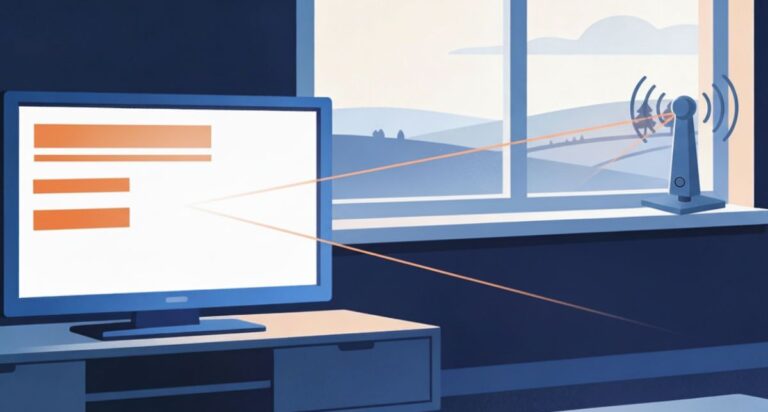
A reception map predicts which stations may be available, but a channel scan shows what your television can actually receive with its current antenna and placement.
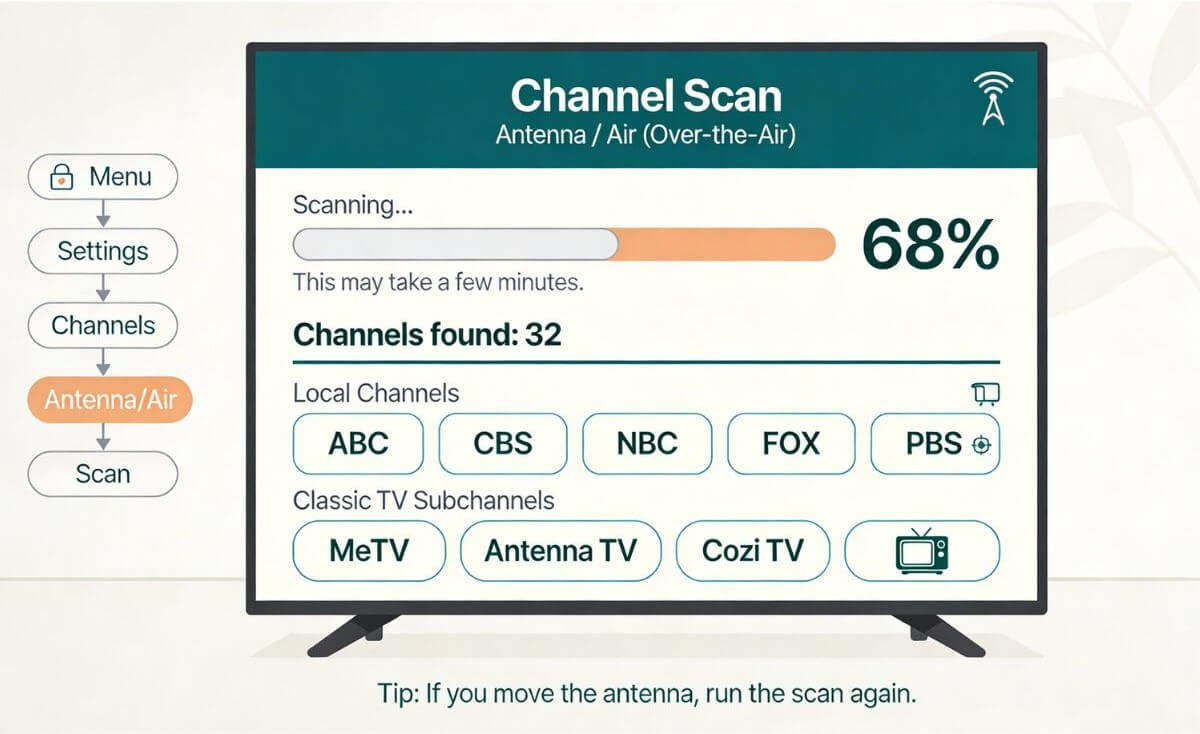
The menu names vary by television brand, but the basic steps are:
- Open the television’s Settings or Menu.
- Find Channels, Broadcasting, Tuner, or Live TV.
- Select Antenna, Air, or Over-the-Air—not Cable.
- Choose Channel Scan, Auto Scan, or Auto Program.
- Allow the scan to finish.
After the scan, compare the channels your television found with the stations predicted by the reception map.
Using an older television? A television without a digital tuner may require a digital converter box between the antenna and the TV. See how to connect an antenna to an older television.
If a Channel Listed for Your Area Is Missing
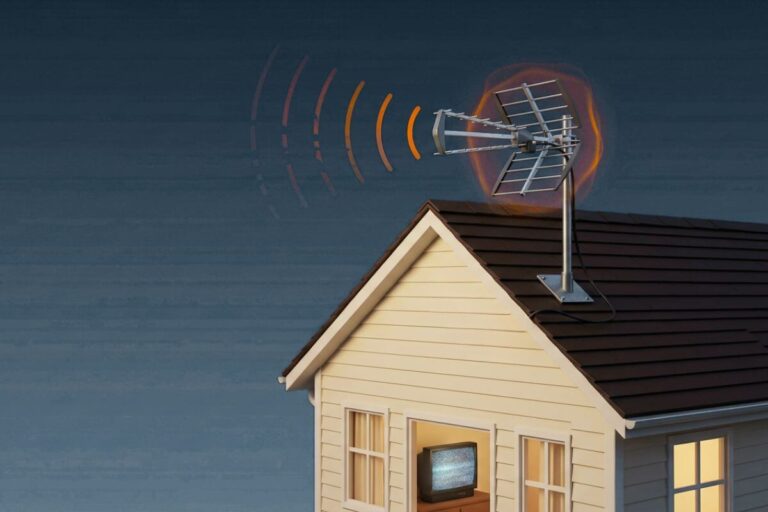
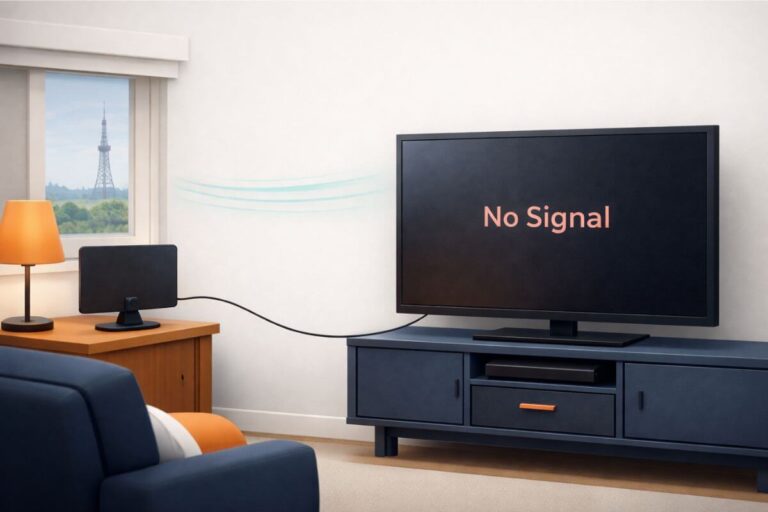
If a reception map predicts a station but your television does not find it, the cause may be antenna placement, building materials, terrain, tower direction, the coax connection, or the television’s tuner settings.
For a complete step-by-step diagnosis, see what to do when an antenna is not picking up local channels.
Your antenna notes and quick fixes, all in one place.
Get the Free TV Antenna Troubleshooting Checklist
A 4-page fill-in guide to keep near your TV.
Fill it in once. Use it when a channel disappears, the picture breaks up, or you need to fix your antenna again.
- Write down your must-have channels, tower direction, and antenna setup
- Follow the quick fixes when a channel goes missing or the picture freezes
- Find and record your best antenna spot so you do not have to start over
- Know when to rescan — and when not to rescan
- Keep the questions to ask an antenna pro before paying for new parts

Hi, I’m Kathy — I’ve helped thousands of readers ditch cable and get their local channels working for good.
Local Networks You May Receive With an Antenna
A TV antenna receives local broadcast stations, not a single nationwide channel lineup. The stations available at your home depend on which broadcasters operate in your area and whether their signals reach your antenna.
Major Broadcast Networks
Depending on your location, your channel scan may find local stations affiliated with:
- ABC
- CBS
- NBC
- Fox
- PBS
- The CW
Some areas may not have a local affiliate for every network. A station can also carry one network on its main channel and additional networks on its subchannels.
The channel numbers vary by city. For example, an ABC station might appear as channel 7.1 in one area and 13.1 in another. Use the network name and station call sign—not only the channel number—when comparing your television’s results with a reception map.
Spanish-Language and Independent Stations
Depending on your market, you may also receive Spanish-language networks such as:
- Univision
- Telemundo
- UniMás
- Estrella TV
Some cities have independent stations that are not affiliated with a major national network. These stations may carry local news, sports, movies, religious programming, shopping, older television shows, or programs produced for a particular community.
What You May Find on a Local Station
A local broadcast station may carry:
- Local news and weather
- Network entertainment programs
- Sports available through that station
- Public television and educational programs
- Children’s programming
- Movies and syndicated shows
- Emergency information
- Additional free subchannels
Receiving the main station does not guarantee that you will receive every program associated with its network. Schedules, sports rights and local programming vary by station and market.
Classic TV and Other Antenna Subchannels
Many local stations broadcast more than one channel. The main station may appear as 4.1 or 7.1, while its additional channels appear as 4.2, 4.3, 7.2 or similar numbers. These additional broadcasts are called subchannels.
Subchannels may carry:
- Classic sitcoms and dramas
- Westerns
- Detective and courtroom shows
- Game shows
- Movies
- Children’s programs
- News and weather
- Religious or shopping programs
- Programming for particular languages or communities
The number before the decimal usually identifies the main local station. The number after the decimal identifies one of that station’s additional program streams.
Classic TV Networks You May Receive
Depending on your area, an antenna channel scan may find networks such as:

- MeTV
- Antenna TV
- Cozi TV
- Heroes & Icons (H&I)
- Catchy Comedy
- Rewind TV
- BUZZR
- Movies!
- Grit
- GetTV (now known as Great Entertainment channel)
- Laff
Not every network broadcasts in every market. You may receive several of these channels, only one or two, or none of them.
How to Find a Classic TV Subchannel in Your Area
First, run a complete antenna channel scan and look through the results for the network names above. A classic network may appear on a channel such as 4.2 or 11.3 rather than on a whole-numbered channel.
If you do not find the network, return to the reception map you used earlier and check the subchannels listed for your local stations. Some network websites also provide a station finder that lets you search by ZIP code.
If a classic network is not listed for any station in your market, your antenna is probably not the problem. That network may simply not broadcast in your area.
If the network is listed locally but your television does not receive it, see what to do when an antenna is not picking up local channels.
If the network does not broadcast locally, you can still watch many old TV shows through free streaming services.
Channels You Can’t Get With an Antenna
A TV antenna receives free local over-the-air broadcasts. It does not receive cable-only channels simply because they appear in a television channel guide.
Channels you generally cannot receive with an antenna include:
- ESPN*
- CNN
- TNT
- TBS
- HGTV
- Fox News**
- MSNBC
- USA Network
- History
- Discovery
- Cable-only regional sports networks
*If ESPN is one of the channels you still want, see whether you can get ESPN with an antenna and the easiest ways to watch it without cable
**Do not confuse a local Fox broadcast station with Fox News. A local Fox affiliate may be available through an antenna, while Fox News is a cable channel.
To watch a cable-only channel, you generally need a cable or satellite package or a streaming service that carries that channel. An antenna can still provide local news, some sports, network programs, PBS and other free broadcasts without a monthly television subscription.
Why Antenna Channels Vary by Location
Two homes in the same neighborhood can receive different antenna channels. One home might find dozens of stations while another receives far fewer.
Reception can change because of:
- Distance from broadcast towers
- Hills, mountains and uneven terrain
- Tall buildings
- Dense trees
- The side of the building where the antenna is placed
- Antenna height and direction
- Brick, concrete, metal siding or foil-backed insulation
- A metal roof
- Indoor electronics and electrical interference
- Splitters, long coaxial cable runs or damaged cable
- Whether the antenna supports the frequencies used by the local stations
Small differences in elevation, placement and building materials can produce different results—even for neighboring homes.
Be Careful With Antenna Mileage Claims
Mileage claims printed on antenna packaging are estimates, not guarantees. A claim such as “100-mile range” does not mean the antenna will receive every station within 100 miles.
Distance is only one part of reception. An antenna cannot automatically overcome hills, buildings, trees, the curvature of the Earth or an obstructed signal path.
Use a reception map to evaluate the stations at your address, then test the antenna in the location where you plan to use it. The scan results on your television are more meaningful than the mileage number printed on the box.
Does Antenna Type Affect the Number of Channels?
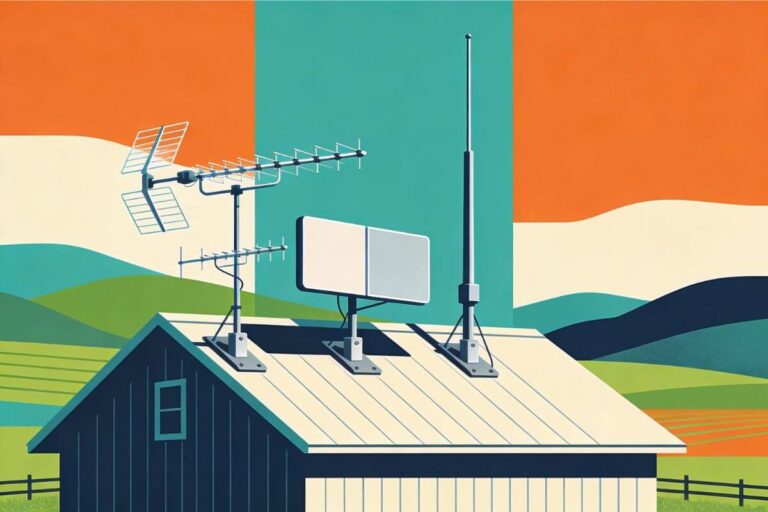
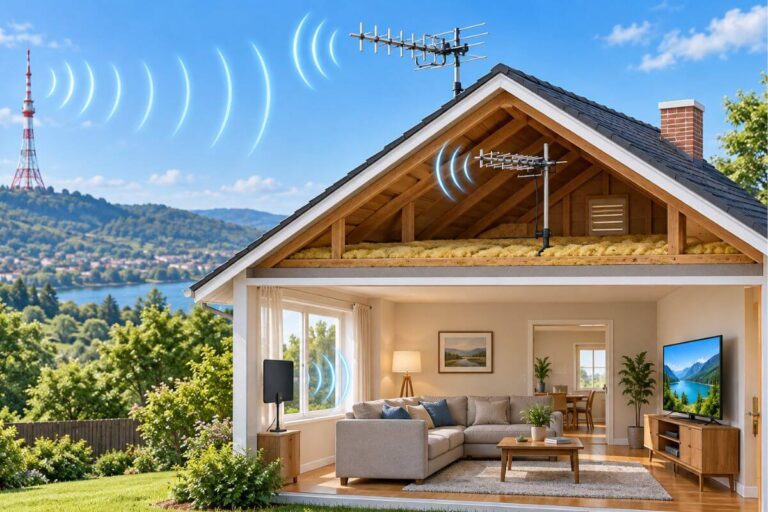
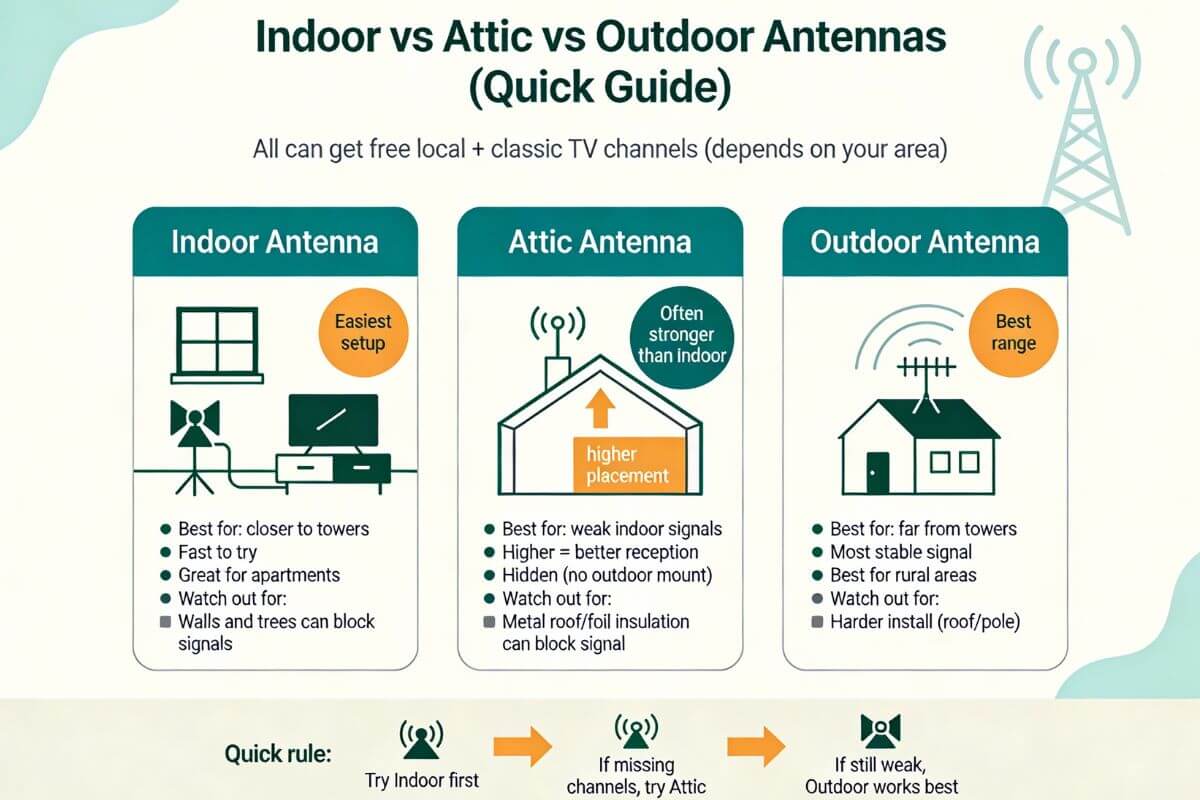
Indoor, attic and outdoor antennas receive the same kind of free over-the-air broadcasts. However, their location, height and exposure to obstructions can affect how many stations your television receives reliably.
A larger or more expensive antenna does not create channels that do not broadcast in your area. It may help your television receive weaker stations that a poorly placed indoor antenna cannot capture.
Indoor Antennas
An indoor antenna is usually the easiest option to install and test. It may work well when local signals are strong and the antenna can be placed near a window, on an exterior wall or in another relatively unobstructed location.
Indoor reception may be reduced by:
- Brick, concrete or metal walls
- Foil-backed insulation
- Low placement
- Nearby electronics
- Large appliances
- Trees, buildings or terrain outside the home
Attic Antennas
An attic antenna is often higher than an indoor antenna and may have fewer interior walls blocking the signal. It can also be aimed more easily toward local broadcast towers.
An attic does not always improve reception. Performance may be reduced by:
- A metal roof
- Radiant-barrier foil
- Metal ductwork
- HVAC equipment
- Solar panels
- Thick roofing materials
If the attic contains a significant amount of metal, an outdoor location may provide a clearer signal path.
Outdoor Antennas
An outdoor antenna can often be installed higher and with fewer building materials between it and the broadcast towers. This may improve reception of weak or obstructed stations.
Outdoor installation also involves additional considerations:
- Safe mounting
- Weather exposure
- Grounding
- Wind load
- Coaxial cable length
- Tower direction
- Access for future maintenance
A roof installation is not automatically necessary. The best location is the safest practical position that provides reliable reception of the stations you want.
Choose Based on Your Reception Report
Do not select an antenna using distance alone. Check:
- Whether stations are strong, moderate or weak
- Whether the towers are clustered or spread in several directions
- Whether important stations use VHF or UHF frequencies
- The terrain and obstructions around your home
- The building materials between the antenna and the towers
- The safest available mounting location
Ready to choose an antenna? Use your reception report to help narrow your choices. If you need an indoor setup in a rural area, see our best indoor TV antennas for rural areas. If you plan to mount an antenna outside, see our best outdoor TV antennas.
For a broader comparison, see indoor versus outdoor antenna options. If you are deciding between two higher locations, compare attic and outdoor TV antennas.
Frequently Asked Questions
What channels are free with an antenna?
An antenna may receive local stations affiliated with ABC, CBS, NBC, Fox, PBS, getTV (now known as Great Entertainment channel) and The CW, depending on your area. You may also receive independent stations, Spanish-language networks and free subchannels carrying classic television, movies, game shows, westerns, news and weather.
Your exact lineup depends on the stations broadcasting near your home and whether their signals reach your antenna.
What classic TV channels can I receive with an antenna?
Classic television is often carried on subchannels such as MeTV, Antenna TV, Cozi TV, Heroes & Icons, Catchy Comedy, Rewind TV, BUZZR, Movies!, Grit, GetTV and Laff.
Not every network broadcasts in every city. Check the stations at your address and run a channel scan to see which classic-TV subchannels are available locally.
How can I check which antenna channels are available in my area?
Enter your exact address or map location into AntennaWeb, the FCC DTV Reception Maps or the RabbitEars Signal Search Map. These tools estimate which stations may reach your location.
Then connect your antenna and run a complete channel scan on your television. A reception map provides an estimate; the television scan shows what your current antenna and placement actually receive.
Why Doesn’t My Antenna Pick Up a Local Channel Listed for My Area?
A reception map may show that a station broadcasts near your home, but that does not guarantee your antenna will receive it. Terrain, buildings, trees, antenna placement, tower direction, VHF/UHF compatibility, cables and television settings can all affect reception.
For a complete diagnostic sequence, see what to do when an antenna is not picking up local channels.
Can I receive CNN or other cable channels with an antenna?
No. A television antenna receives local over-the-air broadcasts, not cable-only channels such as ESPN, CNN, TNT, TBS, HGTV or Fox News.
A local Fox broadcast station may be available through an antenna, but Fox News is a separate cable channel. Cable-only channels generally require a cable, satellite or qualifying streaming subscription.
Why Does My Smart TV Show Hundreds of Channels After I Connect an Antenna?
Some smart TVs combine over-the-air antenna stations with free internet streaming channels in the same live-TV guide. That can make it look as though your antenna found hundreds of stations.
Local antenna stations usually appear with channel numbers such as 2.1, 4.1, 7.1, or 11.3. Internet channels may appear separately or use much higher channel numbers, depending on the TV brand.
Look in your TV’s Live TV, Channel, or Broadcasting settings for an option to view Antenna, Air, or Over-the-Air channels rather than all available live channels. On some TVs, you can also hide unwanted streaming channels from the guide.
If you are unsure whether a channel is really coming through your antenna, compare it with the stations listed for your address on AntennaWeb, the FCC reception map, or RabbitEars.
Check Your Address, Then Scan
The antenna channels available at your home depend on local broadcasters, terrain, tower direction, antenna placement and building materials. Start with a reception map for your exact address, then run a complete channel scan on your television.
Your results may include local ABC, CBS, NBC, Fox and PBS stations, along with independent stations and subchannels carrying classic television, movies, westerns, game shows, news and other free programs.
If your TV does not find a channel listed for your area, use the local-channel troubleshooting guide. If a classic-TV network does not broadcast in your market, you can still watch old TV shows through free streaming services.