Do You Have to Pay for Pluto TV? Cost, Ads & Subscription

No. You do not have to pay for Pluto TV. Pluto TV is free and does not require a paid subscription or credit card. It is supported by commercials, and there is currently no paid ad-free version.
Pluto TV works a lot like regular broadcast TV, with commercial breaks built into shows and movies. You can start watching without signing up for a trial or entering payment information.
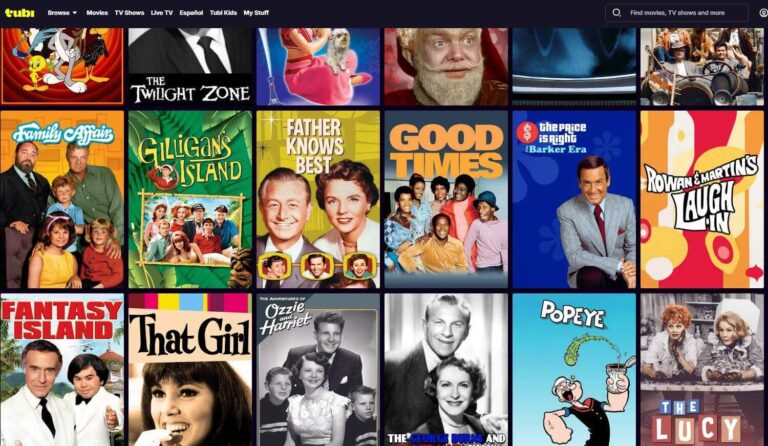
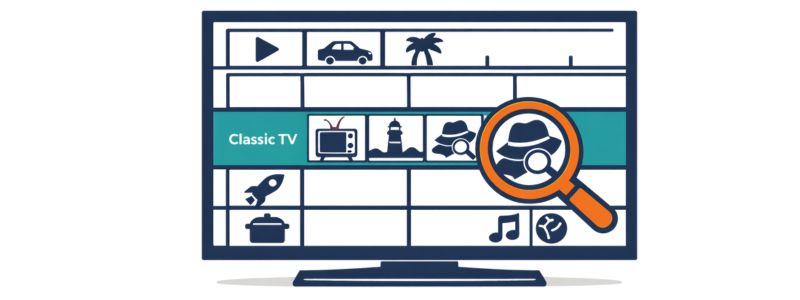
For classic TV fans, Pluto offers live channels with older shows, mysteries, comedies, and westerns, so browsing can feel a lot like flipping through traditional TV channels.
If you’re comparing all your free classic TV options, my full guide to watching classic TV without cable covers Pluto alongside Tubi, YouTube, and more.
Pluto TV Cost at a Glance
- Monthly cost: $0
- Subscription required: No
- Account required: No
- Credit card required: No
- Ads: Yes
- Paid ad-free plan: No
- Free trial: Not needed
Is Pluto TV Really Free?
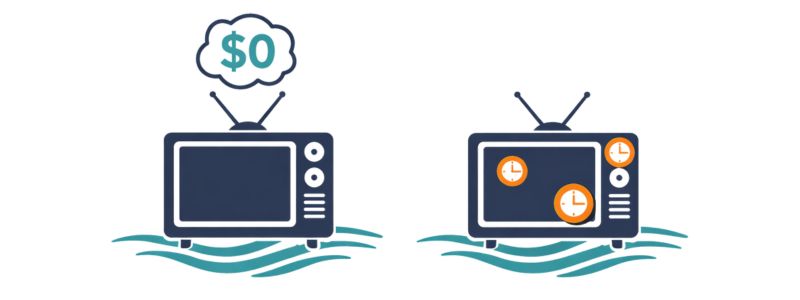
Pluto TV costs $0 per month. There is no monthly subscription fee, and you do not need a credit card to watch.
How Much Is Pluto TV Without Ads?
You cannot currently pay for Pluto TV without ads.
Pluto TV does not offer an ad-free subscription, so there is no monthly ad-free price. The service stays free by showing commercials.
Do You Need a Subscription or Account for Pluto TV?
No subscription required. You can open Pluto TV and start watching immediately—no sign-in, no account, no credit card. Creating a free account is optional; it just lets you save favorites and pick up where you left off. Either way, you’ll never be asked to pay.
Is There a Paid Version of Pluto TV?
No. Pluto TV does not offer a paid subscription plan. The service is free and supported by ads.
There is also no paid option to remove commercials. If you use Pluto TV, you will see ads during shows and movies.
Can I watch Pluto on my TV (no cable)?
Yes. You can watch Pluto TV without cable on most smart TVs and streaming devices, including Roku, Fire TV, Apple TV, Google TV, phones, and tablets.
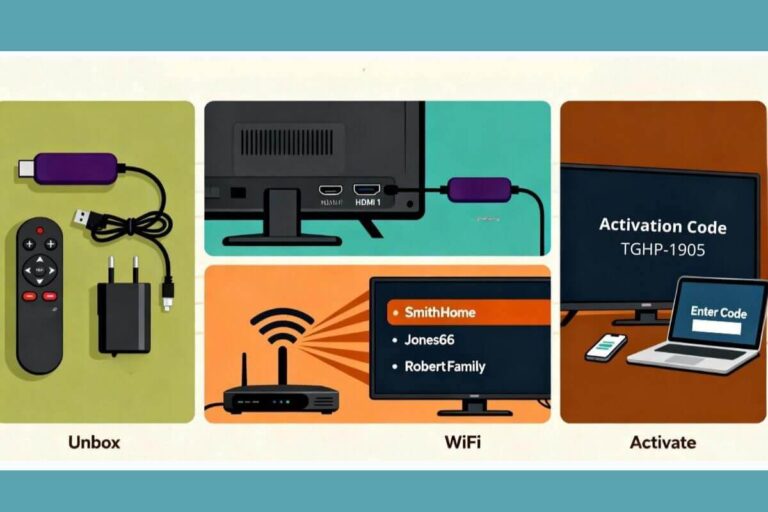
If your TV does not have built-in streaming apps, you can connect a Roku, Fire TV Stick, or another streaming device. See my guide on how to stream on a non-smart TV.
You do not need a paid TV plan or Pluto subscription.
For full device-by-device instructions, see my guide on how to get Pluto TV on your TV and streaming devices.
What Classic Shows Can You Watch on Pluto TV?
Pluto TV carries many older shows and classic-TV channels. The lineup changes, but you may find sitcoms, westerns, mysteries, and crime shows from past decades.
For more choices, see my guide to watching classic TV for free.
Frequently Asked Questions
Do you need a credit card for Pluto TV?
No. Pluto TV does not require a credit card to start watching. You can open the app or website and watch free live channels and some on-demand shows without entering payment information.
Does Pluto TV Have Ads?
Yes. Pluto TV has ads because advertising pays for the service. There is currently no paid plan that removes commercials.
If Pluto TV freezes during an ad, or stops loading, see my guide to fixing Pluto TV freezing.
How much does Pluto TV cost per month?
$0. Pluto TV is free and supported by advertising.
Does Pluto TV have a free trial?
No. Pluto TV does not need a free trial because the service is already free. You can start watching without entering payment information.
Wrap Up
Pluto TV is free and supported by ads. You do not need a subscription, cable package, credit card, or free trial to watch.
There is no paid or ad-free version of Pluto TV. You can watch on most smart TVs, Roku, Fire TV, Apple TV, phones, tablets, and other streaming devices.