What Channel Is getTV on an Antenna? It’s Now Great Entertainment Television
If you are looking for the getTV channel on your antenna, there is no single channel number that works everywhere. getTV is now called Great Entertainment Television, and your local Great TV channel number depends on the TV station that carries it in your area.
The good news is that Great Entertainment Television is still available free with an antenna in many parts of the country. You just need to find your local station and make sure your TV has scanned for the latest channels.
getTV Is Now Great Entertainment Television
If you remember watching getTV, you may be wondering what happened to it. The getTV network has not simply disappeared. It has been renamed.
Sony now calls the network Great Entertainment Television, often shown on screen simply as Great. The old getTV name was used for years, so many people still search for the getTV channel or ask, “What station is getTV?”
In 2026, the network began using the Great name more prominently. Sony’s official network information now identifies it as Great Entertainment Television, and the old get.tv website sends viewers to the current Great website.
So if you see Great in your TV channel lineup instead of getTV, you have found the same network under its new name.
The next step is finding the Great Entertainment Television channel number where you live.
How to Find the Great Entertainment Television Channel in Your Area
The Great Entertainment Television channel is not the same number everywhere. Your local getTV channel, now called Great, depends on the station that carries the network where you live.
The easiest way to find it is with the official Great Entertainment Television ZIP-code finder. The site lets you enter your ZIP code and shows the local station or provider and channel available in your area.
Here is how to check:
- Go to the official Great Entertainment Television website.
- Click the Find Great TV tab.
- Enter your ZIP code to the right of Where to Watch and select Search.
- Check the station or provider and channel number listed for your area.
- If the Great TV channel does not appear on your television, run a channel rescan. The official Great site also provides rescan instructions for different TV brands.
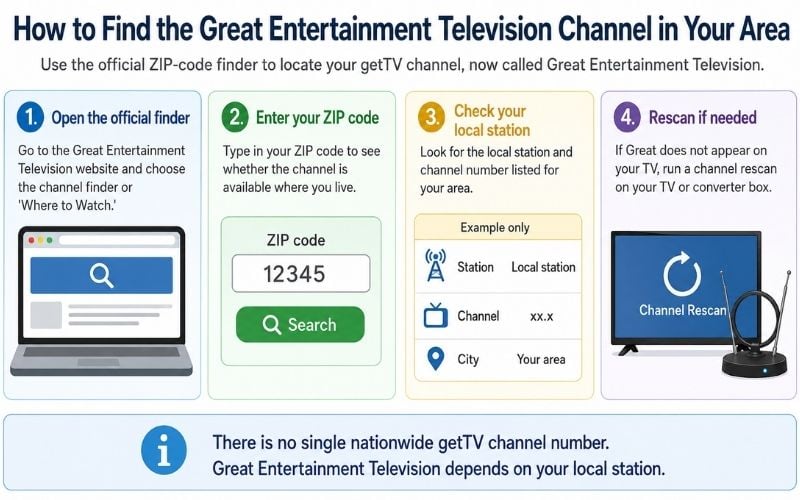
Remember, there is no single nationwide getTV channel number for antenna viewers. One city may receive Great Entertainment Television on a channel such as 4.2, while another area could carry it on a completely different local subchannel.
Tip: If you used to receive the getTV network but cannot find it now, look for Great in your TV channel lineup. The network has changed names, but it may still be available from the same local broadcast station.
Why the Great TV Channel Number Is Different in Every City
Great Entertainment Television is carried by local TV stations. Those stations can place Great on one of their extra digital channels, called subchannels.
A subchannel is the number after the dot, such as 5.2 or 28.3.
That means the Great TV channel number can be different from one city to another because each local station chooses where to place it.
So there is no single national getTV channel number for antenna viewers. Your local station decides the channel number you see.
Want to see what other free stations may be available? See what channels you can get with an antenna
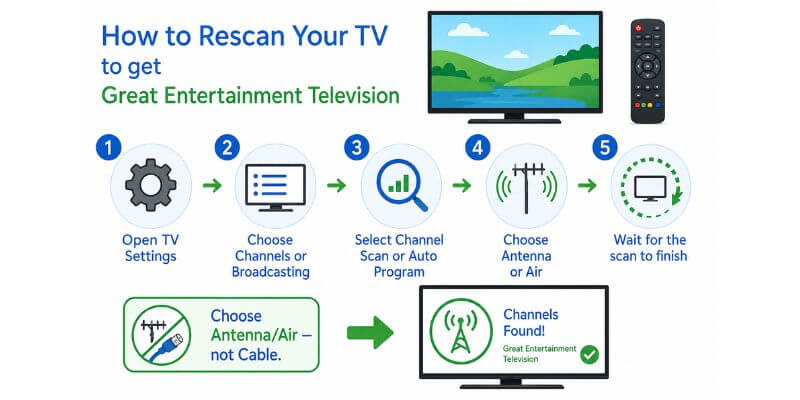
How to Rescan Your TV to Get Great Entertainment Television
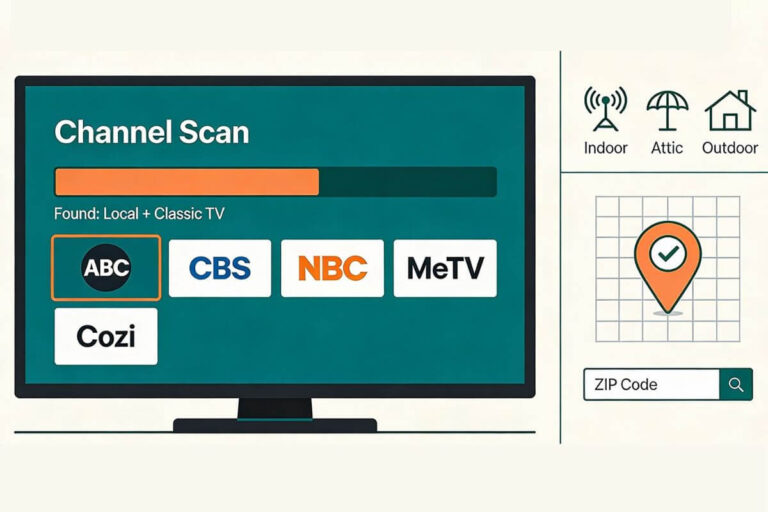
If Great does not show up on your TV, try a channel rescan. A rescan makes your TV look again for all the free antenna channels available in your area.
Keep your antenna connected to your TV. Then:
- Open Settings on your TV.
- Look for Channels, Broadcasting, or Live TV.
- Choose Channel Scan, Auto Scan, or Auto Program.
- Select Antenna or Air, not Cable.
- Let the scan finish before leaving the screen.
When the scan is done, check your channel list again for Great Entertainment Television or Great.
The exact steps are different on each TV brand. If you need more help, follow my step-by-step guide to rescanning TV antenna channels.
The official Great Entertainment Television website also provides rescan instructions for viewers who need help finding the correct setting on their TV.
A rescan will not make Great available if no local station carries it. It simply helps your TV find channels that are already being broadcast in your area.
What If Great Entertainment Television Does Not Appear After a Rescan?
If Great Entertainment Television still does not appear after a rescan, the problem may be your antenna signal.
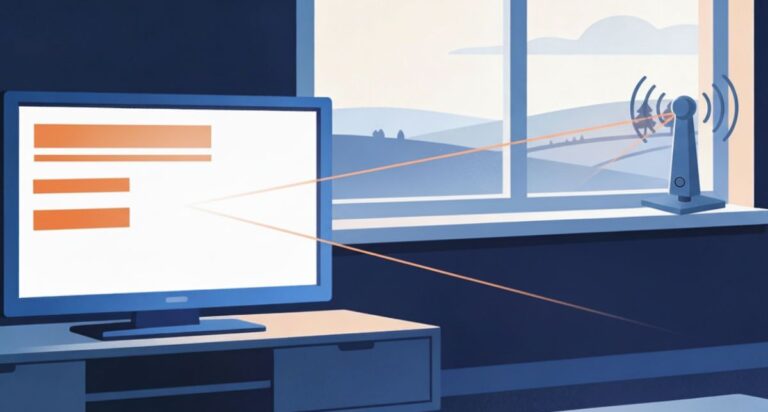
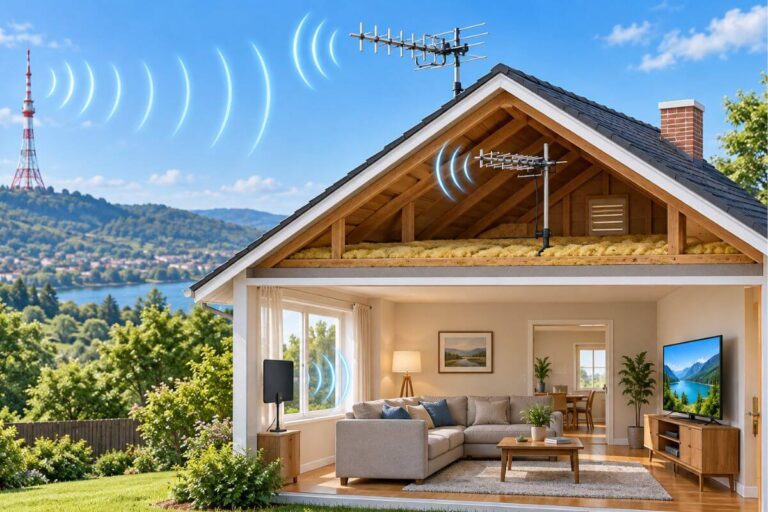
First, check that your antenna is firmly connected to your TV. Then try moving the antenna higher or closer to a window.
If other local stations are also missing, use my guide on why your antenna may not be picking up local channels. It covers simple fixes for antenna placement, cables, TV settings, and weak signals.
If Great used to appear but has disappeared, see how to get missing TV channels back. That guide explains what to check when a channel suddenly vanishes after working before.
One important point: A rescan can only find channels that your antenna can receive. If no local station carries the Great TV channel in your area, rescanning will not add it.
Another Way to Watch GREAT
If GREAT is not available with an antenna in your area, you can stream it with Frndly TV. It also carries MeTV, MeTV+, Catchy Comedy, FETV, INSP, Movies! and other classic-TV channels.
New subscribers can try Frndly TV free for seven days!
Affiliate Disclosure: This page contains affiliate links. If you buy through them, I may earn a small commission at no extra cost to you.
The subscription continues at the selected plan price unless canceled during the trial.
Is getTV Still Free With an Antenna?
Yes. getTV is still free with an antenna in many areas. The network is now called Great Entertainment Television, but you do not need a cable subscription to watch it over the air.
Great is carried by local broadcast stations. Sony says the Great TV channel is available over the air in 48 of the 50 largest TV markets.
If a local station carries Great where you live, your antenna can pick it up for free. There is no monthly fee for over-the-air TV.
Not every city gets the getTV network, so check your ZIP code at watchgreat.com first. The official site will show whether Great Entertainment Television is available in your area and which channel carries it.
Want to see what else you may receive for free? See my guide to what channels you can get with an antenna.