Do You Have to Pay for Pluto TV? How to Watch Classic TV Free
Fast Answer: You do not have to pay for Pluto TV. Pluto TV is free because it shows ads, like regular broadcast TV. You can watch classic shows, live channels, and some on-demand movies without a subscription or credit card.
Pluto TV is free to use, but it is not ad-free. You do not need a cable package, monthly subscription, or credit card to start watching. The trade-off is that Pluto shows commercials, and many channels play like live TV instead of a Netflix-style on-demand library.
For classic TV fans, that setup can actually work well because Pluto has live channels for older shows, mystery, comedy, westerns, and retro TV.
Pluto TV is owned by Paramount and is free because it is supported by ads, not subscriptions. You can watch without a cable package, monthly fee, or credit card, but you will see commercial breaks during shows and movies.
For classic TV fans, Pluto works well because it feels more like old-school broadcast TV: you open the guide, browse live channels, and find familiar shows already playing.
If you are comparing free classic TV options, start with my full guide to watching classic TV without cable.
Is Pluto TV Really Free?

People often ask, “do you have to pay for Pluto TV?” The clear answer is no. Pluto TV is completely free, does not require a subscription, and does not ask for a credit card.
Pluto TV is still free today. You may see ads, but you do not need to pay for a monthly plan. The trade-off is ads. There is no version of pluto tv without commercials and there are no paid tiers that remove them. If you see commercials, that’s how Pluto keeps the service free.
For viewers who mainly want older shows, this is actually a strength: you can watch familiar network-style TV (with scheduled breaks) just like broadcast television — but without cable.
What’s the Catch With Pluto TV?
The catch is that Pluto TV has ads. You do not pay with a subscription, but you will see commercial breaks during shows and movies. Pluto also works more like live TV than Netflix, so some programs air on a schedule instead of being available whenever you want.
What Can You Watch on Pluto TV for Free?
If you’re wondering what does pluto tv have, the answer is: a lot — especially for nostalgia fans. Pluto organizes viewing by live channels rather than a Netflix-style menu, so you browse much like traditional TV.
For people who love classic tv on pluto, you’ll regularly find:
- Columbo
- Perry Mason
- The Andy Griffith Show
- Leave It to Beaver
- classic sitcoms, westerns, and crime dramas from the 1950s–1970s
These usually appear on dedicated “throwback” channels rather than in a single library, which is why learning the guide (and search) matters.
Fans of detective classics will also like our Columbo best episodes guide.
For small-town TV, see our Andy Griffith best episodes guide.
For courtroom classics, see our Perry Mason best episodes guide.
Does Pluto TV Have Movies, DVR, or Ad-Free Plans?
Many people also ask does pluto tv have movies and does pluto tv have dvr.
Movies: Yes. Pluto carries movies on themed live channels (including classic films), plus a small on-demand movie section — but availability changes often.
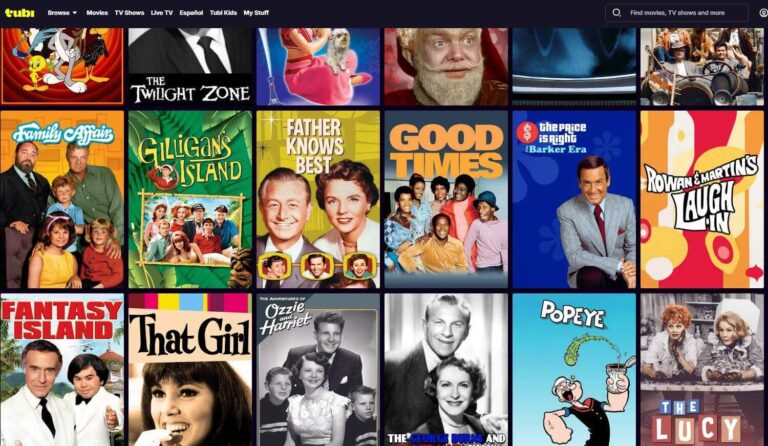
DVR: No. Pluto does not have a built-in DVR for live channels. If you want recording, you must use an antenna + external DVR for local channels, or switch to on-demand apps like Tubi, Peacock, or Freevee.
How do you search on Pluto TV?

If you’ve ever asked “how do you search on Pluto TV?”, you’re not alone — Pluto looks more like traditional TV than a streaming library. Here’s the fastest way to find shows:
Step-by-step
- Open Pluto TV on your TV, Roku, or smart TV app.
- Open the channel guide.
- Tap the magnifying glass (Search).
- Type a show name (for example, Columbo or Perry Mason).
- Save favorites so they’re easier to find next time.
This is also the best way how to search on Pluto TV on TV and the simplest method for how to find channels on Pluto TV without scrolling endlessly.
If you prefer browsing instead of typing, look for themed rows like “Classic TV,” “Mystery,” or “Throwback TV” in the guide — that’s where older shows usually live.
What is on Pluto TV right now?
If you want to know what is on pluto tv right now, you don’t search — you open the live guide. Pluto works like broadcast TV, so “what’s on” changes by the hour.
Fast way to check:
- Open Pluto TV and tap Guide.
- Scroll vertically to find Classic TV or similar rows (Mystery, Throwback, Retro).
- Scroll horizontally to see what’s playing next on each channel.
- Click any show to start watching instantly.
If you’re hunting for a specific classic show, the guide tells you which channel has it and when it airs — no guesswork required.
Can I watch Pluto on my TV (no cable)?
Absolutely. Pluto works on most modern TVs and devices, and you don’t need an internet TV plan or paid subscription to use it.
If your television does not have built-in apps, you can still watch Pluto by using a Roku, Fire TV Stick, or converter. See my guide on how to stream on a non-smart TV.
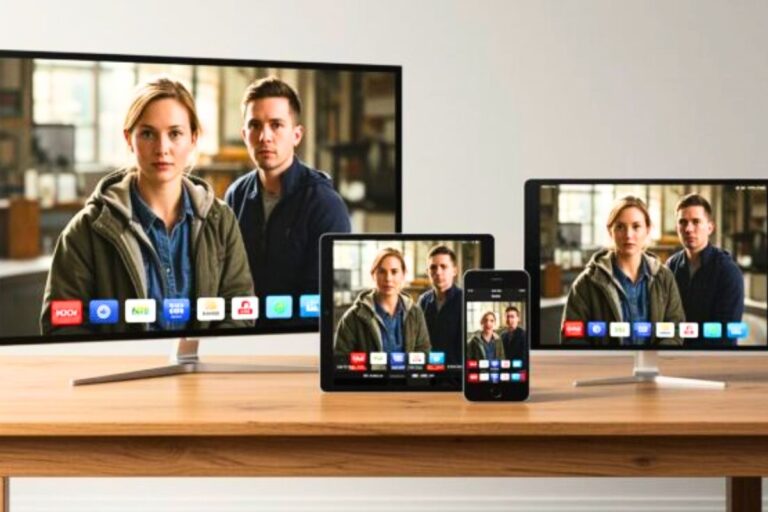
You can watch Pluto on:
- Smart TVs (Samsung, LG, Vizio, Android TV, Google TV)
- Roku devices and Roku TVs
- Fire TV / Fire Stick
- Apple TV
- Phones and tablets (iPhone, iPad, Android)
- Casting from your phone to a TV
If you use Roku, the good news is is pluto tv free on roku — yes. You simply add the Pluto app from the Roku Channel Store and open it like any other app.
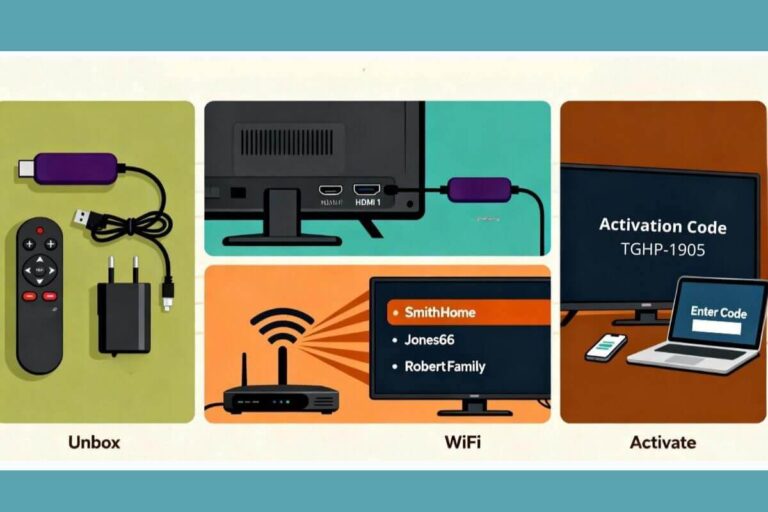
Quick start on a TV
- Open your TV’s app store (or Roku Channel Store).
- Search for Pluto TV and install it.
- Open the app and start browsing the guide — no sign-in required.
For full device-by-device instructions, see my guide on how to get Pluto TV free.
Frequently Asked Questions
Is Pluto TV really free?
Yes. Pluto TV is free to watch because it is supported by ads. You do not need a subscription, cable package, or monthly payment to use it.
Do you need a credit card for Pluto TV?
No. Pluto TV does not require a credit card to start watching. You can open the app or website and watch free live channels and some on-demand shows without entering payment information.
Why does Pluto TV have commercials?
Pluto TV has commercials because ads pay for the service. It works more like regular broadcast TV than Netflix, so you may see ad breaks during shows, movies, and live channels.
Does Pluto have classic TV?
Yes. Pluto TV has classic TV channels and older shows, including sitcoms, crime dramas, westerns, and mystery shows. The exact shows can change, so the best way to check is to open the Pluto TV guide and search by show name.
Can I watch Pluto TV without cable?
Yes. You can watch Pluto TV without cable on a smart TV, Roku, Fire TV Stick, Apple TV, phone, tablet, computer, or streaming device connected to an older TV.
Does Pluto have an ad-free plan?
No. Pluto TV does not have an ad-free paid plan. Commercials are part of how Pluto stays free.
Wrap Up
Pluto TV is free because it is supported by ads. You do not need a subscription, cable package, or credit card to watch.
It is best for people who like live channels, classic shows, casual browsing, and free movies. It is not the best choice if you want ad-free viewing, DVR recording, or every episode available on demand.
If your TV does not have Pluto built in, you can still watch it with a Roku, Fire TV Stick, smart TV app, phone, tablet, or streaming device connected to an older TV.