Roku vs Firestick: Which Is Better for Classic TV?
Choosing between Roku and Firestick comes down to how easily you can get to the shows you actually want to watch—especially if your goal is classic TV from the 60s and 70s.
Note: Firestick is Amazon’s streaming device, also called the Fire TV Stick. They are used interchangeably in this guide.
Both devices offer free apps like Tubi, Pluto TV, and The Roku Channel, but the day-to-day experience can feel very different depending on how comfortable you are with streaming menus and remotes.
Roku vs Firestick: What They Have in Common
Both devices plug into your TV’s HDMI port. Once connected, they give you access to free apps where you can watch classic sitcoms, vintage dramas, westerns, game shows, variety programs, and specials.
Where Roku and Firestick differ is not in what you can watch—but how easy it is to get to your shows, move around apps, control the device, and avoid frustration.
For many classic-TV viewers who want a simpler experience, Roku tends to feel easier day to day
Ease of Use: Roku Is the Simpler Device
When I first tried using both devices, I kept getting tripped up by the Firestick’s busy home screen. I’d sit down at night ready to watch something simple, and suddenly I was scrolling past rows of suggestions, ads, and things I didn’t ask for.
Half the time I’d open the wrong app by mistake. Roku felt calmer from the start. I could turn on the TV, see my apps in a neat little grid, and get to Tubi or Pluto without thinking. That’s when I realized how much the layout matters when you just want to relax and watch your shows.
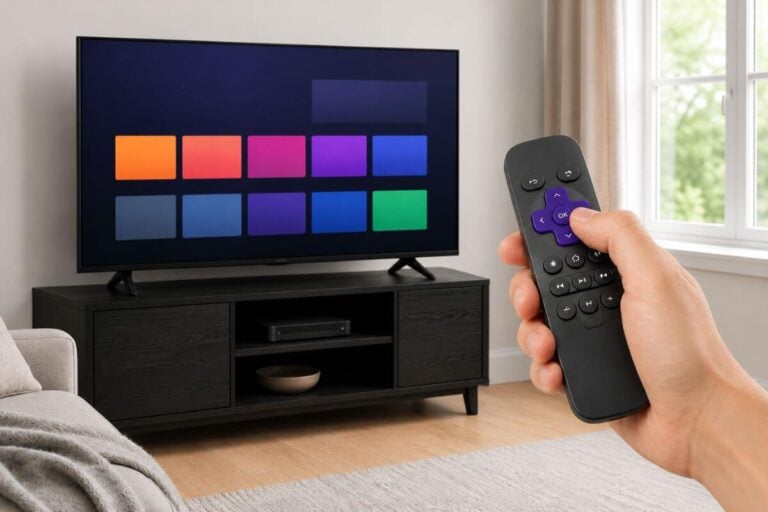
Roku was designed for people who want simple, predictable menus. When you turn on your Roku, you see a clean grid of apps. Nothing moves around. Nothing pops up. You simply choose your app and watch.
Fire TV’s home screen is busier. Amazon promotes shows, movies, and services across the screen, and the layout can change over time. For someone who only wants to open Tubi or Pluto TV, this can feel distracting.
A Clear, Easy-to-Read Interface
Roku uses simple text, large icons, and fewer menu layers. This matters for classic-TV viewers who:
- Prefer large, readable screens
- Don’t want to deal with scrolling rows of ads
- Want to get to their shows quickly
- Don’t want new features constantly appearing
Firestick is not difficult—it just asks more of the user.
A Less Complicated Remote
Roku’s remote is minimal, which I like:
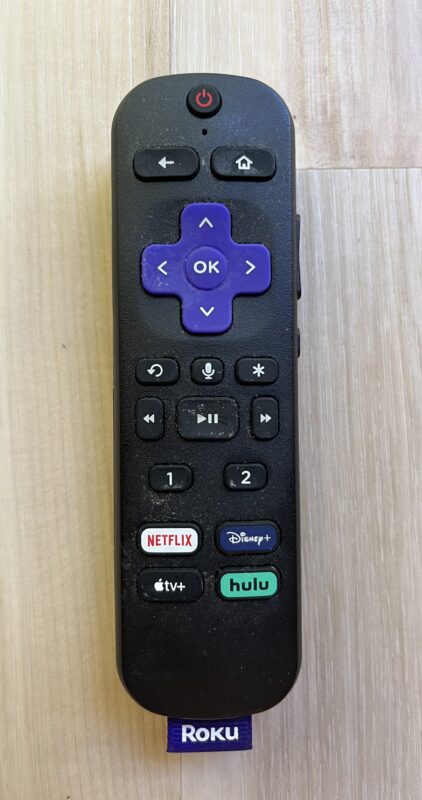
- Home button
- Back button
- Arrow keys
- OK button
- Volume controls
That’s it. No voice assistant unless you want one. No complex extras.
Roku is usually easy to use, but if the remote stops responding, this guide explains how to fix a Roku remote that is not working.
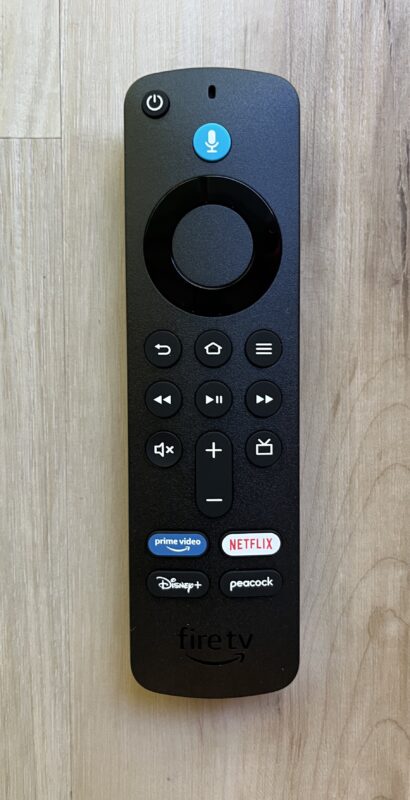
Amazon’s Fire TV Stick, on other hand, includes more buttons, including a microphone for Alexa. Some users enjoy voice search, but I find I trigger it accidentally and suddenly Alexa appears which can be annoying. It depends on your use of it.
If your Firestick remote stops working, this guide shows how to reset a Firestick remote and pair it again.
Setup: Roku Takes Fewer Steps to Set Up
Roku has one of the easiest setup processes of any streaming device:
- You plug it in
- Connect to Wi-Fi
- Activate it
- You’re ready to add apps
Most users finish in under 15 minutes. If you want to see every screen you’ll hit during setup (so nothing surprises you), here’s the exact walkthrough.
Fire TV Stick setup takes longer:
- You log in with an Amazon account
- Review Alexa options
- Navigate optional upsells or trials
- Manage more menu screens
It isn’t hard, but it’s more involved.
What If Your TV Is Older?
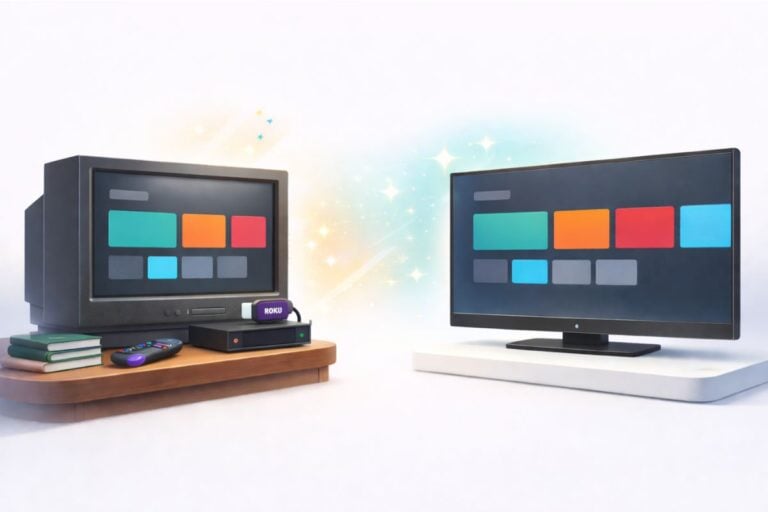
If your television doesn’t have an HDMI port, you can still use Roku by adding a small HDMI-to-AV converter.

The same adapter will work for Fire TV Stick, but Roku’s simpler setup and cleaner menus make it the better choice for older televisions or anyone who prefers a straightforward process.
Classic TV Apps: Which Device Runs Them Better?
Classic-TV viewers use a specific set of apps more than anyone else: Tubi, Pluto TV, The Roku Channel, and Internet Archive. Roku tends to run these apps more smoothly, especially on older TVs or slower Wi-Fi networks.
Tubi
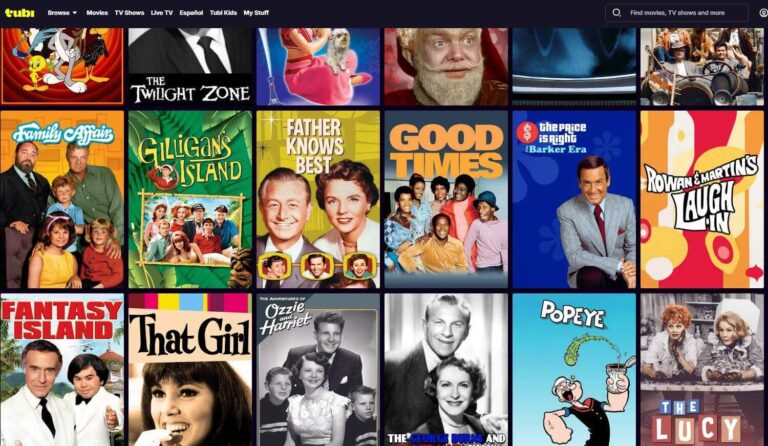
Tubi offers full episodes of dozens of classic shows: Perry Mason, Bewitched, Dragnet, classic comedies, and crime dramas from the 60s and 70s. Most users find the Tubi app loads a bit faster on Roku.
If you want the fastest “click-by-click” install steps, here’s the quick setup walkthrough.
Pluto TV
Pluto TV is one of the best apps for 24/7 channels of classic content. You’ll find channels dedicated to:
- Classic sitcoms
- 70s variety shows
- Black-and-white dramas
- Westerns
- Old game shows
If you haven’t added Pluto yet, this quick setup guide gets it installed in a few minutes.
The Roku Channel
Even on Firestick, The Roku Channel has solid classic-TV options. But on Roku hardware, it loads more smoothly, with shorter wait times between episodes.
Internet Archive
Internet Archive is one of the best places to find public-domain classic TV. You can watch it on a Roku by casting or screen mirroring from your phone, tablet, or computer—this step-by-step guide shows the easiest methods.
Firestick requires a browser app to access the Internet Archive directly, but this method is slower and less comfortable to navigate.
Casting From Your Phone: Roku Works Better
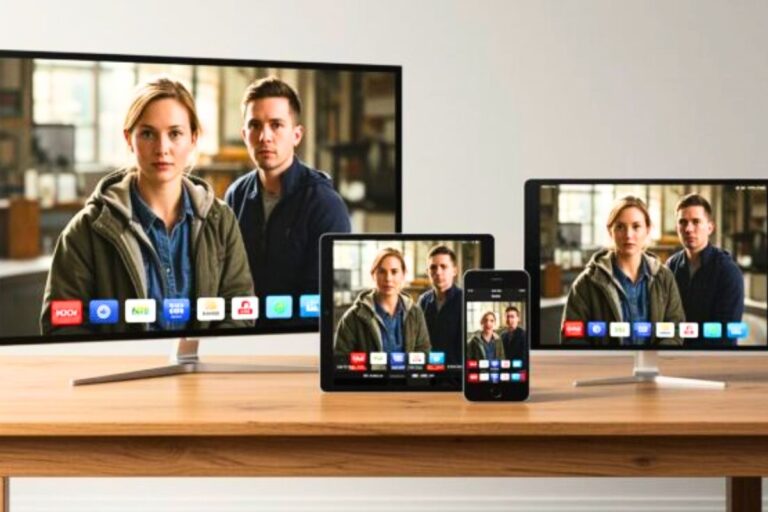
Casting allows you to send videos from your phone or tablet to your TV—useful for YouTube clips, Internet Archive episodes, and home videos. Simply pressing the casting symbol opens the same video you are watching on your phone on the nearest Wi-Fi enabled TV (with an internet connection).

If you’ve never used casting before, this simple walkthrough shows the basics and the common “why isn’t it showing up?” fixes.
Roku supports simple screen casting, also called mirroring, on most devices. You turn on mirroring in Roku settings and select your Roku from your phone.
Fire TV Stick casting works but requires enabling Miracast and may not support older phones.
Speed and Reliability: Roku Is More Consistent
Classic-TV fans often watch on older TVs, older routers, or slower Wi-Fi networks. Roku tends to stay stable in these environments.
Picture Quality
Classic shows from the 60s and 70s weren’t filmed in HD or widescreen, so you won’t see a major difference between Roku and Firestick in picture quality. Both devices display these older programs at their original resolution.
Roku tends to upscale older content more gently, which some viewers find more comfortable on larger screens. Firestick’s picture is slightly sharper but can look more “processed” with very old black-and-white shows.
Faster App Loading
Roku loads its apps quickly and keeps performance steady even with heavy daily use. Firestick can be fast too—especially newer models—but older devices tend to lag or freeze more often.
More Reliable Wi-Fi Connection
Roku usually holds a Wi-Fi signal better on:
- Older routers
- Lower-speed internet
- Apartments with many competing networks
Firestick may require more frequent reconnection.
Voice Control vs. No Voice Control
Firestick uses Alexa as its primary search system. For some people, voice control is helpful. For others, it can cause confusion:
- Alexa may appear when you don’t want it
- The microphone can be triggered accidentally
- Voice results may push paid Amazon movies or subscriptions
Roku does offer voice search on some models, but it stays optional and less intrusive.
For classic-TV viewers who want simplicity, Roku’s optional voice features are less disruptive.
Heat, Longevity, and Maintenance
Firesticks tend to run warmer because they’re more tightly integrated with Amazon software. In enclosed cabinets or older entertainment centers, heat can affect performance over time.
Roku devices usually run cooler, restart faster, and handle long viewing sessions better—important for classic-TV watchers who keep Pluto or Tubi running for hours.
Accessibility
Many classic-TV watchers choose Roku for one reason: It’s easier on the eyes.
Roku offers:
- Larger, clearer fonts
- Higher contrast menus
- Clean icons
- Simple settings
- Less clutter on every screen
Fire TV’s home screen is crowded and high-contrast, with constant motion and advertising.
If voices still sound soft or muddy once you’re streaming, there are a few TV settings that can improve dialogue a lot—no new equipment required.
Headphones and Private Listening
Roku’s private listening feature through the Roku mobile app is simple and reliable. You open the app, tap the headphone icon, and the audio plays through your phone.
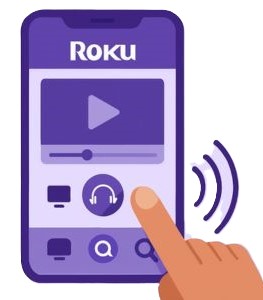
If you prefer listening through headphones, Roku makes private listening simple through its mobile app. You open the Roku app, tap the headphone icon, and the TV audio plays through your phone—no Bluetooth pairing or lip-sync issues.
If you want dedicated over-the-ear TV headphones instead, this guide covers comfortable, easy-to-use options designed for clear dialogue and long viewing sessions.
Fire TV Stick supports Bluetooth headphones, but many users experience audio delay or occasional disconnects. For private listening, Roku is usually the more reliable option.
Price and Value: Pretty Much a Tie
Both brands offer affordable models, and you don’t need a fancy 4K device for classic TV. Because older shows weren’t filmed in HD, even the budget models deliver excellent quality.
The difference is in value:
- If you want simplicity → Roku
- If you rely on Amazon Prime Video and Alexa → Firestick
But for classic TV, simplicity usually wins.
What These Devices Feel Like After Six Months of Use
Most Roku owners report that the device feels the same months later as it did on day one—steady, predictable, and easy to operate. The home screen rarely changes, and the apps keep working without needing much attention.
Firestick tends to change more over time. Amazon updates bring new rows, ads, and categories to the home screen, which may confuse someone who thought they “had it figured out.” Firestick models also slow down faster than Roku when used on older TVs or weaker Wi-Fi, especially with apps like Pluto TV that refresh content frequently.
How Long Each Device Will Stay Current
Roku devices typically receive several years of updates without changing the basic interface. This means your device keeps working the same way even as new features appear. Firestick updates come more often, and while that brings new capabilities, it also means more screen changes, new rows, and shifts in layout. If you want consistency, Roku ages more gracefully.
Troubleshooting: Roku Has Fewer Problems
Most Roku issues involve something simple:
- Dead batteries
- Wi-Fi reconnection
- A quick restart
Firestick issues often require:
- Clearing app cache
- Restarting the whole device
- Re-pairing the remote
- Delving into deeper settings
If you use Pluto a lot and experience freezing, the Pluto troubleshooting guide covers fast fixes.
Storage and App Management
Roku devices handle storage quietly in the background. They automatically manage app data so channels continue running smoothly without much maintenance. Firestick, however, has limited internal storage and often requires clearing cache or removing apps you don’t use. If you install many apps or use apps that store large thumbnails (like YouTube), Firestick can slow down unless cleaned up regularly.
For classic-TV viewers who mainly use Tubi, Pluto, and The Roku Channel, Roku’s automatic storage handling prevents slowdowns over time.
Classic-TV Comparison: Which Device Fits Your Viewing Style?
If you love 60s sitcoms
Roku typically loads Tubi’s full-episode sections faster and makes browsing easier.
If you enjoy live classic channels
Pluto’s classic channels are smoother on Roku.
If you watch public-domain classics
Roku’s casting is the simplest and most consistent method.
If you dislike busy menus
Roku’s calm interface is a definite advantage.
If you rely heavily on Amazon services
Firestick may be worth considering—but most classic-TV viewers won’t need those extras.
Frequently Asked Questions
Is classic TV free on Roku and Firestick?
Yes. Tubi, Pluto TV, and The Roku Channel are all free.
Does Roku work on a Fire TV Television?
Yes, because a Fire TV is still a regular television with HDMI ports.
Can I control Roku with my TV remote?
Some TVs allow this through HDMI-CEC. Otherwise, the Roku remote is easiest.
Which device works best on old TVs?
Roku, especially with the help of our older-TV setup guide.
How do I play Internet Archive videos on Roku?
Use screen mirroring or casting. Our Internet Archive guide walks you through it.
Roku vs Firestick: Which is best for you?
If you prefer a simple, calm, no-nonsense experience, Roku is the better fit. The menus stay the same, apps are easy to spot, and there are fewer features that pop up unexpectedly. Roku works best for viewers who want to turn on the TV and start watching without sorting through rows of suggested movies or Amazon promotions.
Firestick is best for people already using Amazon products. If you watch Prime Video often, shop through Amazon, or like controlling your TV with Alexa, Firestick fits naturally into that routine. It’s powerful and customizable, but the learning curve is steeper.
Wrap Up
If your priority is watching classic sitcoms, 60s dramas, 70s variety programs, westerns, or public-domain shows without hassle, Roku is the better choice. Its menus are quieter, the remote is easier, the apps load faster, and the entire experience feels calmer and clearer.
Fire TV Stick is a strong device for heavy Amazon users, but most classic-TV watchers don’t need Amazon’s extras—and many find them distracting.
If you want the easiest setup and the most comfortable everyday viewing, Roku is the smarter choice.
To explore more ways to stream classic shows, the classic-TV streaming guide, the free-app guide, and the streaming-app alternatives guide provide simple paths to hundreds of hours of free entertainment.