TV Dialogue Hard to Hear? Why Voices Sound Muffled Today
TV dialogue hard to hear, especially on old shows? You’re not imagining it.
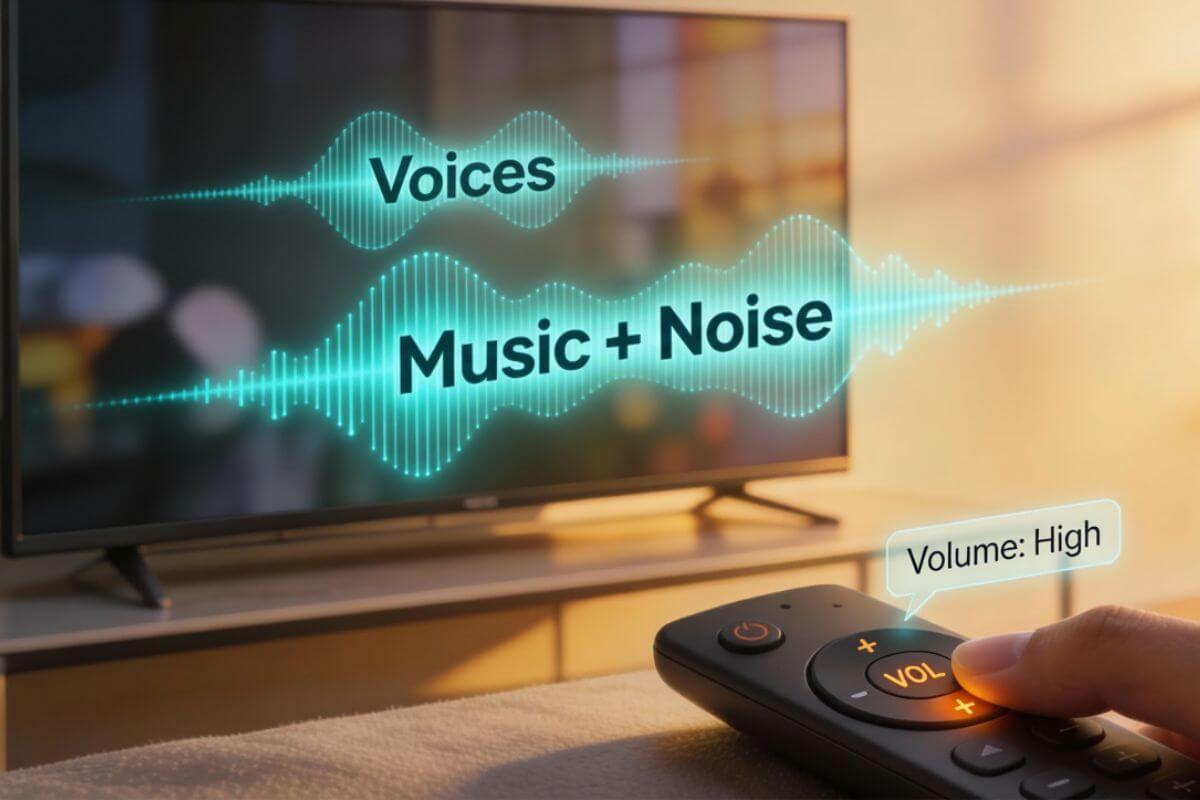
On many modern TVs, voices sound muffled even when you turn the volume up. The talking still isn’t clear, but the music and sound effects get louder.
A big reason is that modern shows are mixed with strong background sound, and today’s thin TV speakers struggle to make dialogue stand out. Uneven TV volume makes it worse, so voices seem fine in one moment and disappear in the next.
This often feels even worse with classic TV shows that were created for very different speakers and room setups than we use today.
In this guide, I’ll explain why TV dialogue is so hard to hear now—and what actually helps—using plain language and simple steps.
Why TV Dialogue Is Hard to Hear on Modern TVs
Modern shows often play music and sound effects underneath the talking—footsteps, traffic, doors, and crowd noise. On many modern TVs, that mix makes voices harder to catch than they were on older sets.
The most common reasons are:
Modern shows are mixed with louder background sound. This is why “TV music louder than voices” and “dialogue hard to hear” are such common complaints.
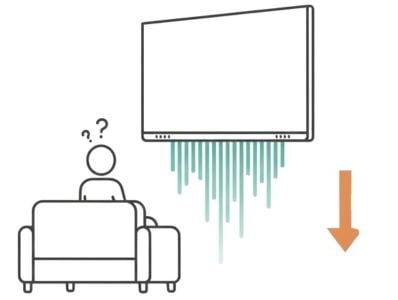
TV speakers are thin and poorly aimed. Many modern TVs have speakers that point down or backward, which makes voices sound distant or muffled.
TV sound processing can cause uneven volume. Some TVs automatically adjust sound levels, making voices jump from clear to muddy from one scene to the next.
Some people eventually do best with TV headphones for clear dialogue, but you don’t have to decide that yet. See my guide to the best wireless TV headphones for clear dialogue if you reach that point.
Next, let’s look at why this problem often feels worse with older TV shows, even if you remember them sounding fine years ago.
Why This Problem Is Worse With Old TV Shows
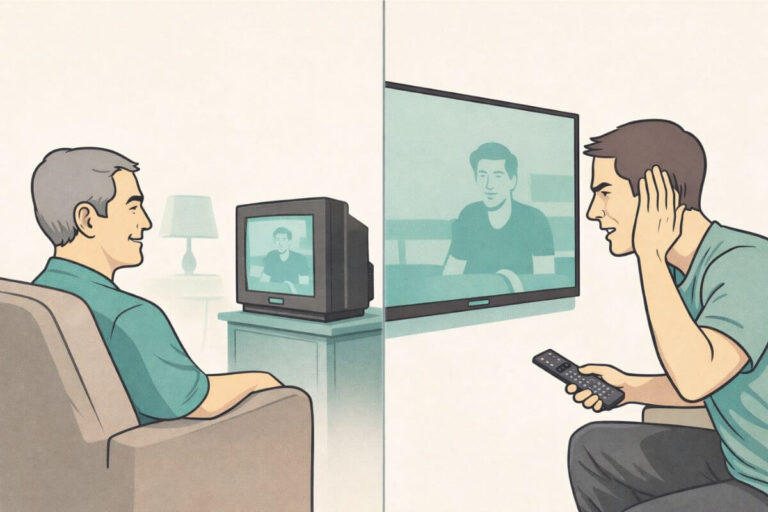
Many people say old TV shows are especially hard to hear on modern TVs. That’s because they were made for a very different kind of television and room.
Many classic shows were recorded and mixed in mono sound. All the audio was designed as a single track, not the left and right stereo spread used today.
Older TVs had front-facing speakers. The sound was built to come straight toward the viewer in a smaller room.
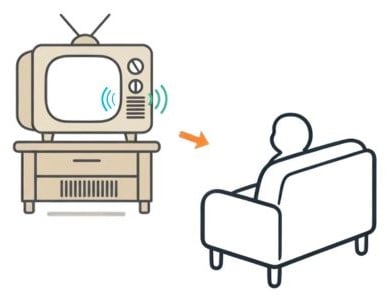
Modern TVs play that same audio differently. Thin TVs with downward- or rear-facing speakers don’t handle that older mono audio the same way, which can make voices feel farther away or less clear.
Key point: Classic TV wasn’t made for today’s TV speakers. Modern TVs reproduce that sound differently, so dialogue from your favorite old shows can be harder to catch.
For a deeper dive into this, see my guide on why classic TV was mixed for mono and what that means today.
Why Turning Up the Volume Doesn’t Fix It
It feels like the obvious solution should be simple: turn the volume up. But that usually doesn’t solve the real problem.
When you raise the volume, the TV boosts everything at once—voices, music, and background noise. The dialogue may still feel buried, and uneven volume can feel even worse from scene to scene.
Pushing thin TV speakers harder can also cause distortion. Instead of clearer speech, you get louder, harsher sound that’s even more tiring to listen to.
The better fix is to change how voices are handled, not just how loud the TV is, using sound settings, placement, or a different way of sending sound to your ears.
Why TV Sound Settings Help — But Only a Little
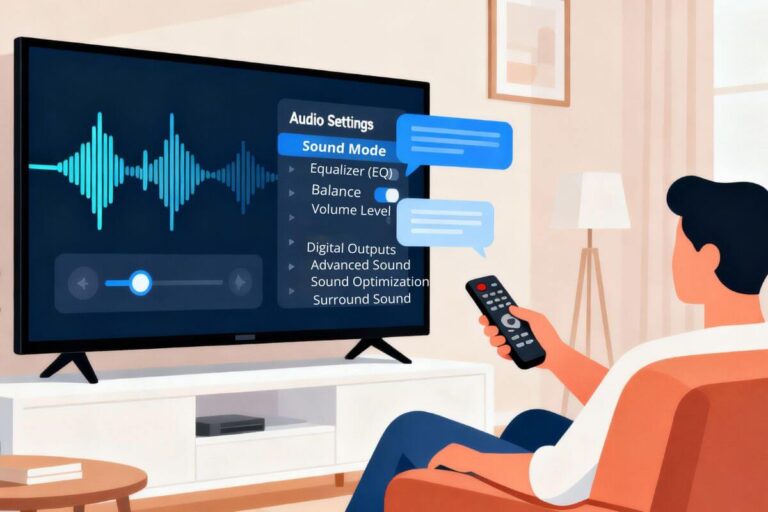
Most TVs include sound settings designed to help with dialogue. These are often labeled things like Clear Voice, Dialogue, or Speech.
They may make voices slightly louder, lower background music a bit, or reduce echo or room boom.
But these settings have limits.
The TV can’t fully separate voices from music and effects.
Some menus are confusing, with sliders and options that are easy to make worse if you guess.
Many people try one setting, don’t hear a big change, and give up.
TV sound settings are absolutely worth trying—especially before spending money—but they don’t always solve the problem on their own. My step-by-step guide to making TV voices louder and clearer without buying anything walks you through all the sound modes and simple tests to try first.
Why Closed Captions Aren’t a Real Solution
Captions were created to help people who can’t hear every word, but lots of viewers use them today. They can help, but they’re not a true fix for unclear dialogue.
- Reading constantly gets tiring.
- Captions can lag behind the audio or move too fast.
- They can block important parts of the picture.
- They miss tone of voice, timing, and subtle lines that matter in a scene.
Captions are a useful backup—but they don’t replace hearing voices clearly. If you rely on captions now because dialogue is hard to hear, the goal of the other guides on this site is to help you depend on them less over time.
What Actually Helps You Hear Dialogue Clearly
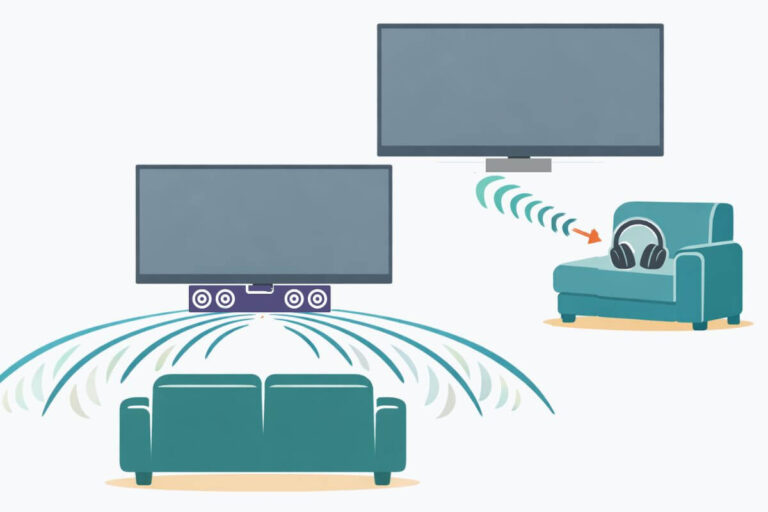
If TV voices are hard to hear, the best fixes do one simple thing: they bring the voice sound closer to you instead of just turning the whole TV up.
Here are the two options that usually help the most when sound settings alone aren’t enough.
1) Headphones (direct-to-ear sound)
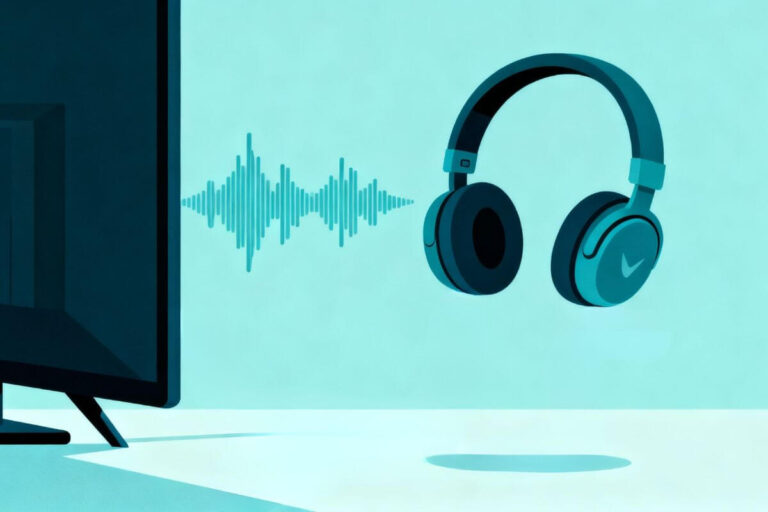
TV headphones send sound straight to your ears. They don’t have to fight your room, your TV’s speakers, or background noise.
For many people, this is the fastest way to make speech clear—especially at night or in shared spaces when you want the volume lower.
If you’re thinking about this route, see my guide to the best wireless TV headphones for clear dialogue for specific models that work well for classic TV.
2) A soundbar (sound aimed forward)
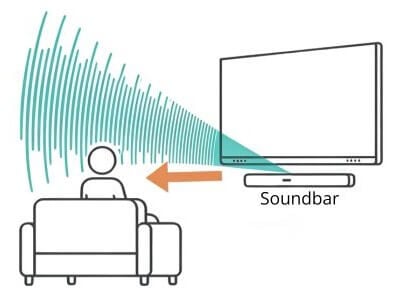
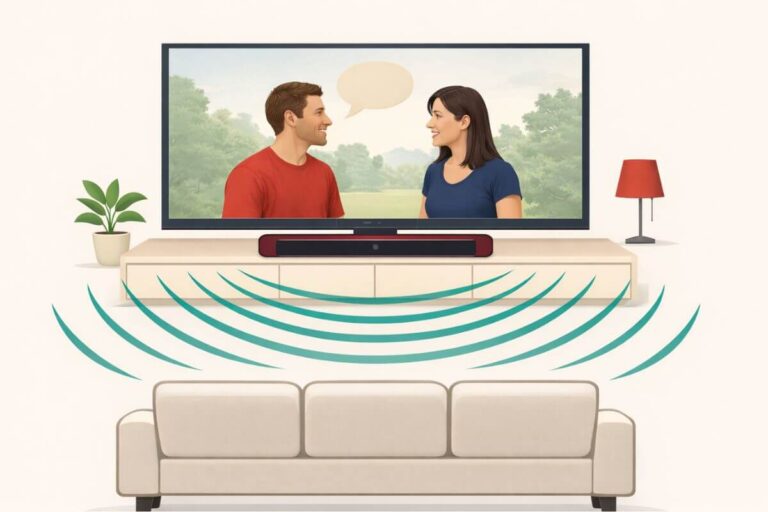
A soundbar places a better speaker in front of you, aimed into the room. Some models include voice-focused or volume-leveling settings that help speech stand out from music and effects.
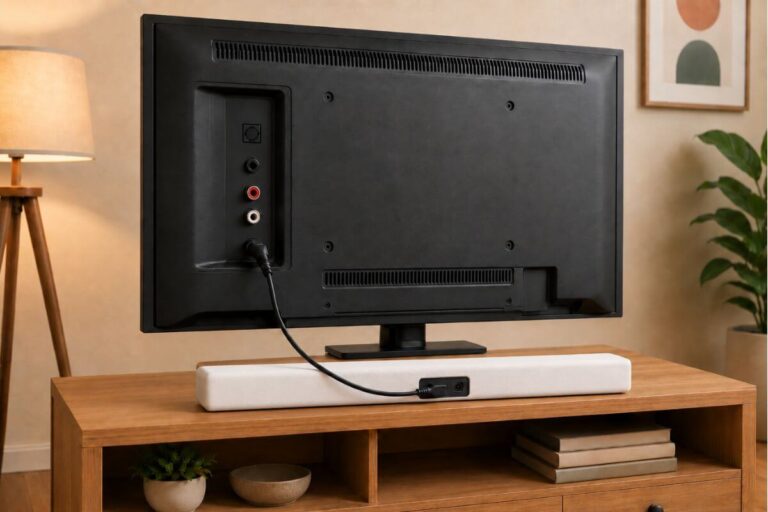
Before you buy a soundbar, see my simple guide on how to set up a soundbar with any TV. It shows the HDMI/optical connections and fixes common no-sound problems.
If you’re deciding what to buy first, my guide on soundbar vs headphones for clear TV dialogue explains when a soundbar helps—and when headphones are actually the better fix.
What to try next (simple sequence)
If TV dialogue is hard to hear, it helps to follow a simple order so you don’t waste time or money.
- Start with the no‑buy fixes on your current TV. Change the sound mode, turn on any “Clear Voice” or “Speech” options, and move the TV or stand a bit if voices echo.
- If that doesn’t help enough, look at direct‑to‑ear sound. Headphones made for TV can send the voices straight to your ears so they don’t have to fight the room or the TV’s tiny speakers.
- If you want the sound aimed forward for the whole room, a soundbar can make voices easier for everyone to hear without cranking the volume.
Frequently Asked Questions
Why do commercials sound louder than the show?
Many commercials are made to sound “big” and attention-grabbing. They can be mixed louder or with stronger music. Your TV may also switch volume levels between channels and apps, which makes it feel worse.
Why does dialogue sound clear one minute and muddy the next?
Different scenes use different mixes, and your TV may adjust sound automatically.
Why does this happen more at night?
At night, you try to keep the volume lower so you don’t bother others. When the volume is lower, voices are the first thing that becomes hard to catch—especially if music and effects are loud.
Do I need a new TV?
Usually no. Most people improve dialogue with settings, placement, or direct-to-ear sound. Check out our guide to why smart TVs have poor sound to learn more.
Why do old shows sound different from new ones?
Many older shows were made for mono sound and front-facing speakers. Modern TVs play that audio differently.
Wrap Up
If TV dialogue is hard to hear, turning the volume up usually won’t fix it—it just makes everything louder.
This problem often feels worse with older TV shows because they were made for different sound systems. Modern TVs reproduce that audio in a way that can make voices harder to catch.
Start with the simple fixes. If voices still aren’t clear, choose the option that brings speech closer—either headphones or a forward-aimed speaker. Once dialogue is clear again, watching your favorite shows feels easy and fun — not exhausting.